Apps for Coffee Shop Owners: The UK Guide

Open a coffee shop and the software sales calls start before the paint is dry. Till companies, rota apps, accounting packages, delivery platforms, loyalty schemes, stock systems: each one says it is essential, and most want a monthly fee. Add them all up and a small café can be paying more for apps than for milk.
Here is the honest answer. A small independent coffee shop needs five things on day one: a till, a card machine, somewhere to keep the books, a food safety record and a free Google Business Profile. A rota app and a loyalty card come a close second, usually in the first month. Online delivery, stock add-ons, social scheduling and a coffee subscription are optional, and most cafés should wait until the basics are running. Done this way, the paid software for a one-site café can come in under £30 a month before card fees and loyalty.
This guide goes job by job, in the order you would set them up, with the real UK starting prices at the time of writing (November 2026), checked on each company’s own website. It ends with two worked stacks, one for a single site and one for a business growing to two, plus a setup plan for your first week.
The coffee shop tech stack at a glance
Every app in a café does one of nine jobs. The table shows the main UK options for each, what they start at, and whether you need it before you open the doors. Prices are as listed on each company’s site in November 2026; most exclude VAT, and they change often, so check before you buy.
Job | Options | Typical starting cost | Day one? |
|---|---|---|---|
Till (POS) | Loyverse, Square, SumUp, PayPal POS (formerly Zettle), Lightspeed, Epos Now | £0 a month (Loyverse, Square free plans) to £79 a month (Lightspeed Basic) | Yes |
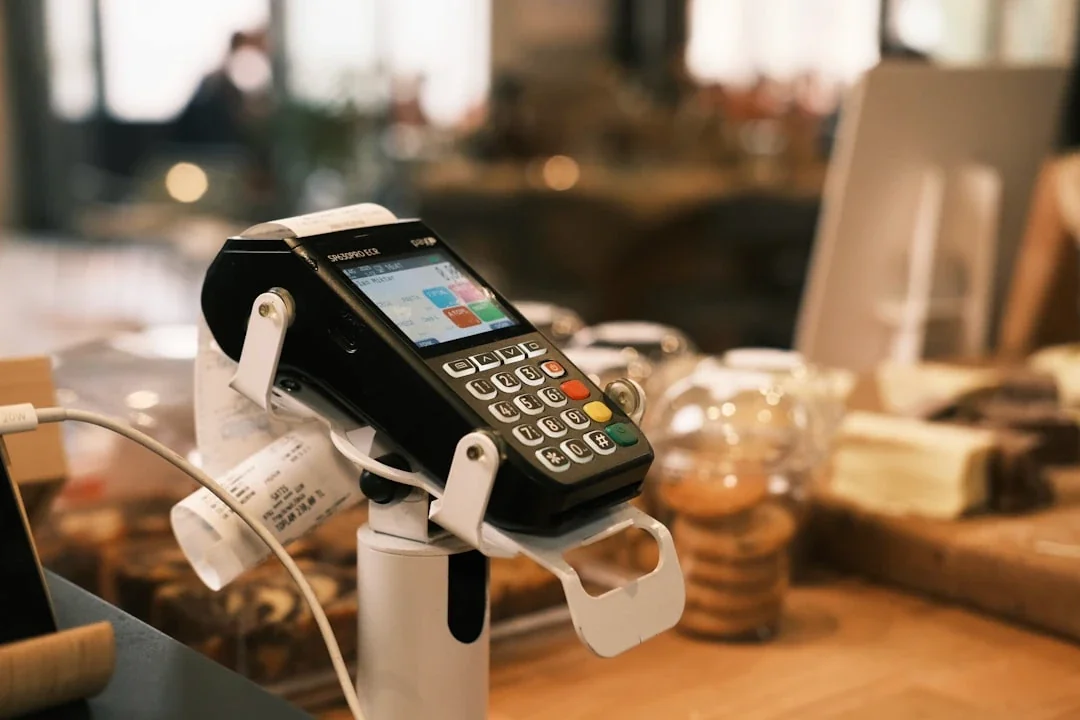
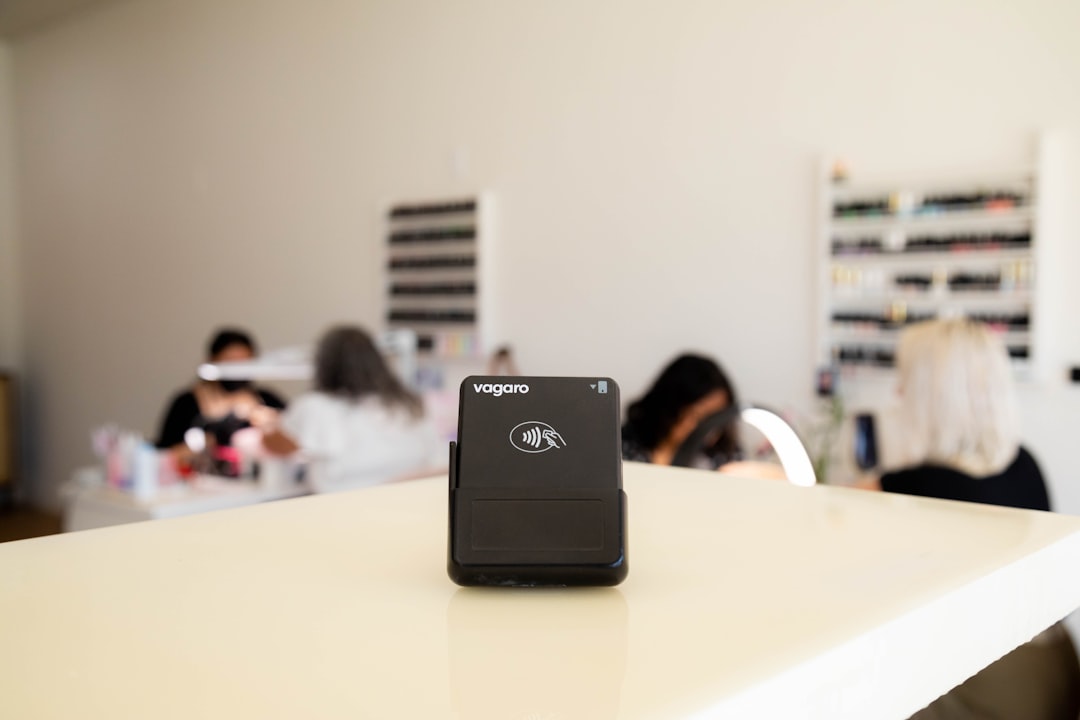
Card machine | SumUp, Square, PayPal Reader | £19 to £149 one-off, plus 1.69% to 1.75% per transaction | Yes |
Rotas and timesheets | RotaCloud, Deputy, Rotaready, or your till’s clock-in | £10 a month (RotaCloud, up to five staff) | Once you have staff |
Accounting and VAT | Xero, QuickBooks, FreeAgent | £0 (FreeAgent with certain bank accounts) to £18 a month (Xero Ignite) | Yes |
Stock and ordering | Your till’s stock tools, Loyverse Advanced Inventory | £0 to £20 a month per store | Basic only |
Food safety records | Safer Food Better Business (England, Wales, Northern Ireland), CookSafe (Scotland) | £0 to download | Yes |
Google and reviews | Google Business Profile | £0 | Yes |
Social media scheduling | Buffer, Meta Business Suite | £0 on Buffer’s free plan | No |
Delivery and online orders | Uber Eats, Deliveroo, Just Eat | Commission per order; Uber Eats lists a £650 activation fee | No |
Loyalty | Wallet stamp card (Perkstar), points cards, till-based schemes | See Perkstar pricing; 7 days free | First month |
If you are still at the planning stage, read this alongside our guide to opening a coffee shop in the UK and the café opening checklist, which cover the lease, fit-out and licences this article does not.
Job 1: the till, and how to pick one
The till is the one choice that shapes everything else, because your card machine, stock, staff clock-in and sometimes your loyalty all hang off it. Choose it first. These are the options most UK independents look at.
Loyverse. The point of sale app itself is free, and so are essential stock tracking, a kitchen display, a customer display, multi-store management and its own points loyalty programme. Paid add-ons are priced per store: unlimited sales history £5 a month, employee management £20 a month and advanced inventory £20 a month (or £50, £200 and £200 a year). It runs on a tablet or phone you already own.
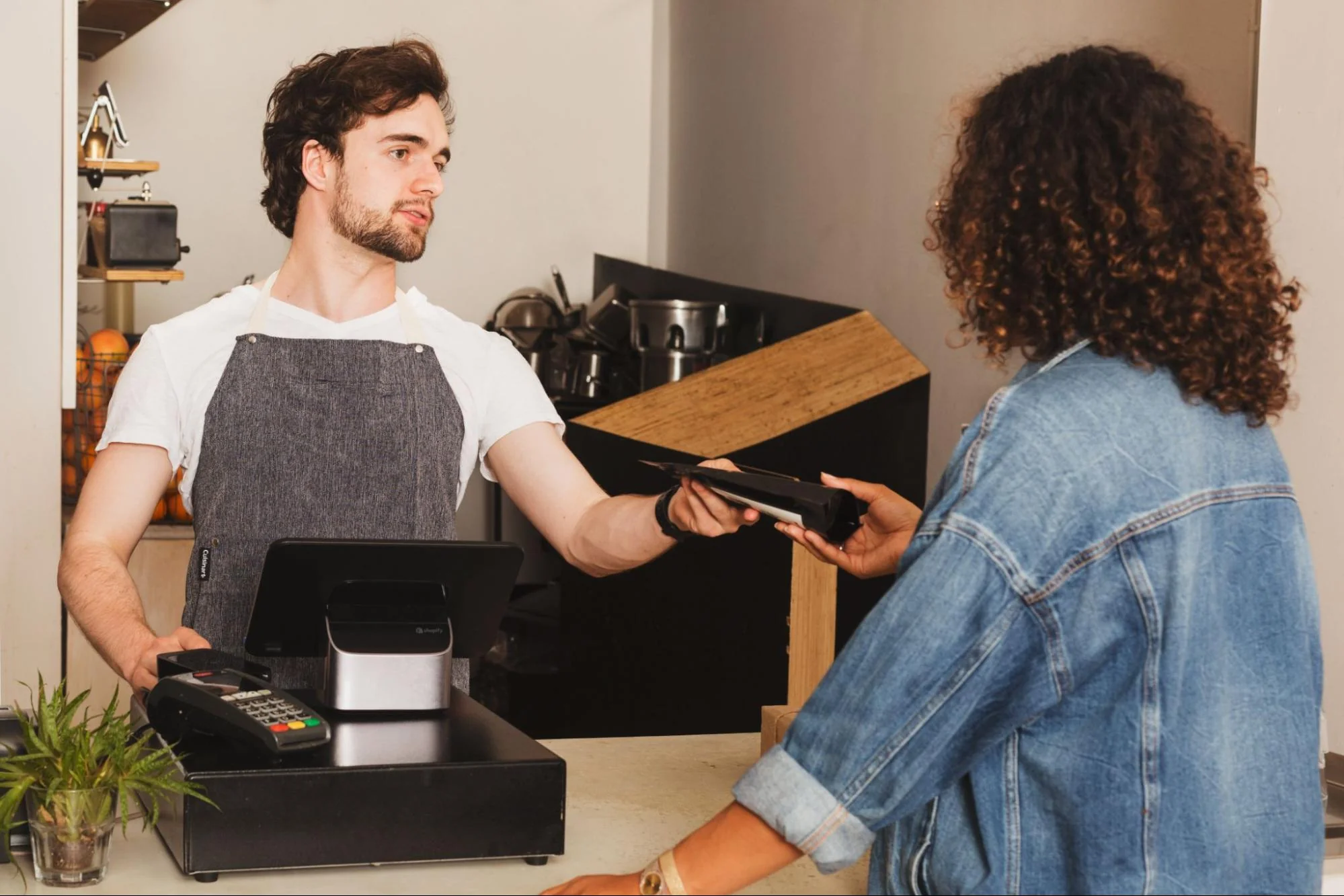
Square. The free plan is £0 a month; you pay only when you take a card payment, at 1.75% for UK cards in person. Square Plus starts from £29 a month. The appeal is that till and card machine come from one company, so there is one login, one payout and nothing to pair.
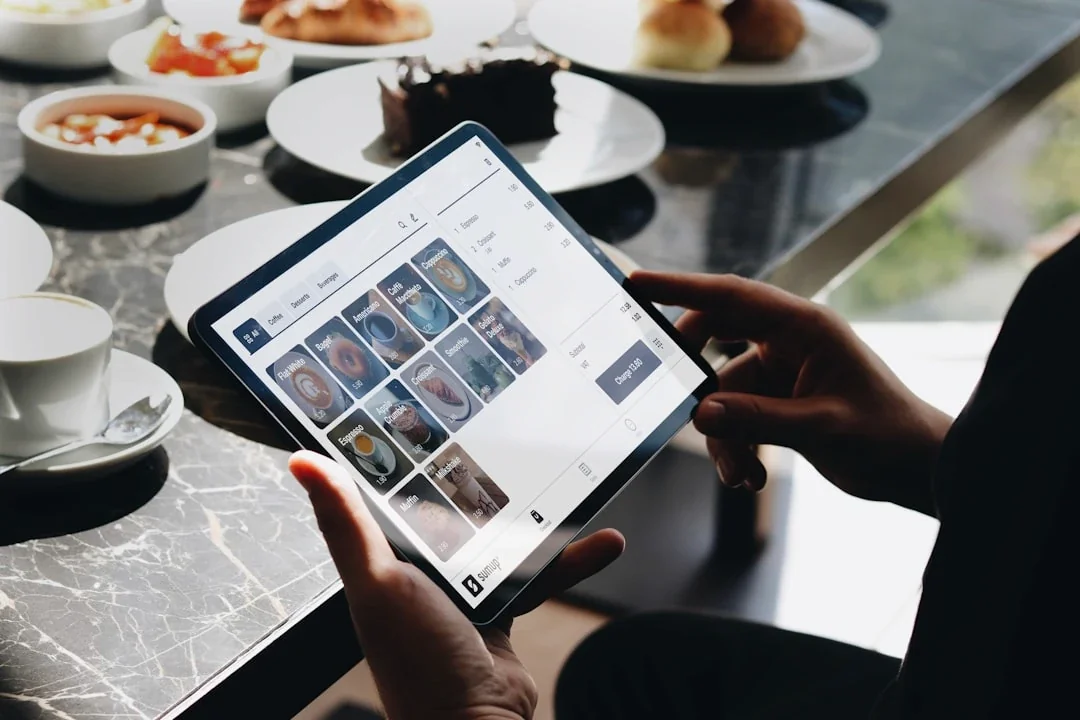
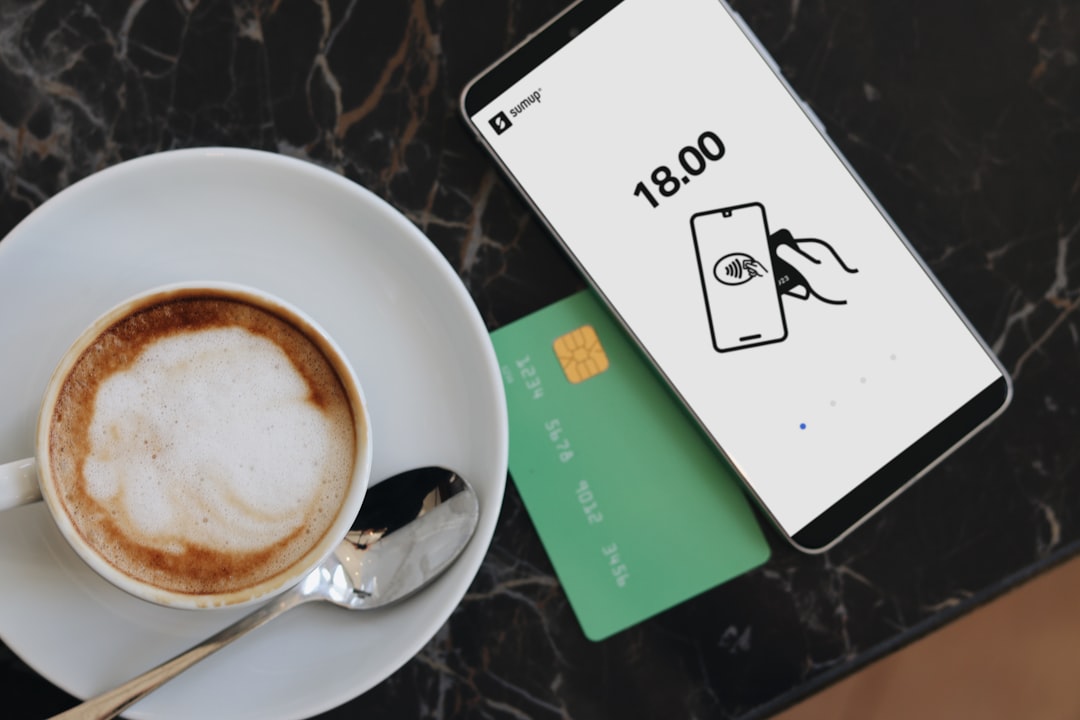
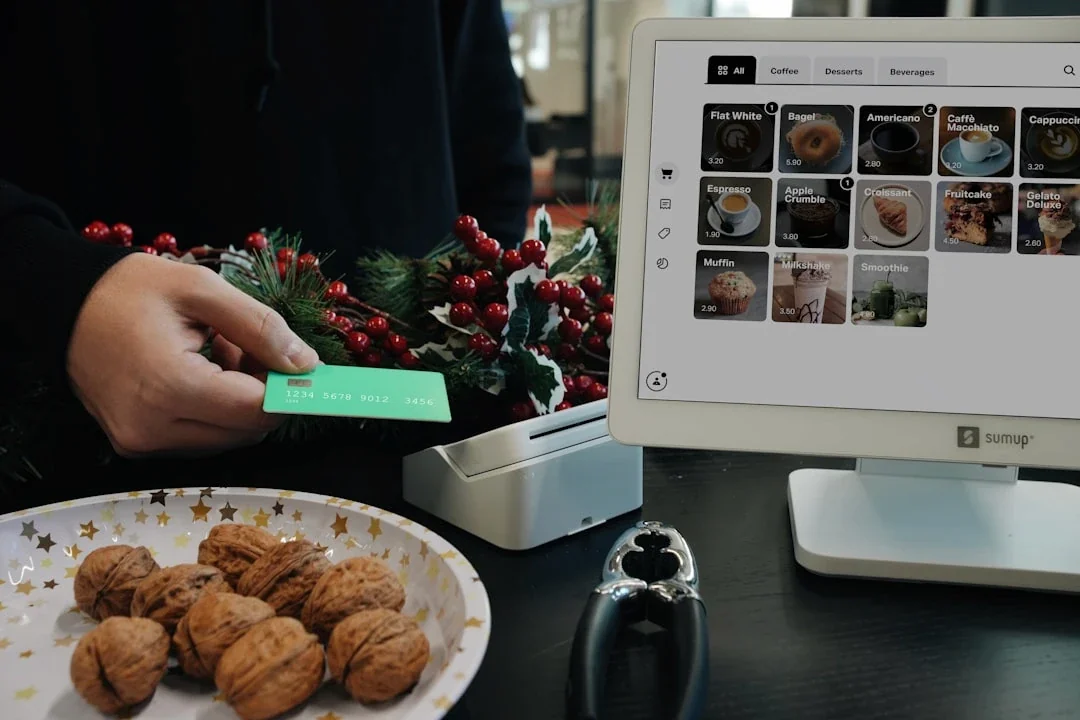
SumUp. Best known for card readers, and it sells a full till too: its POS Plus subscription is listed at £39 a month (excluding VAT), and its point of sale software lists table management and sending orders to the kitchen.
PayPal POS. Zettle by PayPal has been renamed PayPal Point of Sale. The till app costs nothing extra and there are no monthly fees, only 1.75% per card transaction.
Lightspeed Restaurant. A step up for busier or multi-site cafés. UK plans are listed at £79 a month (Basic, one licence), £149 (Core, two licences) and £219 (Pro, three licences), with extra registers at £39. Its real strength is stock tracked to the ingredient level, plus floor plans and tableside ordering.
Epos Now. Sells complete hardware bundles. When we checked, its headline offer needed a 12-month payments and support subscription from £25 a month, and most hardware and services were quote-based. Get a written quote and read the contract length.
For a counter-service café with one site, a free till on a tablet is enough. Choose on three things: whether your card machine pairs with it, how easy it is to change the menu when the seasonal drinks arrive, and whether the reports tell you what sold at what hour. Do not pay for table plans, kitchen screens or ingredient-level stock if you sell coffee and cakes over a counter.
Job 2: the card machine, and what the fees really cost
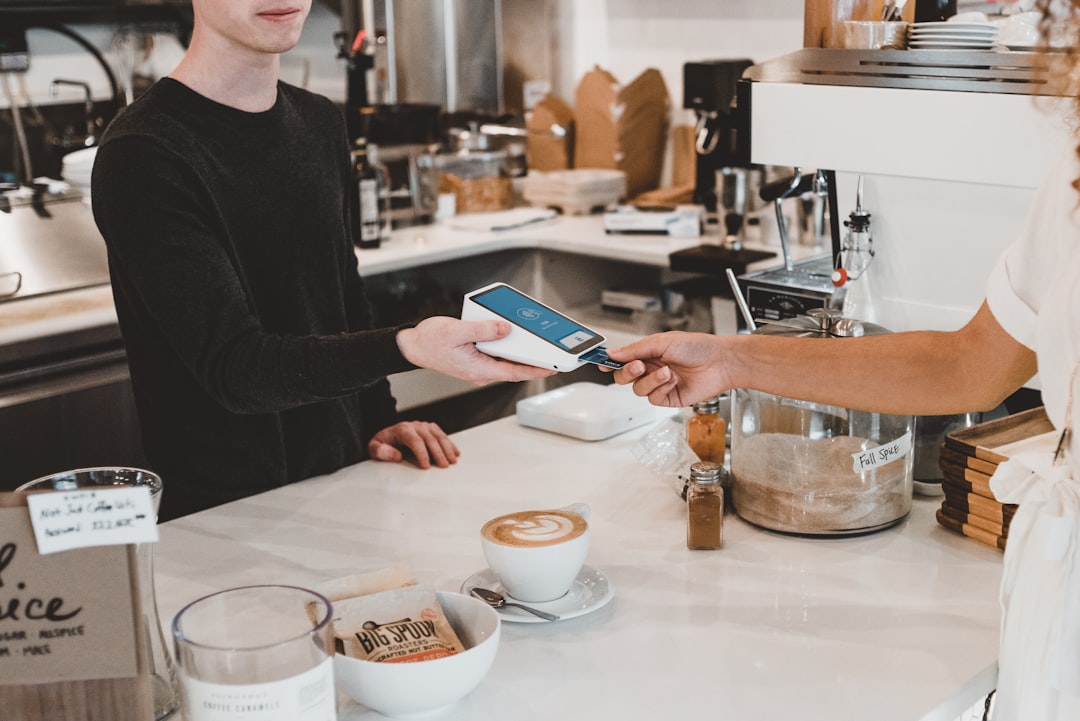
Plenty of customers will only have a card or phone on them, so the card machine is a day-one purchase. The device is a small one-off cost. The fee on every transaction is what you pay for ever, so that is the number to compare.
SumUp readers are listed at £25 (Solo Lite), £79 (Solo) and £135 (Terminal) excluding VAT, and were on offer for less when we checked. Pay-as-you-go is 1.69% for most in-person cards, with no monthly fee. Payments Plus costs £19 a month (or £189 a year) and brings the headline rate down to 0.99%. SumUp itself suggests Payments Plus once your card sales pass about £3,300 a month.
Square Reader is £19 plus VAT and Square Terminal £149 plus VAT, at 1.75% for UK cards.
PayPal Reader is £29 excluding VAT for your first reader as a new business user and £69 for extras, at 1.75% on all cards.
Here is what that means for a café taking £6,000 a month on cards:
Option | Monthly fee | Rate | Cost on £6,000 of card sales |
|---|---|---|---|
Square | £0 | 1.75% | £105 |
PayPal POS | £0 | 1.75% | £105 |
SumUp pay-as-you-go | £0 | 1.69% | £101.40 |
SumUp Payments Plus | £19 | 0.99% headline | £78.40 |
At that level SumUp Payments Plus saves about £23 a month against pay-as-you-go, but check the per-card rates in its terms, as premium and business cards can cost more than the headline. If you chose Loyverse as your till, note that Loyverse integrates with SumUp in the UK, and its help centre lists the Air, Solo and Solo with printer readers as compatible, so the amount goes to the reader without retyping. Square pairs naturally with Square’s own till. Whichever you pick, a separate loyalty card does not need to plug into it, which we come back to below.
Job 3: rotas, timesheets and payroll
With one or two staff, a shared calendar and a WhatsApp group will do. Past three or four people, with students who swap shifts and a Saturday that never quite adds up, a rota app pays for itself in arguments avoided. These are the UK options worth knowing.
RotaCloud. A UK-based rota tool with a drag-and-drop rota builder, a staff app, leave requests and holiday accrual. Its published pricing starts at £10 a month for one to five employees on Standard, rising to £20 for six to ten and £40 for 11 to 20. A Time and Attendance add-on (clocking in by phone or tablet, automatic timesheets) is listed from £4.50 a month at the smallest size. There is a 30-day free trial with no payment details.
Deputy. Scheduling, timesheets, time clocking and shift swaps. Its pricing page lists Lite, Core and Pro plans priced per user in US dollars, with a minimum spend of £20 a month per invoice on monthly plans. Approved Deputy timesheets can be sent straight to Xero for payroll, according to its Xero app listing.
Rotaready. Now Rotaready Evo, part of The Access Group, and aimed squarely at hospitality, covering rotas, attendance, HR records and labour cost control. Pricing is quote-based.
Your till’s clock-in. Loyverse’s Employee Management add-on (£20 a month per store) gives PIN clock-in and clock-out, timecards you can adjust, and roles that stop staff giving refunds or discounts without permission. It does not build rotas.
Payroll is a separate job. If you employ fewer than ten people, HMRC’s Basic PAYE Tools is free payroll software from HMRC. Many owners hand payroll to their bookkeeper instead, which is fine; just make sure the hours come out of your rota or clock-in app in a form they can use, rather than being copied off a paper sheet.
The one rule: pick one place where staff clock in. If they clock in on the till, do not pay for a rota app’s clock-in add-on as well.
Job 4: accounting, VAT and Making Tax Digital
You need accounting software from the day you open, even if you have an accountant, because Making Tax Digital rules mean records and returns go to HMRC through compatible software. GOV.UK says all VAT-registered businesses should now be signed up for Making Tax Digital for VAT, and you must register for VAT once taxable turnover over the last 12 months goes over £90,000. Sole traders also have Making Tax Digital for Income Tax coming in stages: from 6 April 2026 for qualifying income over £50,000, April 2027 over £30,000, and April 2028 over £20,000.
The three packages most UK cafés use:
Xero. Ignite is £18 a month and Grow £39 a month (excluding VAT), with 90% off for the first six months for new UK customers when we checked. Ignite caps you at 10 bills, which a café with weekly milk, coffee and bakery invoices will pass quickly, so Grow is the realistic plan once you are trading properly. Both submit VAT returns to HMRC.
QuickBooks. Plans include Simple Start, Essentials and Plus, and Intuit says Simple Start and above can submit VAT returns to HMRC. Its UK prices did not load on its pricing page when we checked, so check its current pricing directly.
FreeAgent. £19 a month for sole traders and £33 for limited companies (excluding VAT), with intro discounts. It is free if you have a business current account with NatWest, Royal Bank of Scotland or Ulster Bank, or with Mettle if you make at least one transaction a month. It files MTD-compatible VAT returns directly to HMRC.
Ask your accountant which one they work in before you sign up, because moving later is a chore. Then connect your bank feed and your till. Square has an app on Xero’s UK app store that sends daily sales summaries, payments and fees into Xero. Loyverse’s app marketplace lists free Xero and QuickBooks Online connectors built by Amaka. Without a link like this, someone types the day’s takings in by hand, which is where mistakes creep in.
Job 5: stock and supplier ordering
This is where cafés most often overspend. A single-site coffee shop has a short list of things that matter: beans, milk, oat milk, cups, lids, syrups, and whatever cakes and sandwiches come in daily. You can see most of it from behind the counter.
Start with what your till already includes. Loyverse’s free Essential Inventory tracks stock levels and sends alerts when items run low or out. Square and the other tills have stock tools of their own. Set low-stock alerts on the half-dozen items that would stop service if they ran out, and check them at close.
Pay for more only when the problem is real. Loyverse’s Advanced Inventory (£20 a month per store) adds purchase orders sent directly to suppliers and transfer orders for moving stock between locations, which earns its keep at two sites, not one. Lightspeed tracks stock to the ingredient level, so it can tell you how much milk each latte should use; useful if you suspect waste, but more than most counter-service cafés need in year one.
Supplier ordering is often simpler than it looks. If your coffee roaster, dairy or wholesaler has its own ordering portal or app, use theirs and keep your invoices flowing into your accounting software. Do not buy a separate stock platform just to place three orders a week.
A practical habit costs nothing: a weekly ten-minute count of beans, milk and cups at the same time every week, written into your till or a shared spreadsheet. After a month you will know your real weekly usage, which is the number a paid stock system would have shown you anyway.
Job 6: food safety records
Food safety is the record an environmental health officer will ask to see, so it needs to be in place from the first day you serve. You also need to register as a food business with your local authority, which GOV.UK covers.
In England, Wales and Northern Ireland, the Food Standards Agency’s Safer Food Better Business for caterers pack is written for restaurants, cafés, takeaways and other small catering businesses. It is a free download from GOV.UK, as a full PDF or in sections such as personal hygiene, cleaning schedules and the daily diary. GOV.UK says the pack must be completed for all your food operations, with daily records kept in the diary. In Scotland, Food Standards Scotland publishes CookSafe for the same purpose.
Safer Food Better Business is not an app, despite what some searches suggest. GOV.UK says you can download the diary pages onto your device, fill them in and store them electronically, or print them. For a small café, a printed diary kept by the coffee machine works well because it gets filled in; a tablet in the office often does not.
There are paid digital food safety apps with temperature probes and photo checklists. They make sense for larger kitchens or several sites. For a coffee shop serving pastries and toasties, the free pack, filled in every day, is what matters. Put the opening and closing checks on the same sheet as the till float, so the person opening up does both.
Job 7: Google, reviews and social media
Many people look up a new café on Google Maps before they walk in, so a Google Business Profile is a day-one job. Google says it lets you manage how your business shows on Maps and Search at no charge. Add your opening hours, phone number, website and photos, and reply to reviews, good and bad, in a line or two. Update your hours before every bank holiday, so nobody turns up to a locked door.
On reviews, one firm rule: never offer a free coffee, a stamp or a discount in exchange for a review. It breaks Google’s rules and UK consumer law. Asking is fine. A simple sign by the till, or a link customers can find easily, is enough.
For social media, you do not need a paid tool. Buffer’s free plan covers up to three channels with ten scheduled posts each, and Meta Business Suite lets you create and schedule posts and stories for Facebook and Instagram. Batch a week of posts on a Sunday evening (the new seasonal drink, the cake of the week, a photo of the queue) and schedule them. Buffer’s paid Essentials plan is priced in US dollars per channel; most cafés never need it.
For more ideas on turning first-time visitors into regulars once they have found you, see how to attract repeat customers to your café.
Job 8: online ordering and delivery
Delivery apps bring orders, but they take a large share of each one, and coffee does not travel well. Treat them as optional, and run the numbers first.
Uber Eats lists its UK fees openly: 30% of the order when its couriers deliver (33% for Uber One members), 13% if you deliver yourself, and 13% for pick-up orders, plus a one-off activation fee of £650 excluding VAT, which covers a tablet, printer, menu set-up and photography. You can opt out of some of those to lower the activation fee.
Deliveroo says it charges a simple commission on completed orders and sends the equipment you need, but its UK merchant page does not publish the rate, so ask its sales team for the figure in writing.
Just Eat did not show its partner fees on its public pages when we checked. Ask for the current commission and any sign-up fee before you commit.
Work it through on a £12 order of two coffees and two pastries. At 30%, the platform keeps £3.60, before you have paid for the cups, the bag and the ingredients. That can still be worth it if it fills dead time in a kitchen that is otherwise idle, but it rarely makes sense for coffee alone. Pastries, sandwiches and breakfast bundles travel better and carry more margin.
If you do sign up, start with one platform, set a smaller delivery menu than your counter menu, and switch the tablet off at your busiest times so counter customers are not kept waiting while a courier stands at the door. Review the numbers after eight weeks and drop it if it is not paying.
Job 9: a loyalty card your regulars will actually use
Regulars are what keep a coffee shop open, and a loyalty card is the simplest way to give them a reason to come back to you rather than the chain next door. Set it up in your first month, once the till is working.
Start with a stamp card. Buy nine, get the tenth free is the format every coffee drinker understands without explanation. With Perkstar, the stamp card lives in Apple Wallet and Google Wallet, so there is no app to download. Customers join by scanning a QR code at the counter or opening a sign-up link. Staff add stamps with the Perkstar scanner, which installs on a phone or tablet, so it works alongside whatever till and card machine you chose above; nothing needs to connect. The card updates itself in the wallet, and stamp changes and your messages show on the customer’s lock screen. There is an optional Tap to Earn add-on, £10 one-time for two Perkstar NFC plates. Our comparison of a coffee shop app versus a Wallet loyalty card explains why skipping the download matters so much.
Add points later if they suit you. Points cards work better when spend varies a lot, say a coffee one day and a lunch for four the next. Our guide to stamp card or points for a coffee shop covers the choice.
If your till is Loyverse, Perkstar connects to it directly on the Growth plan and above, for points cards. Customers show their Wallet card at the Loyverse till, the sale reaches Perkstar within seconds and earns points automatically, refunds take the points back, and customers can spend points as money off at the Loyverse till. Or you can keep Loyverse’s own points running and have Perkstar show that balance on a Wallet card that updates itself. Stamp cards are not part of the Loyverse connection; they run through the scanner, as above. For any other till, Perkstar runs alongside it with the scanner, rather than connecting to it.
Two features on the Growth plan and above suit cafés particularly. Happy Hours give extra stamps or points every week on the weekdays and times you choose, such as the quiet 2pm to 4pm stretch, and cardholders get a message when one starts. And each cardholder has a personal referral link on the back of their Wallet card. For the wider field, including till-based schemes, see our best loyalty apps for coffee shops comparison and loyalty software versus POS loyalty.
Optional: a coffee subscription or membership
Once you have a base of daily regulars, a monthly coffee plan can be a useful addition alongside the loyalty card, not instead of it. The usual shape is a fixed monthly price for a drink a day.
With Perkstar, paid memberships are available on the Growth plan and above. Members pay monthly or yearly through Stripe, and they redeem benefits such as one free coffee per day themselves from their Wallet card, so staff do not keep a tally. The membership sits in the same phone wallet as the stamp card.
Do not launch one in your first month. You need to know how often your regulars actually come in and what they spend before you can price a plan that does not lose money on your most frequent customers. Our comparison of coffee subscriptions versus loyalty cards runs that maths, and it is worth reading before you set a price.
A sensible order is: stamp card first, to learn who your regulars are; then, after two or three months, a subscription offered to the people already filling up their cards most often. They are the ones most likely to value it, and you will already know roughly what a drink a day costs you.
How the apps fit together
The aim is for each number to be typed in once. These are the connections we checked, and the ones that do not exist.
Till to card machine. Square’s till and reader are one system. Loyverse integrates with SumUp readers in the UK. PayPal POS and the PayPal Reader are one system. If your till and card machine do not connect, staff key the amount into the reader by hand, which works but invites mistakes.
Till to accounts. Square has an app on Xero’s UK app store that sends daily sales summaries and fees into Xero. Loyverse lists free Xero and QuickBooks Online connectors by Amaka in its marketplace. Check the equivalent for any other till before you buy.
Rota to payroll. Deputy sends approved timesheets to Xero for pay runs, according to its Xero app listing. RotaCloud lists payroll export and integrations with tools such as Sage and Staffology.
Loyalty to till. Perkstar connects directly to Loyverse, for points cards. With every other till, the Wallet card is scanned with the Perkstar scanner alongside the sale. Because the card does not depend on the till, it keeps working if you change till later.
Food safety, Google and social media stand alone. That is fine; they do not need to talk to anything.
Draw your own version on a sheet of paper before you sign up for anything new: one box per app, an arrow wherever data moves automatically. Any gap where someone copies numbers by hand is either a connection to set up or a job to give one named person.
A starter stack for under £30 a month
Take an illustrative one-site café: counter service, four staff including the owner, set up as a limited company, not yet VAT-registered. Here is a stack that covers every day-one job, at the listed monthly prices:
Job | Choice | Monthly cost |
|---|---|---|
Till | Loyverse POS, free plan, on a tablet you own | £0 |
Rotas | RotaCloud Standard, 1 to 5 employees | £10 |
Accounting and VAT | Xero Ignite, regular price | £18 |
Payroll | HMRC Basic PAYE Tools | £0 |
Food safety | Safer Food Better Business pack | £0 |
Google and reviews | Google Business Profile | £0 |
Social media | Buffer free plan | £0 |
Total | £28 |
That is £28 a month for the software, or £11.80 a month during Xero’s six-month introductory offer if you qualify. If you bank with NatWest, Royal Bank of Scotland, Ulster Bank or Mettle and use FreeAgent instead of Xero, it drops to £10 a month. On top come two things this table leaves out on purpose:
One-off hardware: a SumUp Solo reader is listed at £79 excluding VAT (it is compatible with Loyverse in the UK), plus a tablet if you do not already have one.
Card fees: roughly £101.40 a month on £6,000 of card sales at SumUp’s pay-as-you-go rate, as worked out above.
Loyalty: a Perkstar stamp card, priced on the pricing page, with unlimited cards on every plan and one location included. It is free for 7 days with no credit card, and there is an optional £59 done-for-you setup if you would rather Perkstar designed and built the card from your rules and brand.
What this stack does not include is just as useful: no delivery platform, no paid stock add-on, no paid social tool, no employee management add-on. Add each one when a specific problem appears, not because a sales call said you would need it.
Growing to two sites: the stack that scales
Now the same business a couple of years on: two sites, twelve staff, VAT-registered, buying stock centrally and moving it between shops. The jobs are the same; what changes is which paid add-ons earn their keep.
Item | Monthly cost |
|---|---|
Loyverse Employee Management, 2 stores (PIN clock-in, roles) | £40 |
Loyverse Advanced Inventory, 2 stores (purchase and transfer orders) | £40 |
Loyverse Unlimited Sales History, 2 stores | £10 |
RotaCloud Standard, 11 to 20 employees | £40 |
Xero Grow (VAT returns, bill automation) | £39 |
Third-party software total | £169 |
Perkstar second location | £10 |
Total before your Perkstar plan and card fees | £179 |
Paying Loyverse yearly brings its add-ons from £90 to £75 a month (£900 a year), so the third-party total falls to £154 a month. Payroll for twelve people is outside HMRC’s free tool, so budget for a payroll add-on or your bookkeeper on top.
Clock-in happens on the till, so there is no RotaCloud Time and Attendance add-on: RotaCloud builds the rota, the till records the hours. On loyalty, every Perkstar plan includes one location, and the second is £10 a month (or £120 a year). Because the till is Loyverse, this is also the point where moving from a stamp card to a points card with the direct Loyverse connection (Growth plan and above) can make sense.
The fair alternative is Lightspeed Restaurant Core at £149 a month for two licences, £59 more than the Loyverse add-ons. For that you get ingredient-level stock, floor plans and tableside ordering. If the second site has table service or a proper kitchen, that may be money well spent.
What is free and what is worth paying for
A surprising amount of what a café needs costs nothing. These are genuinely free and good enough for most independents:
A Google Business Profile.
Safer Food Better Business (or CookSafe in Scotland).
HMRC’s Basic PAYE Tools, if you have fewer than ten employees.
A free till plan (Loyverse or Square) for a counter-service café.
Buffer’s free plan for scheduling social posts.
FreeAgent, if you hold a qualifying business bank account.
These are worth paying for, because they save hours or protect margin:
Accounting software that files VAT for you, once you are VAT-registered. A missed or wrong VAT return costs more than a year of subscription.
A rota app past four or five staff. At £10 to £40 a month, it pays for itself the first time it stops a shift going uncovered.
A lower card rate, once your volume justifies it. Run the sum in the card machine section with your own takings.
A loyalty card regulars keep on their phone. Paper stamp cards get lost in coats and washing machines. A Wallet card does not, and it lets you message the people who already like you.
And these are usually not worth it in year one: ingredient-level stock for a counter café, delivery platforms for a coffee-led menu, paid social media tools, and any bundle with a long contract you do not fully understand.
Mistakes to avoid
Buying everything on day one. Every subscription feels small at signup. Seven of them at £20 to £40 each is a part-time wage. Start with the day-one jobs in the table and add the rest when a real problem appears.
Paying twice for the same job. The common doubles are clock-in on the till and in the rota app, a till’s own loyalty scheme and a separate loyalty card running at the same time, and two accounting tools because the accountant uses one and you set up another. Pick one tool per job.
Signing a long contract for hardware you could buy outright. Read the term, the exit fee and what happens to the hardware at the end before you sign.
Choosing a till before checking it pairs with your card machine and connects to your accounts. It is the most expensive choice to undo.
Leaving food safety records until the inspector rings. Fill in the diary daily from the first day you open.
Rewarding customers for reviews. It breaks Google’s rules and UK consumer law. Ask, do not pay.
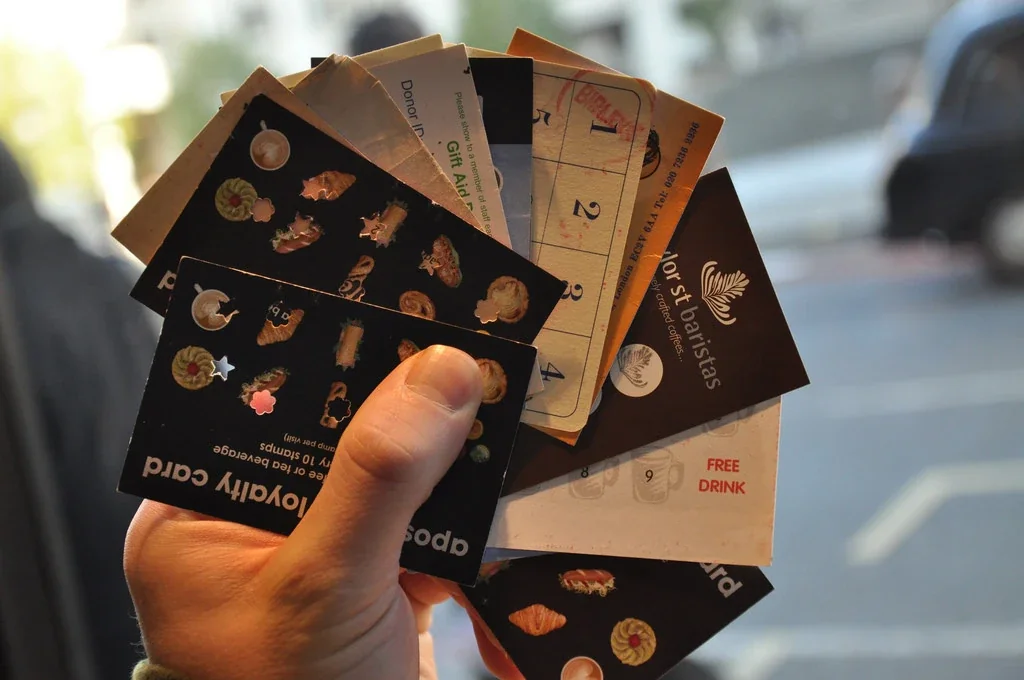
Launching a loyalty app that needs a download. Plenty of people will not install an app for one café. A Wallet card skips that step.
Pricing a coffee subscription before you know your regulars. Wait until you have a few months of real visit data.
For more on getting loyalty right from the start, our coffee shop loyalty mistakes guide goes into detail.
Your first week: the setup order
If you are opening soon, here is the order that avoids redoing work. Most of it can happen in the week before the doors open.
Day 1: accounts and bank. Open the business bank account, ask your accountant which software they use, and set it up with the bank feed connected.
Day 2: till and card machine. Choose the pair that works together, load your menu with prices and modifiers (oat milk, extra shot, decaf), and run test sales and a refund.
Day 3: link till to accounts. Connect the till to your accounting software if a connector exists, and check one day’s test sales arrive correctly.
Day 4: food safety. Download Safer Food Better Business (or CookSafe), complete the sections for your menu, print the diary, and confirm your food business registration with the council.
Day 5: Google Business Profile. Claim it, add your hours, photos and phone number, and check the map pin is on the right door.
Day 6: rota and staff. Set up the rota app if you have more than a few staff, give everyone a till PIN, and walk them through opening and closing checks.
Day 7: loyalty card. Start your 7-day Perkstar trial, build the stamp card (nine coffees, the tenth free is a fine start), install the scanner on the counter phone or tablet, and put the QR code by the till where people wait for their drink.
Tell staff one sentence for the loyalty card: "Scan this and your stamps go straight into your phone wallet, no app needed." Say it with every order for the first fortnight and the card fills itself.
Leave delivery apps, stock add-ons, social tools and any subscription until you have traded for at least a month. You will make better choices with a month of real numbers in your till.
Ready to put the loyalty piece in place? Try Perkstar free for 7 days, no credit card needed, and have a stamp card in your customers’ phone wallets before the end of your first week.