Loyalty Software Comparison Guide: How to Choose the Right Platform

If you're comparing loyalty software, you've probably opened 15 browser tabs, created a spreadsheet with feature comparisons, and still feel unsure which platform is actually right for your business.
That's because most comparison guides don't help you make decisions. They list features in overwhelming detail, compare pricing that's intentionally confusing, and leave you with more questions than answers.
Here's what you actually need: a framework for evaluating loyalty software based on what matters for your specific business, not an exhaustive list of every feature that might theoretically exist.
This guide gives you that framework. It explains what to evaluate (and what to ignore), how to match platforms to your business type, which questions reveal the truth about pricing and complexity, and how to make a confident decision without drowning in feature lists.
By the end, you'll know exactly how to compare loyalty platforms systematically, how to identify red flags quickly, and which solution fits your business reality.
Why Most Loyalty Software Comparisons Are Useless
Let's start by understanding why traditional comparison guides fail.
Problem 1: Feature Lists Without Context
Most comparisons look like this:
Feature | Platform A | Platform B | Platform C |
|---|---|---|---|
Push notifications | ✓ | ✓ | ✓ |
Analytics | ✓ | Advanced | Basic |
API access | ✓ | ✓ | ✗ |
Tiers | 3 | 5 | Unlimited |
What's missing: Whether you actually need these features. Whether "Advanced analytics" means anything useful. What "3 tiers" costs versus "Unlimited tiers."
Result: You're comparing things that might be irrelevant to your business while missing things that actually matter.
Problem 2: Pricing That Hides Real Costs
Comparison guides show:
Platform A: £25/month
Platform B: £40/month
Platform C: £15/month
What they don't show:
Platform A charges £0.08 per transaction (adds £80/month for 1,000 transactions)
Platform B requires £200 setup fee
Platform C locks essential features in £80/month tier
Result: You think you're comparing £15 vs £25 vs £40. You're actually comparing £95 vs £240 vs £80.
Problem 3: No Business-Type Matching
Generic comparisons treat all businesses identically:
Cafés need different features than salons
Service businesses work differently than retail
Single-location businesses have different needs than chains
Result: You're evaluating features designed for businesses unlike yours while ignoring features critical to your type.
Problem 4: No Decision Framework
Most guides end with: "Here are 10 options. Good luck choosing!"
What you need: Clear decision criteria that eliminate 80% of options quickly so you can deeply evaluate the 20% that actually fit.
The Right Way to Compare Loyalty Software
Here's a systematic framework that works.
Stage 1: Eliminate Mismatches (5 Minutes)
Before comparing features, eliminate platforms that fundamentally don't fit:
Question 1: Does this work with my customer base?
If your customers are local, in-person shoppers:
✓ Wallet-based platforms (Apple Wallet + Google Wallet)
✓ QR code-based systems
✗ App-based platforms (adoption will be 5–15%)
✗ E-commerce-only platforms
If your customers are primarily online:
✓ Web-based loyalty
✓ E-commerce integrations
✗ In-store-only systems
Question 2: Does this match my budget reality?
If you're a single-location SMB:
✓ £15–£60/month platforms
✗ £100+/month enterprise platforms
✗ Platforms with per-transaction fees
✗ Custom development (£5,000–£20,000)
If you're a multi-location chain:
✓ Platforms with multi-location management
✓ Higher-tier plans with consolidated reporting
Consider: Whether cost scales per location or stays flat
Question 3: Does this match my team size?
If you have 1–5 staff:
✓ Simple, intuitive platforms (5-minute training)
✗ Complex systems requiring extensive training
✗ Platforms needing dedicated administrators
If you have 10+ staff:
✓ Platforms with staff accounts/permissions
✓ Centralized management dashboards
Consider: Training scalability
This stage should eliminate 60–70% of options in 5 minutes.
Stage 2: Evaluate Core Mechanics (15 Minutes)
Now compare how the remaining platforms actually work.
Comparison Point 1: Customer Enrollment Method
Wallet-based (Best for most physical businesses):
Customer scans QR code
One tap adds card to Apple Wallet or Google Wallet
5-second process, no download
Adoption rate: 60–80%
App-based (Rarely works for SMBs):
Customer downloads standalone app
Account creation, permissions
2–3 minute process
Adoption rate: 5–15%
Web-based (Middle ground):
Customer clicks link, bookmarks page
Requires login each time
Adoption rate: 20–40%
Phone number tracking (Manual fallback):
Customer provides phone number
Staff look up account manually
No customer-facing visibility
Adoption rate: 100% (if staff ask consistently)
Decision criteria: For physical businesses (cafés, salons, shops), wallet-based wins. For online businesses, web-based works. Apps rarely justify their costs for SMBs.
Comparison Point 2: Reward Structure Options
Visit-based (Best for service businesses):
1 visit = 1 stamp
Example: "Get 9 haircuts, 10th free"
Simple, transparent, fair
Spend-based (Best for retail):
£1 spent = 1 point
Example: "100 points = £5 off"
Rewards bigger spenders
Hybrid:
Combines visits + spending
Example: "1 stamp per visit + bonus points for purchases over £20"
More complex but flexible
Decision criteria: Service businesses (barbers, salons, clinics) should prioritize visit-based. Retail businesses with variable transaction values should prioritize spend-based. Most SMBs benefit from simplicity (pick one method).
Comparison Point 3: Communication Channels
Push notifications (Most effective):
Messages appear on lock screen
Sent via Apple Wallet or Google Wallet
Should be unlimited and included in subscription
Open rate: 40–60%
SMS (Expensive but universal):
Works for any phone
Costs 7–10p per message in UK
Open rate: 90%+ but cost-prohibitive for regular use
Email (Low engagement):
Works universally
Often ends up in spam or ignored
Open rate: 15–25%
Decision criteria: Platforms offering unlimited free push notifications (via wallets) provide the best value. SMS should be optional for edge cases, not the primary channel. Email is fine as a supplement.
Stage 3: Evaluate Business Model & Pricing (10 Minutes)
Now dig into what you'll actually pay.
Pricing Model Comparison
Flat monthly fee (Best for SMBs):
Example: £30/month
Unlimited customers, scans, notifications
Predictable costs
Best for: Single-location businesses wanting cost certainty
Per-transaction fee:
Example: £10/month + £0.08 per scan
Costs scale with usage
Unpredictable budgeting
Best for: Almost no one (benefits vendor, not you)
Per-customer fee:
Example: £0.30 per loyalty member per month
Costs increase as program grows
Penalizes success
Best for: Very large businesses with stable customer counts
Tiered feature access:
Example: Basic £20/month, Pro £60/month, Enterprise £150/month
Features locked behind tiers
Must evaluate which tier you actually need
Best for: Businesses with specific feature requirements
Decision criteria: Flat monthly pricing protects SMBs from unpredictable costs. Per-transaction and per-customer models penalize growth and success.
Hidden Cost Checklist
Ask these questions explicitly:
Setup & onboarding:
✓ "Is setup included or is there a fee?"
✓ "Can I set it up myself or do I need professional services?"
Transaction fees:
✓ "Do you charge per scan, per customer, or per transaction?"
✓ "Are there limits on number of scans before extra fees apply?"
Communication costs:
✓ "Are push notifications included or charged separately?"
✓ "What about SMS? Email?"
Feature gates:
✓ "Which tier includes push notifications, analytics, and automations?"
✓ "What features are locked in higher tiers?"
Support costs:
✓ "Is support included or do I pay extra for phone/chat access?"
✓ "What are your response times?"
Scaling costs:
✓ "If I go from 100 to 1,000 customers, how does my price change?"
✓ "Are there any caps or limits that trigger price increases?"
Example comparison:
Platform A:
Advertised: £25/month
Reality: £25/month + £0.05/scan + £0.02/notification
Actual cost (1,000 scans, 800 notifications/month): £25 + £50 + £16 = £91/month
Platform B (Perkstar):
Advertised: £30/month
Reality: £30/month (unlimited scans, notifications)
Actual cost: £30/month
Platform A looks cheaper (£25 vs £30) but costs 3x more in practice (£91 vs £30).
Stage 4: Evaluate Usability & Support (During Trial)
Numbers and features don't tell the whole story. Test these during free trials:
Staff Usability Test
Give the scanner app to your least technical staff member:
Can they scan a loyalty card successfully within 2 minutes?
Do they need help or is it intuitive?
Does it work reliably or glitch?
If staff can't operate it independently, it's too complex for your business.
Customer Experience Test
Test the enrollment process yourself:
Time how long it takes from seeing the QR code to having an active card
Is it under 15 seconds?
Would your parents/grandparents understand it?
If enrollment takes longer than 30 seconds or requires help, adoption will suffer. If you want a structured approach to evaluating trials rather than winging it, a step-by-step guide to testing loyalty software free trials walks you through exactly what to measure and when.
Dashboard Clarity Test
Open the analytics dashboard:
Can you answer these questions within 30 seconds:
How many active loyalty members do I have?
Who's close to earning rewards?
Who hasn't visited in 30+ days?
If you need to hunt for basic information, the platform is too complex.
Support Response Test
Contact support with a real question:
How long until you get a response?
Is the answer helpful or generic?
Do they solve your problem or pass you around?
If support takes 24+ hours or doesn't resolve issues, that's a red flag for SMBs who can't wait.
Decision Matrix: Matching Platforms to Business Types
Use this matrix to shortlist platforms quickly:
For Cafés, Coffee Shops, Bakeries:
Priorities:
High-frequency visits (customers come weekly/daily)
Consistent transaction values
Need to fill quiet periods
Staff turnover high
Platform requirements:
Wallet-based (not apps)
Visit-based or simple points
Unlimited push notifications
Quick staff training (under 10 minutes)
Geo-targeting for "come in today" messages If you're a UK café owner, a dedicated comparison of the best loyalty apps for UK cafés narrows the field to platforms built for high-frequency, low-ticket environments like yours.
Good fit: Perkstar, wallet-focused platforms with flat pricing
Poor fit: App-based platforms, complex tier systems, per-transaction pricing
For Salons, Barbershops, Spas:
Priorities:
Medium-frequency visits (monthly)
Service-based (visits matter more than spend)
Relationships with specific providers
Appointment-based
Platform requirements:
Visit-based rewards (not spend-based)
Automated re-engagement (after 6–8 weeks)
Birthday/anniversary rewards
Integration with booking systems (nice-to-have)
Good fit: Wallet-based platforms with automation, visit tracking
Poor fit: Retail-focused platforms, transaction-value-based systems
For Retail Shops, Boutiques:
Priorities:
Variable transaction values
Mix of browsers and buyers
Product-based (spend matters)
Seasonal patterns
Platform requirements:
Spend-based points or hybrid
Tiered rewards (optional)
Works for both in-store and online
Can pause/adjust during slow seasons
Good fit: Flexible platforms supporting multiple reward types
Poor fit: Visit-only systems, service-focused platforms
For Service Businesses (Personal trainers, physios, tradespeople):
Priorities:
Irregular visit frequency
High trust relationships
Appointment-based
Client retention critical
Platform requirements:
Visit-based (sessions/appointments)
Long-cycle re-engagement (quarterly reminders)
Referral tracking
Simple (minimal admin)
Good fit: Wallet-based with flexible visit tracking
Poor fit: High-frequency-optimized platforms, retail-focused systems
The 10-Minute Decision Framework
Here's how to make a final decision quickly:
Step 1: Apply the Elimination Criteria (2 minutes)
Cross off platforms that:
Don't support your business type (physical vs online)
Exceed your budget by 2x
Require app downloads (if you're physical retail/service)
Have overwhelmingly negative reviews on trust pilots/G2
You should have 2–4 platforms left.
Step 2: Compare True Total Cost (3 minutes)
For each remaining platform, calculate:
Base subscription
Expected transaction fees (if applicable)
Message costs (if applicable)
Required tier for features you need
Eliminate platforms where real cost is 50%+ higher than advertised.
Step 3: Check Core Features (2 minutes)
Verify each platform includes:
✓ Wallet integration (if needed)
✓ Unlimited customers
✓ Push notifications (unlimited)
✓ Basic analytics
✓ Support included
Eliminate platforms missing any essentials.
Step 4: Start Free Trials (3 minutes)
For the 1–2 platforms remaining:
Start free trials
Set up test loyalty card (time yourself)
Test customer enrollment
Test staff scanner app
Contact support with a question
Choose the platform that:
Sets up fastest
Works most reliably
Responds to support requests quickest
Feels simplest to use
This framework gets you from "overwhelming options" to "confident decision" in 10 minutes of focused evaluation.
Red Flags to Watch For
Certain patterns indicate platforms that will cause problems:
Red Flag 1: Pricing Opacity
If you can't find pricing on their website, or it says "Contact us," they're hiding complexity or high costs.
Red Flag 2: Feature Overload
If the platform brags about having 100+ features, it's likely too complex for SMBs and designed for enterprises. Platforms that lead with feature quantity over feature relevance are often charging you for capabilities you'll never use — a detailed breakdown of loyalty features worth paying for separates the 15 that matter from the 10 that inflate your bill.
Red Flag 3: No Free Trial or Very Short Trial
If there's no trial, or trial is only 3–5 days, they're not confident you'll see value before pressure to commit.
Red Flag 4: Poor Documentation
If you can't find clear help docs or video tutorials, you'll struggle when issues arise.
Red Flag 5: Negative Review Patterns
Look for recurring complaints:
"Hidden fees"
"Hard to cancel"
"Support never responds"
"Doesn't work as advertised"
Red Flag 6: Requires Long-Term Contracts
If they push 12-month contracts instead of month-to-month, they're locking you in because retention is poor.
Final Thoughts: Perfect Is the Enemy of Good
Here's the truth: you don't need the "perfect" loyalty platform. You need one that works well enough, fast enough, at a price you can sustain.
The difference between the "best" wallet-based platform and the "second-best" wallet-based platform is marginal. The difference between using any competent platform versus using none is enormous.
Don't spend 6 weeks comparing. Spend 1 hour eliminating mismatches, 1 week testing 1–2 finalists, and then commit.
Most UK small businesses find wallet-based platforms like Perkstar hit the sweet spot:
Affordable (£15–£79/month)
Fast to implement (under 1 hour)
High adoption (60–80% of customers join)
Simple to operate (5-minute staff training)
Proven ROI (pays for itself in first month)
But the "right" platform is the one that matches your specific business type, budget, and team capacity. If budget is your primary constraint, understanding what affordable loyalty software actually looks like — predictable costs, clear ROI, no hidden fees — prevents you from choosing the cheapest option only to discover it's the most expensive one long-term.
Start your free 7-day trial with Perkstar — no credit card required. Test the platform against the framework in this guide, compare it to alternatives if you want, and make a data-driven decision.
The best comparison is one you can actually use to decide. Use this framework, make your choice, and get loyalty working for your business.
Frequently Asked Questions
Related Blogs

Christmas Marketing for Small Businesses

Black Friday Ideas for Small Businesses

Electronic Loyalty and Membership Cards

Word-of-Mouth Marketing for Small Businesses

How to Make a Digital Loyalty Card (2026)

Why Coffee Shop Loyalty Programmes Fail

Coffee Subscriptions vs Loyalty Cards in 2026

Coffee Price Rises: Keeping Your Regulars
Coffee Shop App vs Wallet Loyalty Card
5 Best Loyalty Apps for Station Coffee 2026

5 Best Loyalty Apps for Speciality Coffee 2026
5 Best Loyalty Apps for Matcha Bars in 2026

5 Best Loyalty Apps for Hotel Coffee Shops
5 Best Loyalty Apps for Garden Centre Cafés

5 Best Loyalty Apps for Drive-Thru Coffee 2026

5 Best Loyalty Apps for Dog-Friendly Cafés 2026
5 Best Loyalty Apps for Coworking Cafés in 2026

5 Best Loyalty Apps for Coffee Vans in 2026

5 Best Loyalty Apps for Campus Coffee Shops
5 Best Loyalty Apps for Brunch Cafés in 2026
5 Best Loyalty Apps for Coffee Stands in 2026

5 Best Loyalty Apps for Coffee Roasteries in 2026

Loyalty Apps for Specialist Shops

Loyalty Apps for Motoring Businesses

Loyalty Apps for Membership Businesses
Loyalty Apps for Leisure Venues
Loyalty Apps for Home Services

Loyalty Apps for Food Shops by Trade

B2B Loyalty Programmes by Supplier

5 Best Loyalty Apps for Wedding Venues

5 Best Loyalty Apps for Tailors

5 Best Loyalty Apps for Snooker Halls
5 Best Loyalty Apps for Music Shops

5 Best Loyalty Apps for Karaoke Bars

5 Best Loyalty Apps for Tackle Shops

5 Best Loyalty Apps for Craft Shops

5 Best Loyalty Apps for Comic Shops
5 Best Loyalty Apps for Art Supply Shops
5 Best Loyalty Apps for Aquatics Shops

5 Best Loyalty Apps for Amusement Arcades
5 Best Loyalty Apps for Taxi Firms

5 Best Loyalty Apps for Self-Storage

5 Best Loyalty Apps for Riding Schools

5 Best Loyalty Apps for Picture Framers

5 Best Loyalty Apps for Gardeners

5 Best Loyalty Apps for Go-Karting Tracks

5 Best Loyalty Apps for Fishmongers

5 Best Loyalty Apps for Driving Schools
5 Best Loyalty Apps for Cleaning Companies

5 Best Loyalty Apps for Phone Repair Shops

5 Best Loyalty Apps for Bike Shops

5 Best Loyalty Apps for Bridal Boutiques

5 Best Loyalty Apps for Jewellers
5 Best Loyalty Apps for Record Shops

5 Best Loyalty Apps for Board Game Shops
5 Best Loyalty Apps for Toy Shops

5 Best Loyalty Apps for Hardware Stores

5 Best Loyalty Apps for Petrol Stations
5 Best Loyalty Apps for Tyre & MOT Centres

5 Best Loyalty Apps for Car Detailers
5 Best Loyalty Apps for Dry Cleaners
5 Best Loyalty Apps for Laundrettes

5 Best Loyalty Apps for Members' Clubs

5 Best Loyalty Apps for Coworking Spaces

5 Best Loyalty Apps for Independent Cinemas

5 Best Loyalty Apps for Indoor Play Centres

5 Best Loyalty Apps for Trampoline Parks 2026
5 Best Loyalty Apps for Escape Rooms in 2026
5 Best Loyalty Apps for Bowling Alleys in 2026

5 Best Loyalty Apps for Dance Studios in 2026

5 Best Loyalty Apps for Pickleball Clubs 2026

5 Best Loyalty Apps for Tennis Clubs in 2026

5 Best Loyalty Apps for Golf Clubs in 2026

5 Best Loyalty Apps for Climbing Gyms in 2026

5 Best Loyalty Apps for Martial Arts Schools

5 Best Loyalty Apps for Pilates Studios 2026

5 Best Loyalty Apps for Yoga Studios in 2026
5 Best Loyalty Apps for Opticians in 2026

5 Best Loyalty Apps for Chiropractors in 2026

5 Best Loyalty Apps for Physiotherapy Clinics

5 Best Loyalty Apps for Dental Practices 2026

5 Best Loyalty Apps for Dog Daycares in 2026

5 Best Loyalty Apps for Vet Practices in 2026
5 Best Loyalty Apps for Pet Shops in 2026
5 Best Loyalty Apps for Convenience Stores

5 Best Loyalty Apps for Grocers in 2026
5 Best Loyalty Apps for Bookshops in 2026

5 Best Loyalty Apps for Garden Centres 2026

5 Best Loyalty Apps for Off Licences in 2026
5 Best Loyalty Apps for Breweries & Taprooms

5 Best Loyalty Apps for Wine Bars in 2026

5 Best Loyalty Apps for Tea Rooms in 2026
5 Best Loyalty Apps for Delicatessens in 2026
5 Best Loyalty Apps for Butchers in 2026

5 Best Loyalty Apps for Farm Shops in 2026

5 Best Loyalty Apps for Ice Cream Shops 2026

5 Best Loyalty Apps for Juice Bars in 2026

5 Best Loyalty Apps for Kebab Shops in 2026

5 Best Loyalty Apps for Fish & Chip Shops 2026

Best Loyalty Apps for Nightclubs 2026

Best Loyalty Apps for Run Clubs (2026)

Best Run Club Membership Models

Barber Loyalty Programme: Own Your Clients
Best Bakery & Dessert Loyalty Apps UK 2026
Best Coffee Shop & Roaster Loyalty Apps 2026

Best loyalty apps for pubs in 2026 (UK)

Best Nail Salon Loyalty Apps (UK, 2026)
5 Best Loyalty Apps for Barbershops in 2026 (UK)
Best Takeaway & Fast Food Loyalty Apps 2026

5 Best Loyalty Apps for Vape Shops in 2026

CBD Customer Retention Rates & How to Win

Vape Shop Customer Retention Guide

Cannabis Customer Loyalty: What the Data Says

Vape Shop Loyalty Program: Regulars vs Walk-Ins
Vape Customer Lifetime Value: The Real Cost

How Often Do Vape Customers Buy?

Dispensary Customer Retention Made Simple

Office Supply Loyalty Program for B2B

Trade Supplier Loyalty: Reward Regulars
Trade Loyalty Programmes for Builders' Merchants
B2B vs B2C Loyalty Programs: Key Differences
Print Shop Loyalty Program for B2B
How Loyalty Reduces B2B Customer Churn
Catering Supplier Loyalty Program: Retention

Wholesale Loyalty Programmes: Volume Points
Wholesale Trade Pricing Tiers & Cards

Packaging Supplier Loyalty Programs

Attract More Customers to Your Juice Bar
Market Stall Reward Ideas Your Regulars Want
Farm Shop Loyalty Rewards Worth Coming Back For

Why Barbers Lose Regulars Every January
Barbershop Loyalty Card for Walk-In Trade
How to Open a Kebab Shop
Pop-Up Shop Loyalty Ideas You Can Copy Today

Café Loyalty Card: 109 Customers in a Day

Get Pub Regulars Back for the January Lull

5 Loyalty Card Mistakes That Kill Retention
Coffee Shop Loyalty Card: 109 in a Day

Get Pub Regulars Back for the January Lull

Barbershop Loyalty Program: Beat the Drift

How to Attract More Customers to Your Kebab Shop

5 Loyalty Card Mistakes That Kill Retention
Farm Shop Loyalty Rewards Worth Coming Back For
Pop-Up Shop Loyalty Ideas You Can Copy Today

Farmers Market Loyalty Card Ideas That Work

Market Stall Reward Ideas Your Regulars Want

5 Barbershop Loyalty Program Mistakes

How to Keep Barbershop Regulars After Summer
Patisserie Loyalty Program Examples That Work
Chick-fil-A Loyalty Program: Small-Biz Lessons

Opening a Restaurant Checklist for 2026

Slow Season Survival Guide for Small Businesses

Non-POS Loyalty System: No New Setup Needed

Best Loyalty Card App UK
Stamp Card vs Loyalty App for Small Shops
How to Open a Dessert Bar That Keeps Fans

Too Busy at the Till for a Loyalty Card?

How to Open a Pub (Without Losing Regulars)
Coffee Shop Loyalty Program: 109 a Day

Do Vape Shops Really Need Loyalty Cards?

Digital Loyalty Cards vs Paper: Which Wins?

Why 5-Stamp Loyalty Cards Beat 10-Stamp
Do Vape Shops Even Need a Loyalty Card?

How to Open a Takeaway Without Losing Money

Apple Wallet Loyalty Cards: How They Work
Stamp Card or Points for a Dessert Bar?

How to Attract More Customers to Your Pet Shop
Starbucks Rewards: Coffee Shop Loyalty Program
Juice Bar Loyalty Program: Stamp or Points?

Car Wash Loyalty Program: Stamps or Points

Digital Stamp Card for Chicken Shops
How to Build a Pop-Up Shop Loyalty Program
Farm Shop Loyalty Program That Keeps Regulars

How to Get Regulars at a Farmers Market Stall
Get Repeat Customers at Your Market Stall
Chicken Shop Loyalty Program Examples That Work

How to Open a Bubble Tea Shop

Nando's Rewards: Chicken Shop Loyalty Guide
How to Attract More Off Licence Customers

How to Attract More Bubble Tea Customers

Customer Loyalty Ladder: Turn Fans Into Advocates
Customer Acquisition Strategies to Gain Customers

Customer Churn Prevention: Keep Regulars

Customer Churn Models to Reduce Customer Loss
Stamp Card or Points for a Bubble Tea Shop?
How to Attract More Customers to Your Chicken Shop
How to Attract More Customers to Your Patisserie
Costa Coffee Club: Café Loyalty Program
Digital Stamp Card for Your Bakery
Pet Shop Loyalty Program Examples That Work
Bakery Loyalty Program: Stamp Card or Points?

Bubble Tea Loyalty Program Examples That Work
Pret Rewards: A Café Loyalty Program Lesson
Takeaway Loyalty Program Examples That Work
Bakery Loyalty Program Examples That Work
How to Open a Chicken Shop
Vape Shop Loyalty Program Examples That Work
How to Open a Bakery

Digital Stamp Card for Bubble Tea Shops

Digital Stamp Card for Your Car Wash
Best Loyalty Apps for Pubs in 2026
Best Loyalty Apps for Barbers in 2026
Best Loyalty Apps for Nail Salons in 2026
Best Restaurant Loyalty Apps in 2026

Best Loyalty Apps for Coffee Shops in 2026

Best Takeaway Loyalty Apps 2026
Bakery Loyalty Program: The Greggs Rewards Model
Nando's Rewards: Takeaway Loyalty Programme
Vape Shop Loyalty: Stamp Card or Points?

Stamp Card or Points for a Pub?

Barbershop Loyalty Program: Stamp or Points?
How to Attract More Fast Food Customers

Barbershop Loyalty Program Examples That Work

Digital Stamp Card for Vape Shops

How to Attract More Customers to Your Dessert Shop
Pub Loyalty Program Examples That Work

How to Open a Vape Shop
Cannabis Dispensary Loyalty Examples
Stamp Card or Points for a Restaurant?

How to Open a Lash Studio

Pizza Loyalty Program Examples That Work

Digital Stamp Card for Dessert Shops
Sephora Rewards: A Salon Loyalty Program Guide

Coffee Shop Loyalty Program Examples
Restaurant Loyalty Program Examples
Digital Stamp Card for Dispensaries

How to Attract More Customers to Your Spa

How to Attract Members to Your Yoga Studio

How to Attract Clients to Your Lash Salon

Digital Stamp Card for Beauty Salons
Digital Stamp Card for Lash Techs

Nail Salon Loyalty Program Examples

Convenience Store Loyalty Program: Which Card?

Digital Stamp Card for Convenience Stores
Boutique Loyalty: Points, Stamps or Cashback?
Retail Shop Loyalty: Points, Stamps or Cashback?
Digital Stamp Card for Boutiques

Off Licence Loyalty: Points, Stamps or Cashback?

Digital Stamp Card for Off Licences

Pet Shop Loyalty: Stamps, Points or Cashback?
Points, Stamps or Cashback: Dispensary Loyalty?

Clothing Store Loyalty: Stamps, Points, Cashback?

Digital Stamp Card for Gift Shops

Gift Shop Loyalty: Points, Stamps or Cashback?
Digital Stamp Card for Cannabis Dispensaries
Digital Stamp Card for Clothing Stores

How to Sell Class Packs at Your Fitness Studio

How to Sell Class Packs at Your Yoga Studio

How to Sell Class Packs at Your Pilates Studio

Climbing Gym Membership vs Class Pass?

How to Sell Class Packs at Your Climbing Gym

Membership or Class Pass for Your Yoga Studio?

Membership or Class Pass for Your Pilates Studio?

How to Sell Class Packs at Your Dance Studio

How to Sell Class Packs at Your Gym

Dance Studio Membership vs Class Pass?

Gym Membership vs Class Pass: Which Wins?

Fitness Studio: Membership vs Class Pass?
Ice Cream Shop Loyalty Program Examples
Digital Stamp Card for Cake Shops
Digital Stamp Card for Donut Shops
Cake Shop Loyalty Program Examples
Donut Shop Loyalty Program Examples
Digital Stamp Card for Bakeries

Juice Bar Loyalty Program Examples
Digital Stamp Card for Ice Cream Shops

Stamp Card or Points for a Café?
Stamp or Points: Espresso Bar Loyalty Card

Stamp Card or Points for a Coffee Shop?

Loyalty Rewards for Espresso Bars: 7 Ideas
Loyalty Reward Ideas for Coffee Shops
Digital Stamp Card for Espresso Bars

Fish & Chip Shop Loyalty Card: Stamps or Points?
Stamp Card or Points for a Takeaway?

Digital Stamp Card for Chinese Takeaways

Digital Stamp Card for Fish & Chip Shops
Stamp Card or Points for a Chinese Takeaway?
Stamp Card or Points for a Sandwich Shop?
Digital Stamp Card for Kebab Shops

Stamp Card or Points for a Kebab Shop?

Stamp or Points Pub Loyalty Card?
Ulta Rewards: Salon Loyalty Program Lessons

How to Attract More Lash Clients to Your Studio

Attract More Clients to Your Aesthetics Clinic

How to Get Barbershop Clients to Rebook

How to Get Nail Salon Clients to Rebook

How to Get Salon Clients to Rebook
Salon Loyalty Program: Sally Beauty Lessons

Attract More Clients to Your Waxing Salon

How to Get Spa Clients to Rebook
Loyalty Reward Ideas for Barbershops

Loyalty Reward Ideas for Tanning Salons
Brow Bar Loyalty Program: Reward Ideas

Loyalty Reward Ideas for Nail Salons

Lash Studio Loyalty Program: Reward Ideas
Waxing Salon Loyalty Program Ideas

Loyalty Reward Ideas for Spas
Aesthetics Clinic Loyalty Program Ideas

Loyalty Reward Ideas for Massage Therapists

Loyalty Program Ideas for Skincare Clinics
Spa Loyalty Program Examples That Work

Massage Therapist Loyalty Program Examples

Nail Salon Loyalty Program Examples That Work
Brow Bar Loyalty Program Examples That Work

Aesthetics Clinic Loyalty Program Examples
Lash Studio Loyalty Program Examples That Work

Skincare Clinic Loyalty Program Examples That Work
Waxing Salon Loyalty Program Examples That Work
Tanning Salon Loyalty Program Examples That Work

Brow Bar Loyalty Card: Stamp or Points?
Stamp or Points: Lash Studio Loyalty Card?
Stamp Card or Points for a Waxing Salon?
Stamp Card or Points for a Skincare Clinic?
Tanning Salon Loyalty: Stamp or Points?
Aesthetics Clinic Loyalty: Stamp or Points?

Spa Loyalty Program: Stamp Card or Points?
Stamp Card or Points for a Nail Salon?

Hair Salon Loyalty: Stamp or Points?

Stamp Card or Points for a Massage Therapist?
Barbershop Loyalty Program: Stamps or Points?

Digital Stamp Card for Massage Therapists

Digital Stamp Card for Aesthetics Clinics
Digital Stamp Card for Brow Bars
Digital Stamp Card for Tanning Salons

Digital Stamp Card for Skincare Clinics

Digital Stamp Card for Spas

Digital Stamp Card for Waxing Salons
Digital Stamp Card for Lash Studios
Digital Stamp Card for Hair Salons
Pret Club: The Coffee Shop Subscription Playbook

Costa Club: What Small Businesses Can Learn

Tesco Clubcard: Lessons for Small Businesses
How to Open a Nail Salon in the UK
Greggs App: Why Its Loyalty Rewards Work

How to Attract More Customers to Your Bakery
How to Attract More Customers to Your Takeaway
How to Attract More Customers to Your Vape Shop

How to Attract More Customers to Your Barbershop

How to Attract More Customers to Your Pub

How to Attract More Gym Members
What Is a Digital Loyalty Card? UK Guide

Loyalty Cards for Small Business: UK Guide

Best Restaurant Loyalty Apps for UK Owners in 2026

How to Write CBD Product Descriptions That Won't Trigger Regulators
CBD Influencer Marketing: Disclosure Rules and Compliance Risks
How to Promote Your Loyalty Program In-Store

Loyalty Programs for Restaurants: What Works and What Doesn't
Are Loyalty Programs Worth It for Hair Salons? (The Real Numbers)

Restaurant Loyalty Programs: The Solo Owner's Guide to More Repeat Diners

Loyalty for Appointment-Based Businesses

How to Start a Loyalty Program When You're the One Running Everything

Multi-Location Loyalty for Appointments
Promote Your Café Loyalty Card at the Till

The Real ROI of a Hair Salon Loyalty Program (and How to Calculate Yours)

The Restaurant Loyalty Program Playbook for Owners Who Do Everything Themselves

Multi-Location Café Loyalty Data

The Best Loyalty Apps for UK Small Businesses in 2026 (Honest Comparison)

Why Appointment Clients Stop Using Loyalty

Digital vs Paper Loyalty Cards for Appointment-Based Businesses

Customer Retention for Appointment-Based Businesses: A 2026 Playbook

How to Scale a Loyalty Program Across Multiple Appointment-Based Locations

Why UK Cafes Lose Their Regulars (And the Retention Fixes That Actually Work)

Multi-Location Cafe Promotions: How to Stay Local Without Losing Your Brand
Repeat Customers for Your Sandwich Shop

How Independent Businesses Can Out-Loyalty the Big Chains in 2026
The Real ROI of a Cafe Loyalty Program (and the Simple Maths to Prove It)

Minorstones: The Small Loyalty Moments Most Small Businesses Quietly Miss
How Coffee Shops Win Back Lapsed Customers (Without Working More Hours)
The Best Loyalty App for Small Coffee Shops in the UK (2026 Guide)
Why Your Salon Loses Clients (And How to Win Them Back)

Cafe Loyalty Programs: A Beginner's Guide for Independent Coffee Shops
What Nando's PERi-Perks Teaches Appointment-Based Businesses About Loyalty

How Loyalty Programmes Support Seasonal Business Models
How to Use Loyalty to Reduce Marketing Spend
How to Use Push Notifications as Your Primary Marketing Channel
How Loyalty Programmes Make Your Business More Attractive to Buyers
How to Use Loyalty Data to Make Better Business Decisions

How to Use Gift Cards as a Marketing and Revenue Tool
How Referral Rewards Turn Loyal Customers into Sales Reps
How Customer Retention Increases the Value of Your Business

How to Use Loyalty Data to Understand Your Customers Better

How to Measure Loyalty Programme Success: Key Metrics for Small Businesses

How to Launch a Loyalty Programme for Your Small Business

How to Keep Your Loyalty Programme Fresh: Updating Rewards Regularly

How to Promote Your Loyalty Programme to Existing Customers

How to Migrate from Paper Loyalty Cards to Digital

How Loyalty Programmes Drive Word-of-Mouth and Referrals

How to Train Staff to Promote Your Loyalty Card at Point of Sale
Loyalty Programme ROI: How to Prove It's Worth the Investment

How Many Stamps or Points Before a Reward? The Science of Threshold Setting

How to Set the Perfect Reward Threshold for Your Loyalty Card
How Loyalty Programmes Reduce Customer Churn
Common Loyalty Programme Mistakes and How to Avoid Them
In-Store Signage for Loyalty Programmes: What to Display and Where

How Loyalty Programmes Increase Customer Lifetime Value

Kids' Haircut Loyalty: How Barbershops Capture Family Customers
Barbershop Gift Cards: Selling Grooming as a Gift
Barbershop Loyalty Card Design: Making It Match Your Brand

Barbershop Loyalty ROI: How a Small Monthly Fee Pays for Itself
How to Set Up a Digital Loyalty Card for Your Barbershop
Barbershop Customer Retention: Why Your Chair Regulars Are Your Revenue
Multi-Location Barbershop Loyalty: One Programme Across All Chairs
How Digital Loyalty Cards Increase Barbershop Visit Frequency
How Barbershops Use Push Notifications to Fill Cancellation Slots
Barbershop Loyalty Programmes: Why Stamp Cards Beat Paper Punch Cards
Points vs Stamps for Barbershops: Which Structure Works Better?
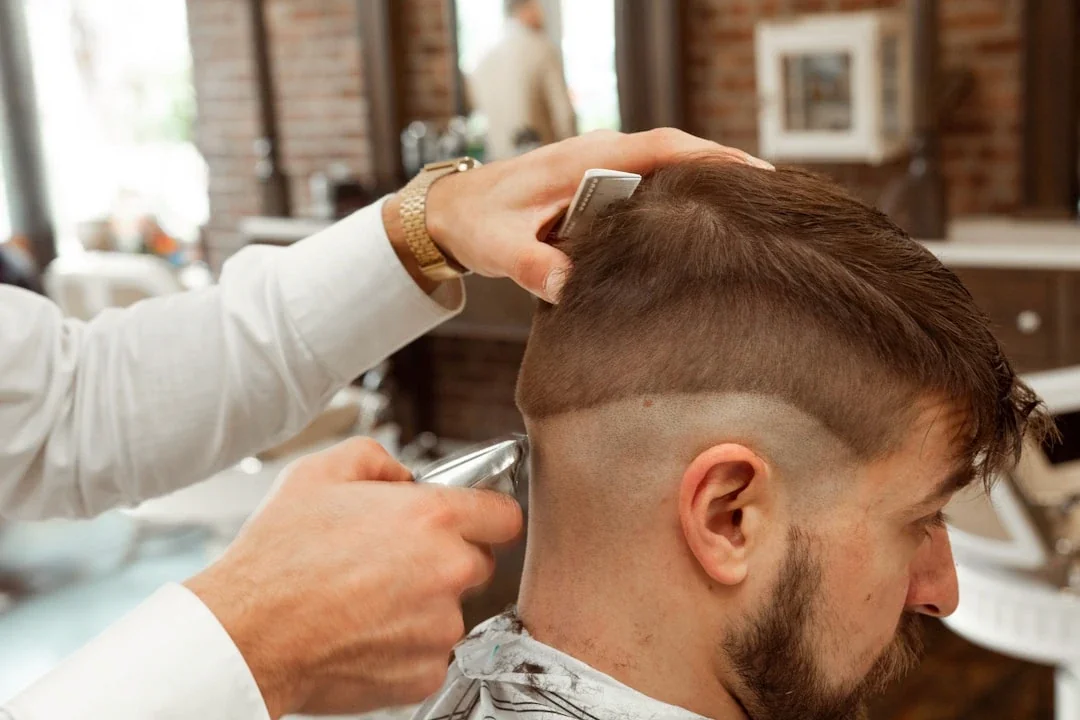
How to Train Barbers to Promote Your Loyalty Programme at the Chair
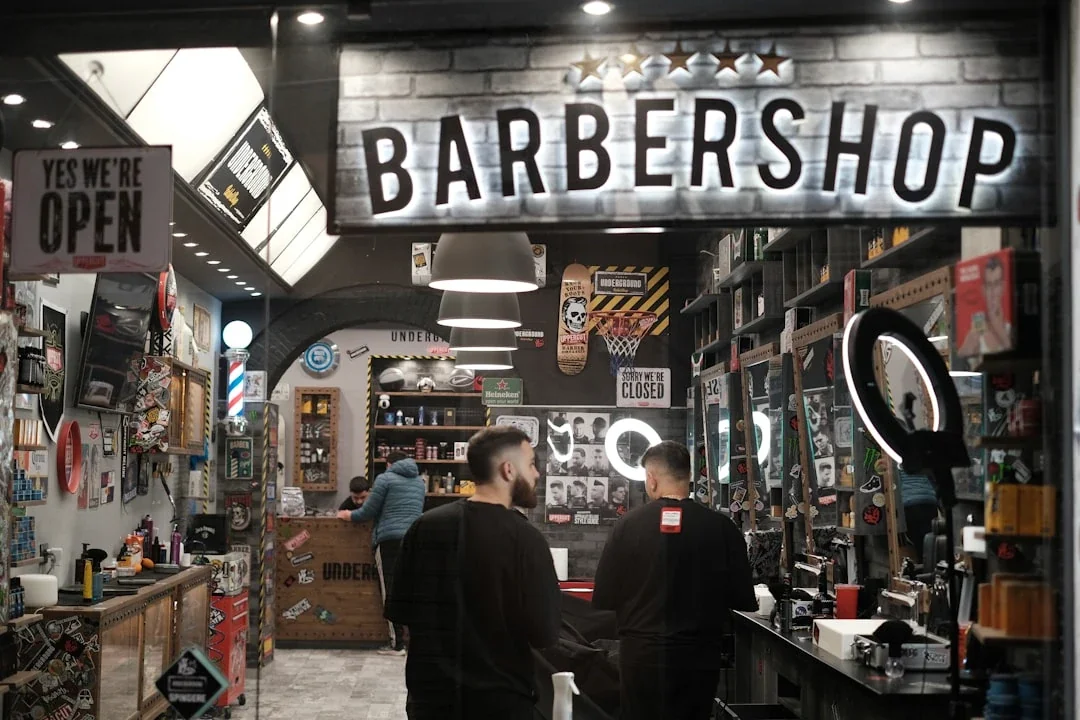
How Barbershops Compete with Franchise Chains Using Loyalty
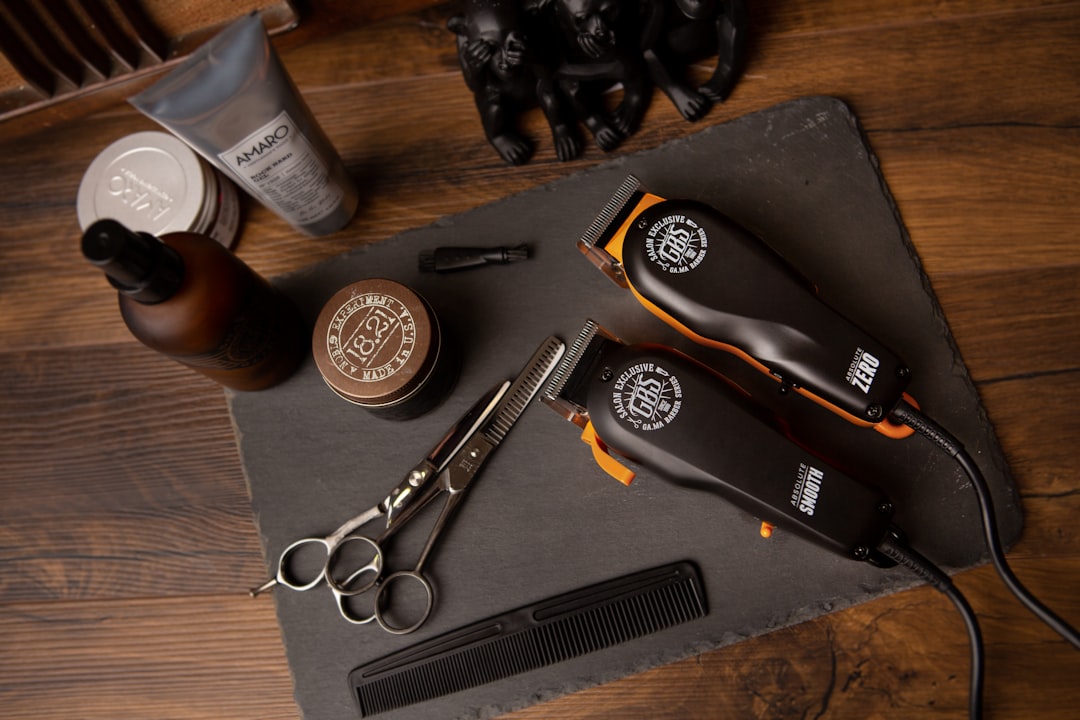
Best Loyalty Programme for Barbershops in 2026

Barbershop VIP Membership Cards: Building a Premium Tier

Swimming Lesson Loyalty: Building Long-Term Enrolment

How Family Entertainment Centres Use Loyalty to Drive Repeat Visits

Mini Golf Loyalty Programmes: Family Fun Visit Rewards

Soft Play Centre Loyalty Programmes: Family Visit Rewards

Children's Gym and Gymnastics Loyalty Cards

Tutoring Centre Loyalty Programmes: Building Student Retention

Children's Dance Class Loyalty: Rewarding Continued Participation

Kids' Party Venue Loyalty: Rewarding Repeat Bookings
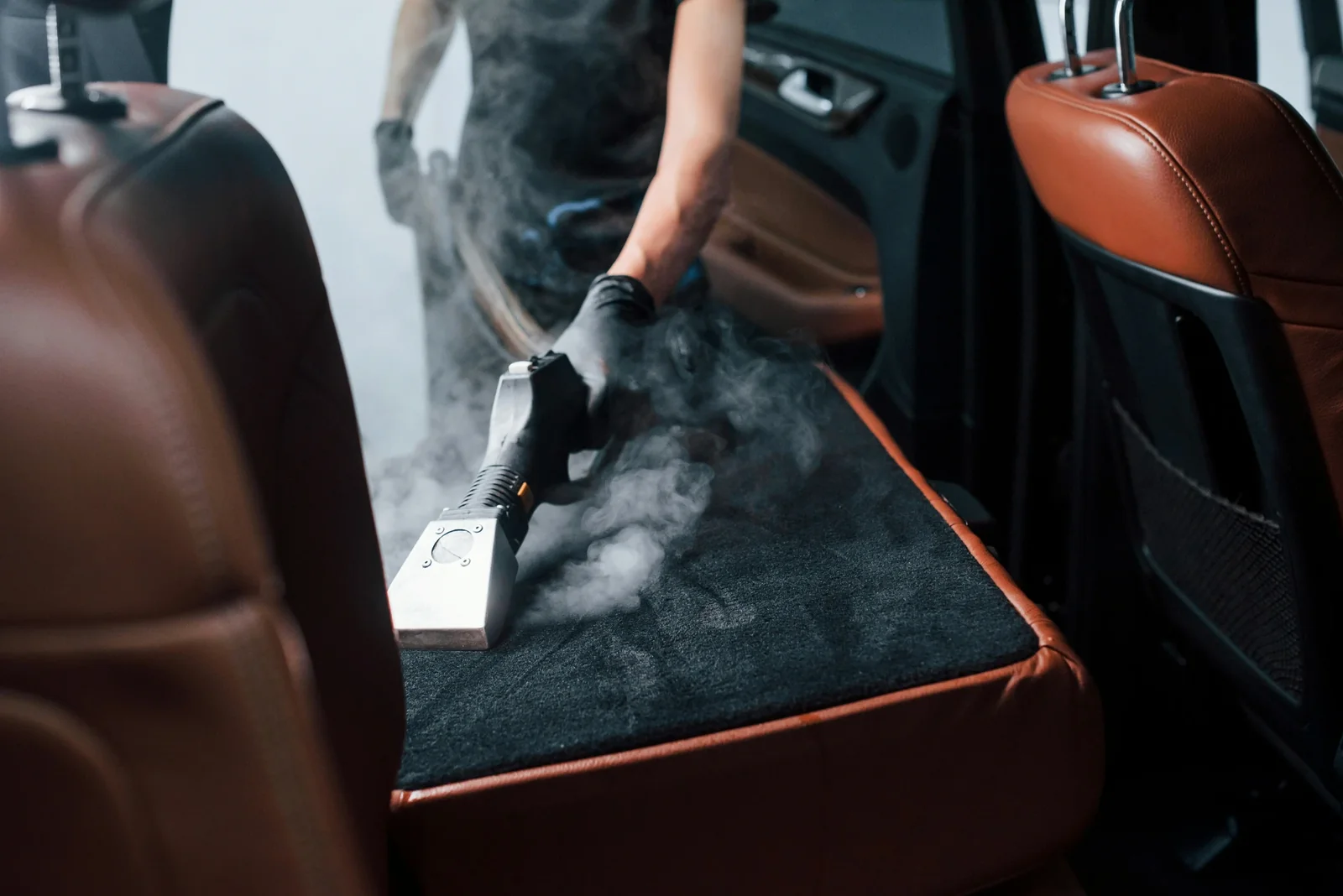
How Digital Loyalty Cards Increase Car Wash Visit Frequency

Hand Car Wash Loyalty Cards: The High-Frequency Repeat Business
Auto Detailing Loyalty: Membership and Package-Based Rewards
How to Set Up a Multipass Card for Unlimited Car Washes
Multi-Location Car Wash Loyalty: One Card, Every Location
Tyre Shop Loyalty Programmes: Building Regular Service Customers
Car Valeting Loyalty: Mobile Service Customer Retention
How Car Washes Use Push Notifications for Rainy Day Promotions
MOT and Service Centre Loyalty: Keeping Customers Coming Back Year After Year

Puppy Training Class Loyalty: Building Long-Term Client Relationships

Dog Walking and Pet Sitting Loyalty: Rewarding Regular Bookings
How Pet Stores Use Stamp Cards for Repeat Purchases
Vet Clinic Loyalty: Wellness Plans and Preventive Care Programmes
Cat Café Loyalty Programmes: Visit-Based Rewards

Dog Grooming Loyalty Cards: Building Regular Grooming Appointments
Pet Food Subscription vs Loyalty: What Works Better for Pet Shops
Pet Shop Loyalty Programmes: Rewarding Regular Pet Food Purchases

Massage Therapist Loyalty Programmes: Building a Regular Client Base
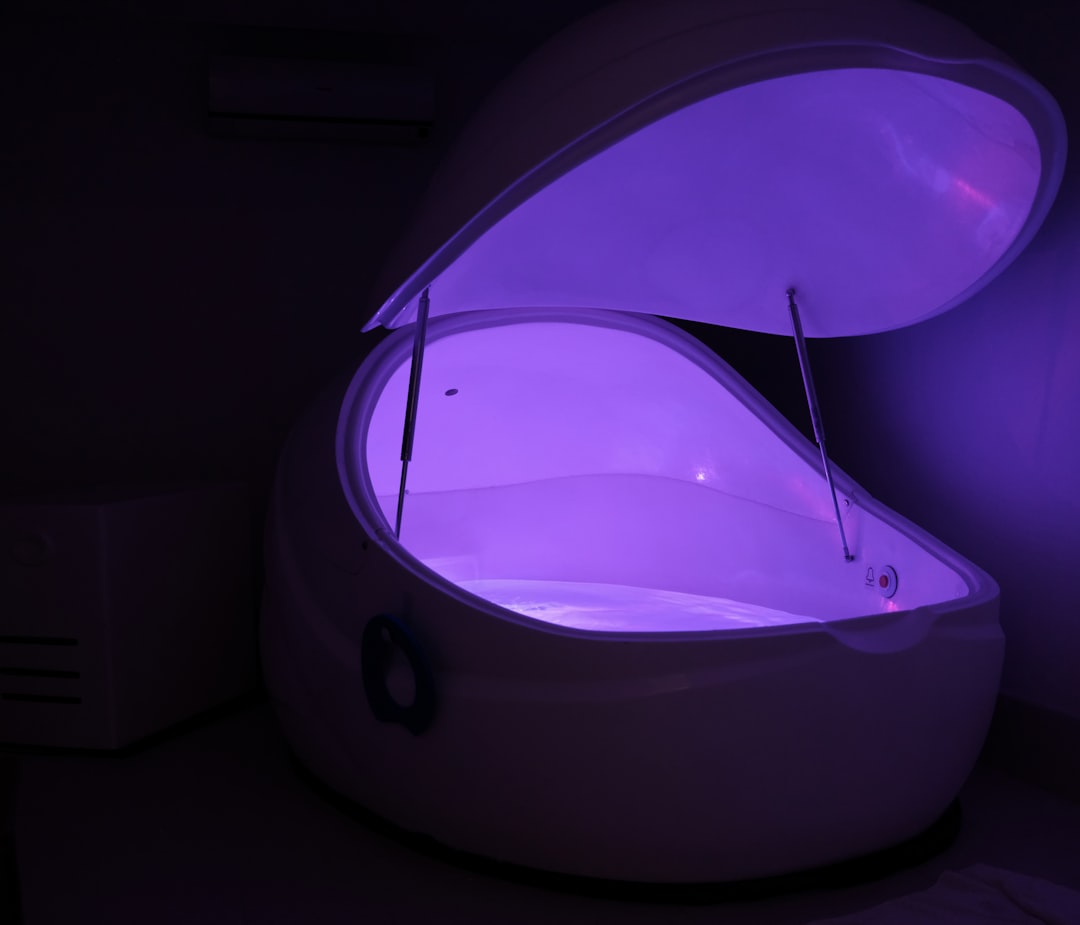
Float Tank and Sensory Deprivation Loyalty: Niche Wellness Retention

Acupuncture Clinic Loyalty: Rewarding Consistent Treatment

Yoga Studio Loyalty: Multipass Cards and Class Packages

Meditation Studio Membership Cards: Building a Mindful Community

Wellness Centre Loyalty: Combining Multiple Services Under One Programme
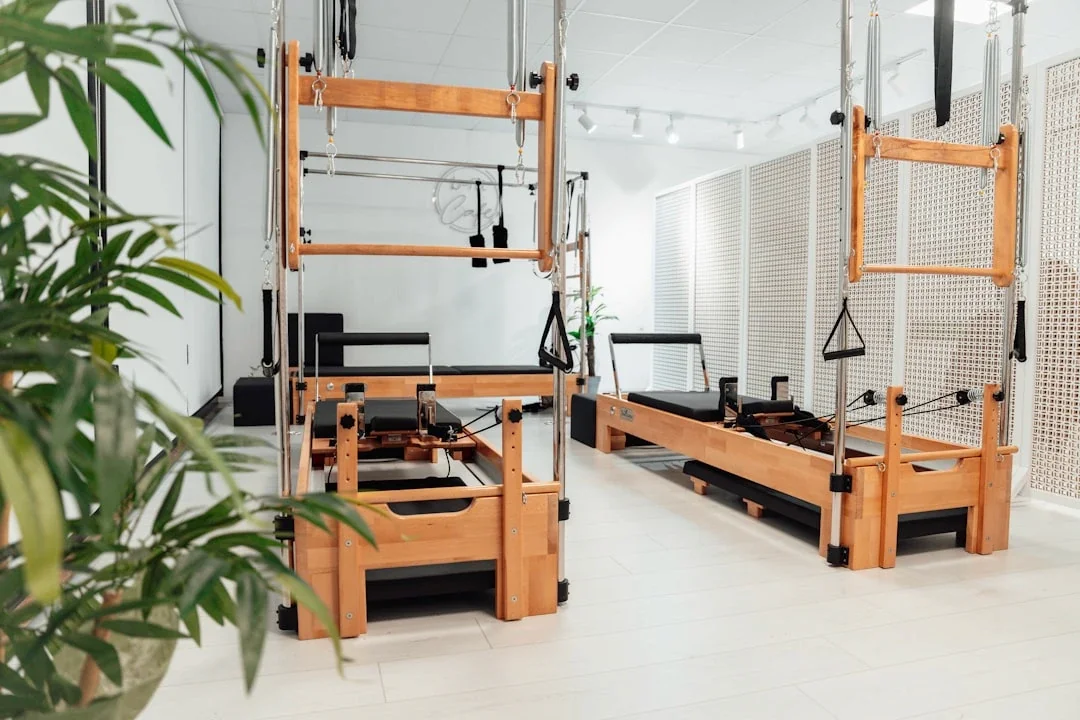
Pilates Studio Loyalty Programmes: Building Membership Retention

Chiropractic Loyalty Programmes: Membership and Package Models

Holistic Therapy Loyalty: Rewarding Clients Across Multiple Treatment Types
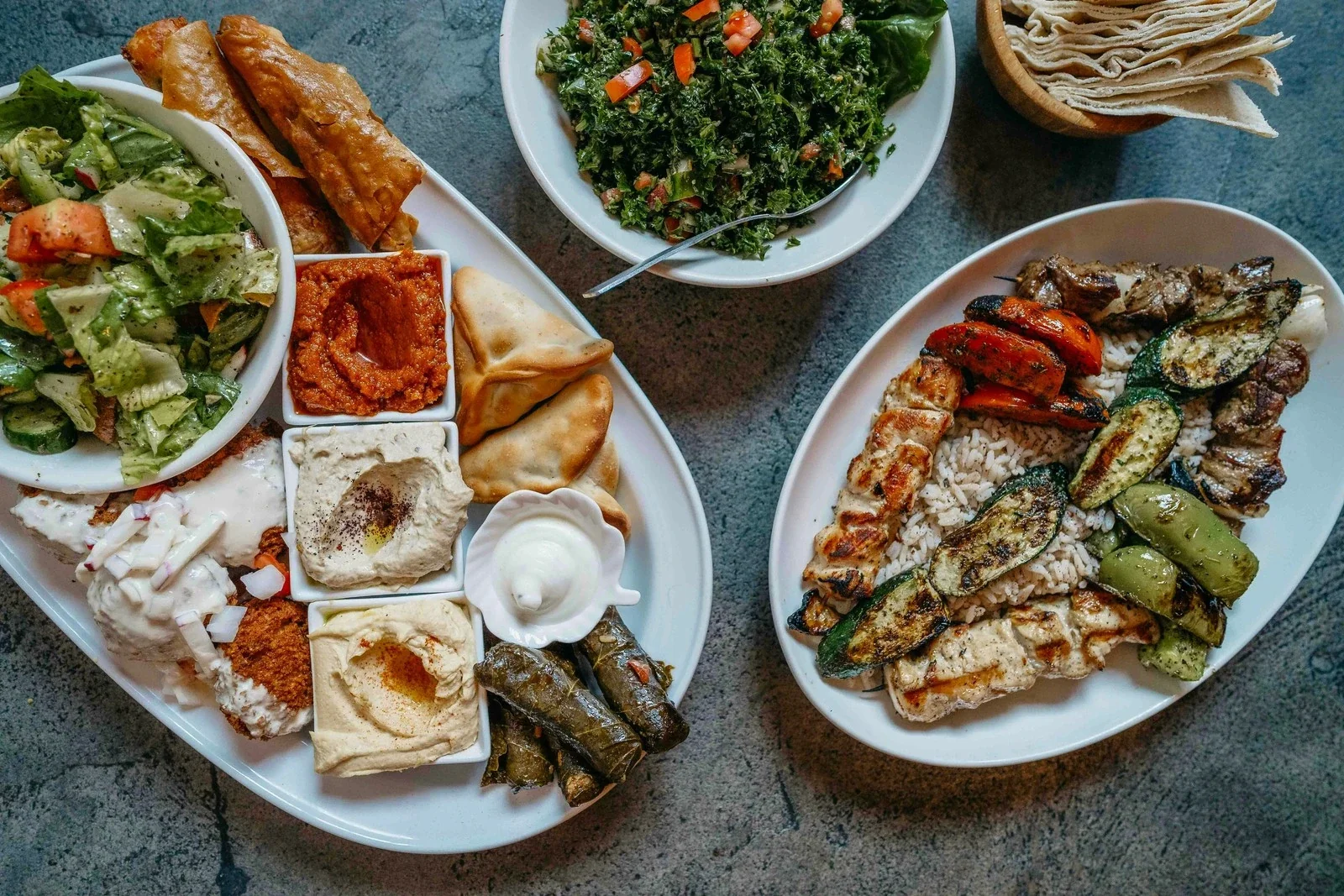
Vegan Restaurant Loyalty Programmes: Building a Plant-Based Community

Beauty Salon Gift Cards: The Perfect Revenue Generator
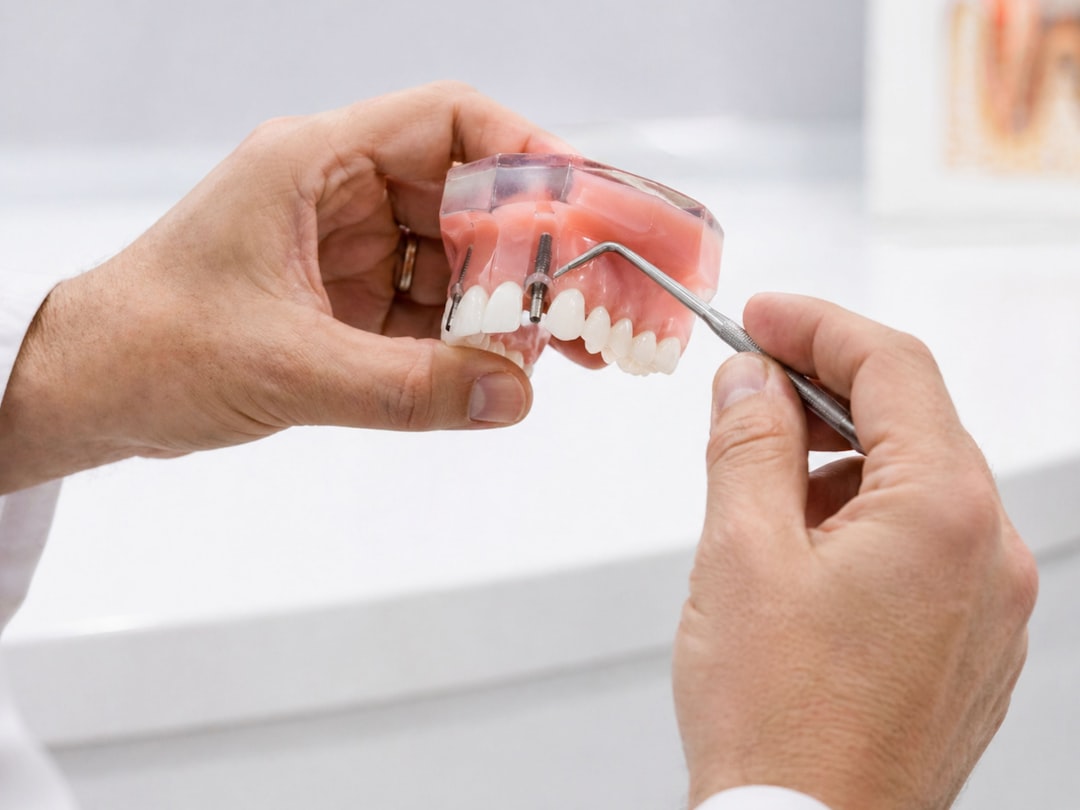
Cosmetic Treatment Loyalty: Building Patient Retention in Aesthetics
Nail Salon Loyalty Cards: Stamp Cards for Manicures and Pedicures

Tanning Salon Loyalty: Multipass Cards and Membership Models
Lash and Brow Bar Loyalty Programmes: High-Frequency, High-Loyalty

Spa Loyalty Programmes: VIP Memberships and Wellness Rewards
How Beauty Salons Use Points-Based Loyalty to Increase Spend

Day Spa Loyalty: Building Repeat Visits for Massage, Facials, and Treatments
Facial and Skincare Clinic Loyalty: Building Long-Term Client Relationships
How Beauty Salons Use Membership Cards for Treatment Packages
Waxing Salon Loyalty Cards: Rewarding Regular Appointments
How Aesthetic Clinics Use Loyalty for Botox, Fillers, and Treatments

Organic Grocery Store Loyalty: Points Systems for Regular Shoppers

Health Food Shop Loyalty: Points Systems for Organic and Natural Products
How Juice Bars Use Push Notifications for New Menu Launches
Smoothie Bar Loyalty Cards: How to Drive Daily Visits

How Health Food Stores Use Membership Cards for Premium Pricing Tiers

Juice Bar Loyalty Programmes: Stamp Cards for Health-Conscious Customers
Açaí Bowl Shop Loyalty: Rewarding the Wellness Crowd

Protein Shake Bar Loyalty: Gym-Adjacent Businesses and Fitness Customers
Kombucha Bar and Wellness Drink Loyalty: The Emerging Niche

Beer Garden Loyalty: Seasonal Strategies for Summer Revenue

Night Club Loyalty and VIP Membership: Building a Loyal Nightlife Audience

Sports Bar Loyalty: Tying Rewards to Match Days and Events

Brewery Tap Room Loyalty: Stamp Cards for Craft Beer Fans
Pub Loyalty Programmes: Digital Cards for Your Regular Drinkers

Wine Bar Loyalty Programmes: Rewarding Connoisseurs and Casual Drinkers
How Pubs Use Push Notifications to Drive Midweek Traffic
How Pub Chains vs Independent Pubs Approach Loyalty Differently

Cocktail Bar Loyalty: VIP Membership and Points-Based Rewards
Chocolate Shop Loyalty Programmes: Gift Cards and Reward Cards Combined
How Patisseries Use Membership Cards for Premium Customers
How Bakery Loyalty Cards Drive Morning Traffic and Increase Basket Size
Donut Shop Loyalty Cards: How to Keep Customers Coming Back Daily
Cake Shop Loyalty: Building Repeat Orders for Birthdays and Events
Dessert Bar Loyalty Programmes: Rewarding Sweet-Tooth Regulars
Ice Cream Shop Loyalty Cards: Seasonal Strategies and Year-Round Retention
Frozen Yogurt Shop Loyalty: Points, Stamps, and Seasonal Rewards

How Food Trucks Use Digital Loyalty Cards to Build a Following
Sandwich Shop Loyalty Programmes: Stamp Cards That Drive Daily Visits

Loyalty for Delivery-Only Kitchens: Ghost Kitchen Customer Retention

Burger Restaurant Loyalty Programmes: What Works Best
Fried Chicken Shop Loyalty: Building Regulars in a Competitive Market
How to Keep Takeaway Customers Loyal When They Can Order from Anyone

Loyalty Programmes for Takeaway Shops: Fish and Chips, Kebabs, and More
Pizza Shop Loyalty Programmes: Stamp Cards, Points, and Offers
Indian Restaurant and Takeaway Loyalty: Rewarding Your Best Customers

Digital Stamp Cards for Takeaway: Rewarding Repeat Orders

Chinese Takeaway Loyalty Programmes: Building Regular Customer Habits
Chippy Loyalty Cards: How Fish and Chip Shops Keep Customers Coming Back
How Fast Food Loyalty Cards Compete with the Big Chains

Multi-Location Restaurant Loyalty: Consistency Across All Branches
How to Set Reward Thresholds for Restaurant Loyalty Programmes

Restaurant Loyalty for Takeaway and Delivery Orders

How to Train Restaurant Staff to Promote Your Loyalty Programme
How Family Restaurants Use Loyalty to Build Multi-Generational Customers

Seasonal Restaurant Promotions and Loyalty
Restaurant Customer Retention: Why Repeat Diners Are Worth 5x More
Restaurant Loyalty vs Discount Apps

How Restaurant Loyalty Programmes Work with Apple Wallet and Google Wallet
How Restaurants Use Loyalty Data to Understand Customer Preferences
How to Design a Restaurant Loyalty Card That Customers Actually Use

Best Loyalty Programme for Restaurants in 2026
Restaurant Loyalty Cards: Points, Stamps, or Membership?

How Casual Dining Restaurants Use Loyalty to Drive Repeat Visits
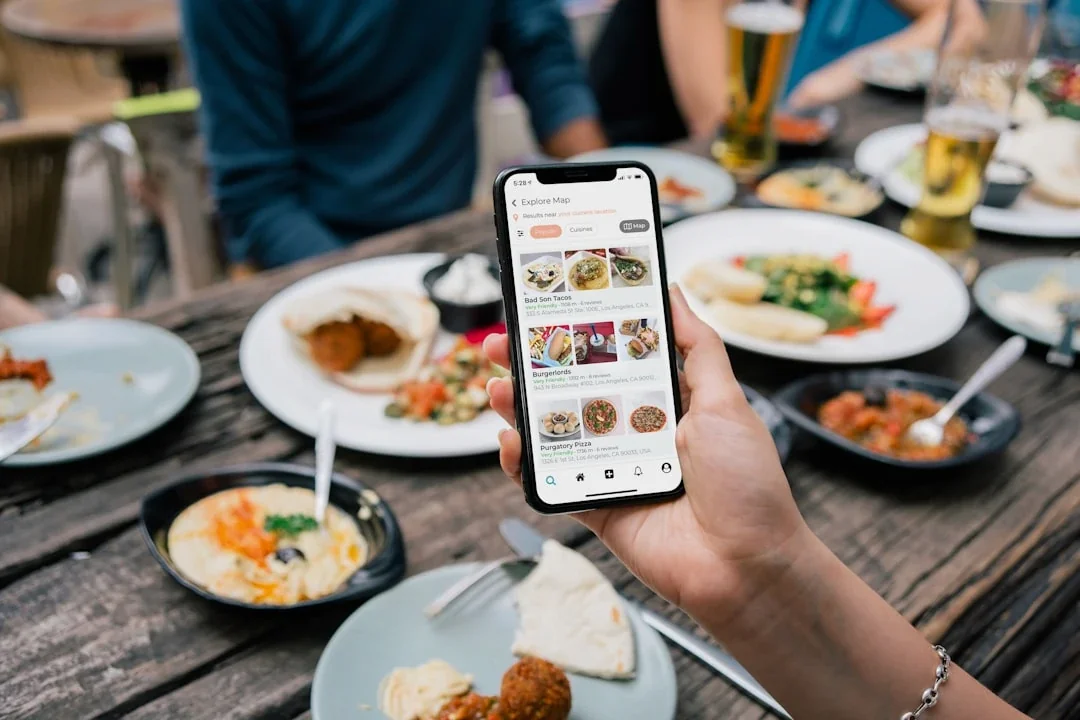
How Restaurants Use Push Notifications to Fill Empty Tables

Fast Casual Restaurant Loyalty: Quick Service, Quick Rewards
How to Set Up a Digital Loyalty Programme for Your Restaurant
Restaurant Gift Cards and Loyalty: Two Revenue Drivers That Work Together
Why Restaurant Loyalty Programmes Increase Average Spend

5 Customer Reward Program Examples

How to Manage Your Loyalty Program Like a £1M Business (Even If You're Not)

Event Loyalty: Turn Attendees Into Regulars
Why Your Appointment-Based Business Needs a Digital Rewards Platform in 2026

How Gamification Turns Your Loyalty Program Into Your Best Employee
Event Venue Digital Loyalty (2026 Guide)
Why Smart Sandwich Shops Are Ditching Apps for Apple Wallet Loyalty Cards

Why Your Loyalty Cards Ignore £50,000 Worth of Customers Walking Past Your Door

Why Smart Business Owners Choose Digital Loyalty Cards Over Paper Punch Cards

Why Most Event Venues Fail at Building Repeat Audiences (And How to Fix It)

Digital Loyalty Cards That Work: 7 Proven Ideas for Small Businesses

Why Customers Trust Mobile Wallets
Multi-Channel Loyalty: The £30,000 Gap

SMS Marketing That Actually Builds Loyalty (Not Just Opens)
How to Create Digital Loyalty Cards for Your Nail Salon That Actually Work
Samsung Pay vs Google Pay: What Small Business Owners Need to Know in 2026

How Customer Incentive Programs Turn One-Time Buyers Into Regular Revenue
Multi-Location Service Business Loyalty

Coffee Shop Loyalty Mistakes: What to Avoid When Starting Out

How to Get More Customers Signing Up to Your Coffee Shop Loyalty Card

Coffee Shop Customer Lifetime Value: What a Regular Is Really Worth
How Coffee Shop Chains Use Points-Based Loyalty vs Stamp Cards

How to Launch a Loyalty Programme in Your Coffee Shop in Under 30 Minutes

How Coffee Shops Use Push Notifications to Fill Quiet Afternoons

Coffee Shop Loyalty Card Design: Branding Your Digital Stamp Card
Coffee Shop Gift Cards: A Revenue Stream You're Probably Missing
How Mobile Ordering and Loyalty Work Together for Coffee Shops
How Apple Wallet Loyalty Cards Work for Coffee Shops
Seasonal Coffee Promotions with Loyalty: Pumpkin Spice, Iced Coffee, and More

Coffee Shop Loyalty in 2026: Trends and Best Practices
Coffee Shop Loyalty ROI: How a £15/Month Programme Pays for Itself
Multi-Location Coffee Shop Loyalty: One Programme Across All Branches

Google Wallet Loyalty for Cafés: Setup and Best Practices

Membership Cards Explained: When to Use Them and How to Set Them Up

Stamp Cards vs Points Systems: Which Is Better for Your Business?

How to Choose the Right Loyalty Card Type for Your Business

Paper Loyalty Cards vs Digital: Why Every Business Should Switch

How Push Notifications Work for Small Business Loyalty Cards

How Digital Loyalty Cards Work with Google Wallet
Discount Cards for Regular Customers: How to Structure Ongoing Savings
Gift Cards for Small Businesses: A Revenue Stream You Need
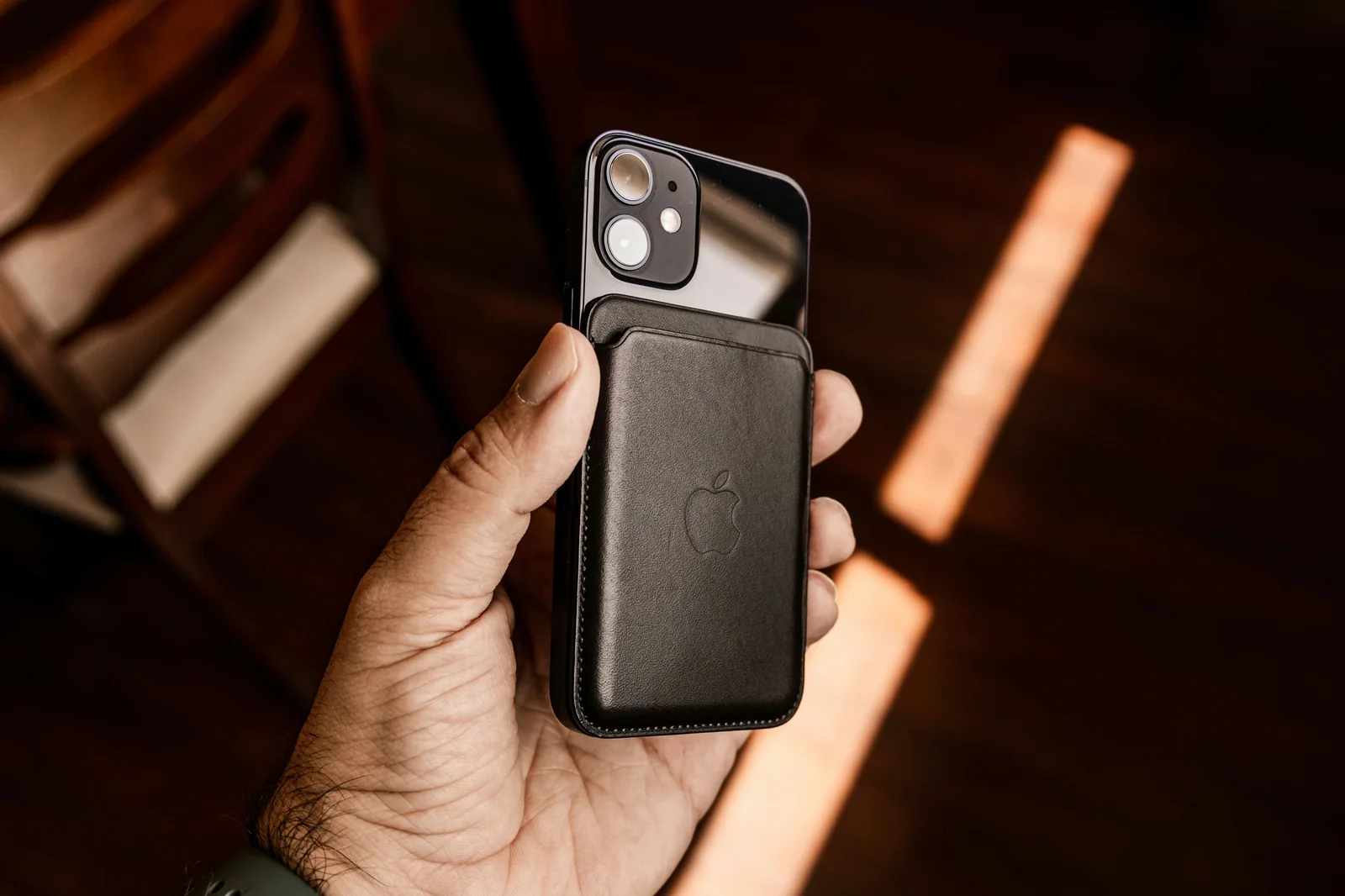
How Digital Loyalty Cards Work with Apple Wallet
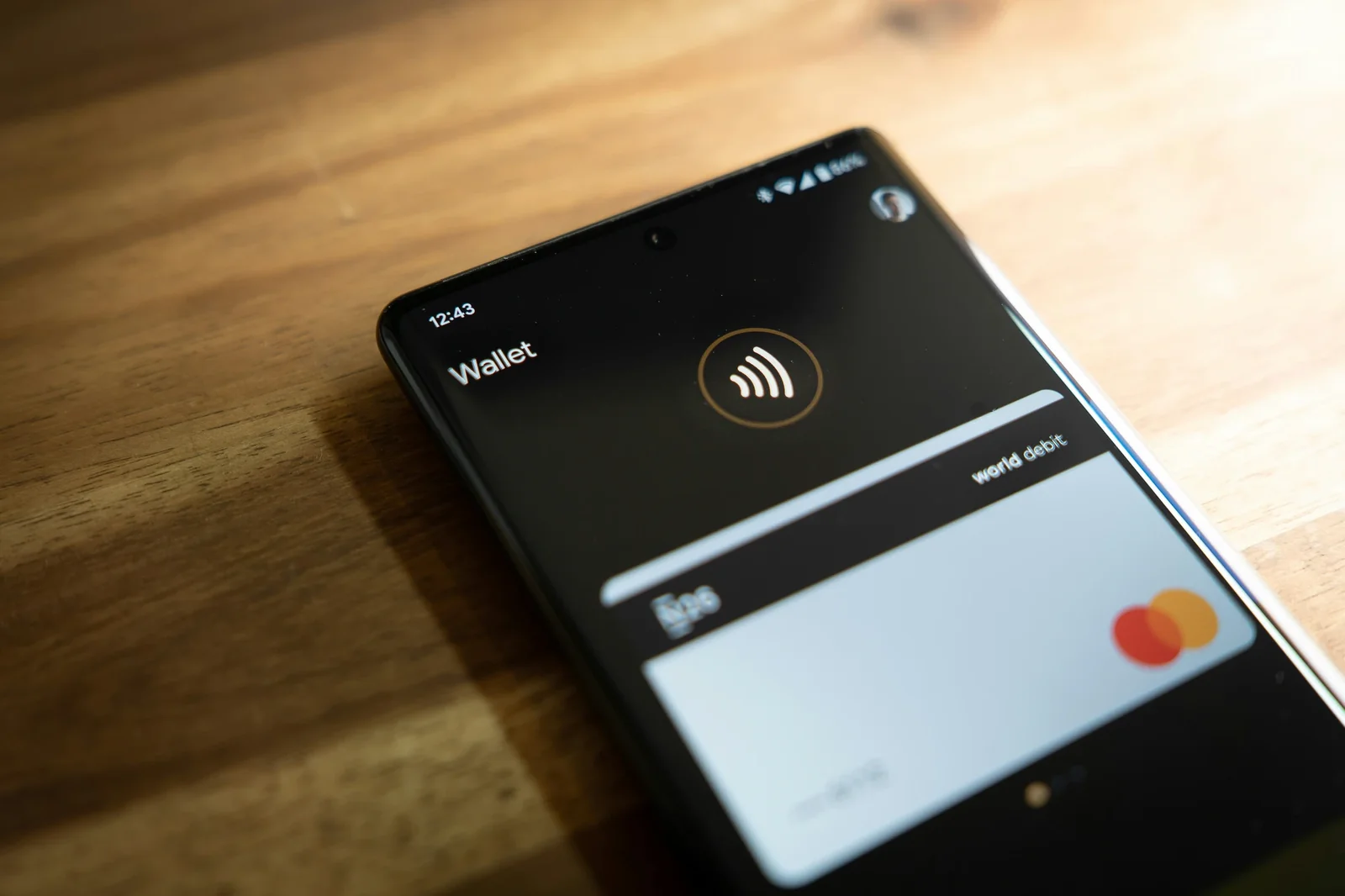
How Digital Loyalty Cards Work with Google Wallet

How to Design a Digital Loyalty Card That Matches Your Brand
Membership Cards Explained: When to Use Them and How to Set Them Up
How to Choose the Right Loyalty Card Type for Your Business

Coupon Cards: Driving First Purchases and Converting New Customers
Multipass Loyalty Cards: Selling Pre-Paid Visits and Packages

Stamp Cards vs Points Systems: Which Is Better for Your Business?

Digital Loyalty Card QR Codes: How In-Store Scanning Works
How Push Notifications Work for Small Business Loyalty Cards

Paper Loyalty Cards vs Digital: Why Every Business Should Switch

Best Loyalty Programme for Small Businesses in Dubai

Best Loyalty Programme for Small Businesses in Dublin

Montreal Small Business Loyalty Programmes
Ottawa Small Business Loyalty Cards

Singapore Small Business Loyalty Programmes

Best Loyalty Programme for Small Businesses in Sydney

Auckland Small Business Loyalty Programmes

Brisbane Small Business Customer Loyalty

Calgary Small Business Customer Loyalty

Perth Small Business Loyalty Cards

Digital Loyalty Cards for Vancouver Small Businesses

Berlin Small Business Loyalty Cards

Loyalty Programme for Small Businesses in Toronto

Hong Kong Small Business Customer Loyalty

Melbourne Small Business Loyalty Programmes

Best loyalty card for gym UK

Best loyalty card for car wash UK

Best loyalty card for gym UK
Best loyalty card for barbershop UK
Best Loyalty Card for Takeaway UK
Best loyalty card for pub UK
Best Loyalty Card for a Coffee Shop (UK)
Best loyalty card for hair salon UK
Best loyalty card for beauty salon UK
Best loyalty card for restaurant UK
Best loyalty card for pet shop UK
Best loyalty card for retail shop UK
Best Alternative to Shopify Loyalty for Retail

Best Alternative to Yollty for Small Businesses

Best Alternative to FiveStars Loyalty
Best Alternative to Loyalzoo for Small Businesses

Perkstar vs Loyalzoo: Feature and Pricing Comparison

Best Alternative to Stamp Me for Small Businesses

Best Alternative to Toast Loyalty for Restaurants

Best Alternative to Clover Loyalty
Best Alternative to Lightspeed Loyalty

Best Alternative to Belly Loyalty
Perkstar vs Square Loyalty: Why Wallet-Based Beats POS-Based
Perkstar vs Stamp Me: Which Is Better for Small Businesses?
Best Alternative to Square Loyalty for Small Businesses

Why Businesses Are Switching from App-Based Loyalty to Apple Wallet Cards
Why Wallet-Based Loyalty Beats App-Based Loyalty: A Full Comparison

Best Loyalty Programme for Hospitality and Tourism Businesses
Best Loyalty Programme for Entertainment and Leisure Venues
Best Loyalty Programme for Food and Drink Businesses

Best Loyalty Programme for Fitness and Sports Businesses

Best Loyalty Programme for Professional Service Firms
Best Loyalty Programme for Home Service Businesses

Best Loyalty Programme for Health and Wellness Businesses
Best Loyalty Programme for Retail Shops

Best Loyalty Programme for Automotive Service Businesses
Best Loyalty Programme for Personal Care Businesses
How Coffee Shop Loyalty Cards Increase Daily Visit Frequency
Digital Stamp Cards for Coffee Shops: The Complete Guide
Paper Punch Cards vs Digital Loyalty for Coffee Shops: Why It's Time to Switch
Push Notifications for Coffee Shops: Driving the Morning Rush

How to Set Up a Digital Loyalty Card for Your Coffee Shop
Best Loyalty Programme for Coffee Shops in 2026
How Independent Coffee Shops Compete with Starbucks Using Loyalty
How Many Stamps Before a Free Coffee? Setting the Perfect Reward Threshold
Coffee Shop Customer Retention: Why Your Regulars Are Your Revenue
Why Coffee Shop Loyalty Cards Work Better Than Any Other Industry
ASA Rulings Against CBD Companies: Lessons from Real Enforcement Cases
Instagram for CBD Brands: How to Post Without Getting Shadowbanned
Google Ads for CBD: Which Products Can You Actually Advertise?
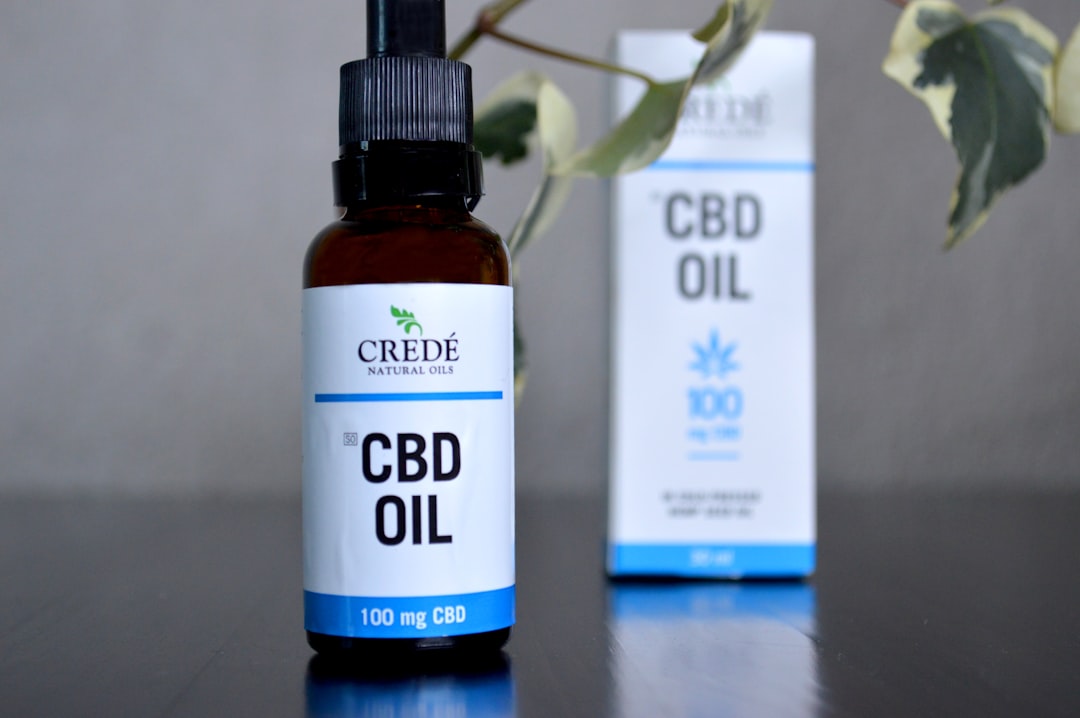
CBD Health Claims You Absolutely Cannot Make (And What You Can Say Instead)
Why Facebook Keeps Shutting Down Your CBD Business Page
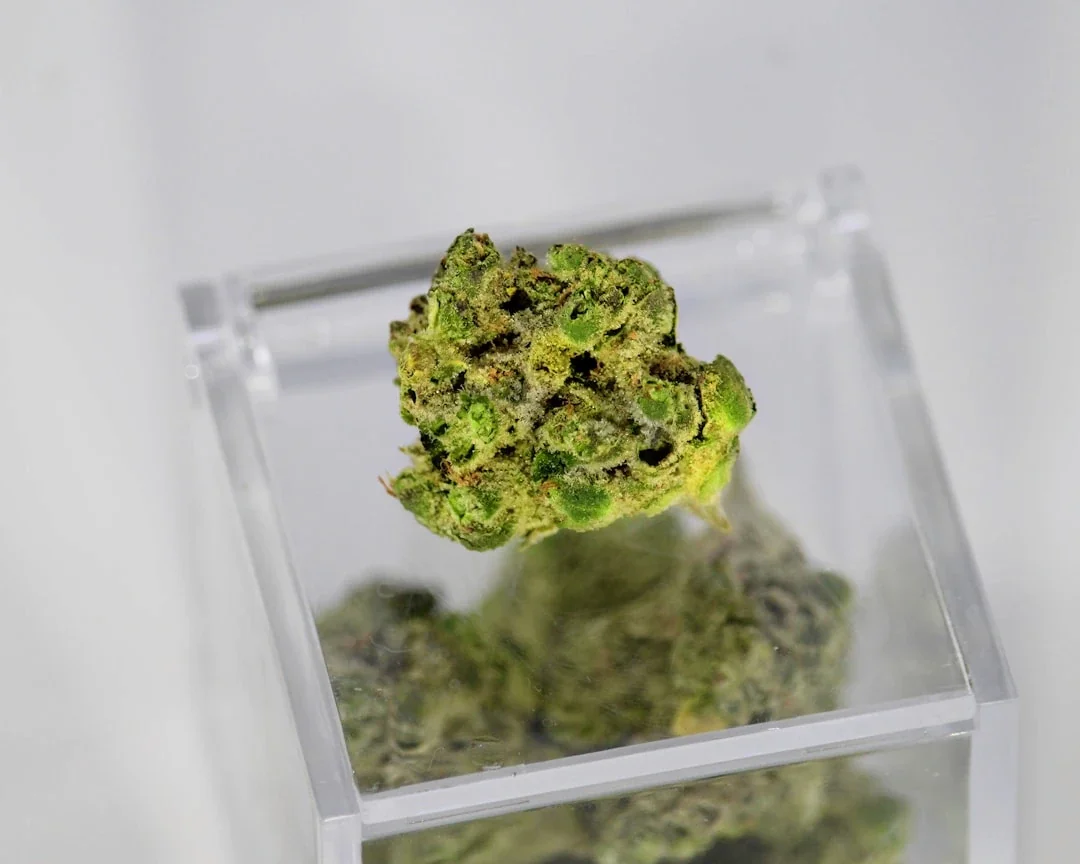
The Difference Between Wellness Claims and Medical Claims for CBD Products

FSA Novel Food Authorisation: What CBD Retailers Need to Know About Marketing
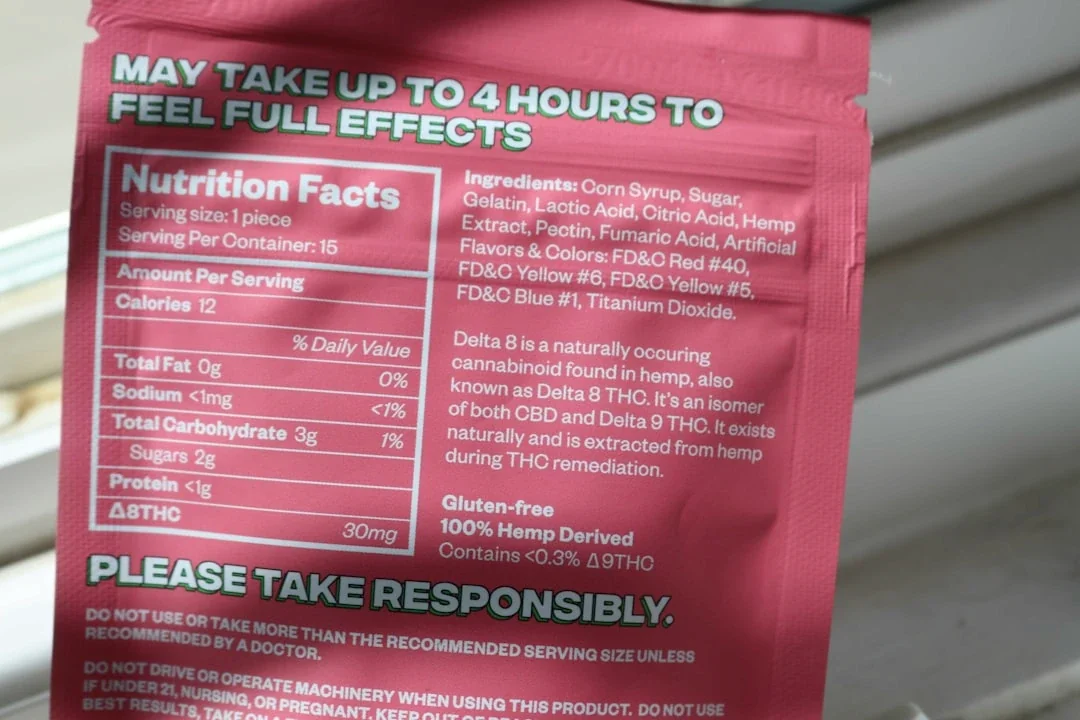
TikTok's Zero-Tolerance CBD Policy: What It Means for Your Brand
CBD Email Marketing: Will Your Emails End Up in Spam?

Vape Shop Marketing Compliance Checklist: Stay Legal Across Every Channel

What Happens When You Violate Vape Advertising Rules: Real Fines and Penalties
How to Market Your Vape Shop on X (Twitter): The Last Social Platform Standing
How the Tobacco and Vapes Bill Will Change UK Vape Shop Marketing Forever
Local SEO for Vape Shops: How to Dominate Google Maps Without Ads
How the ASA Enforces Vape Advertising Rules: What Triggers an Investigation
Vape Shop SEO: The One Marketing Channel Nobody Can Ban
Understanding PMTA and What It Means for Your Vape Shop's Product Marketing
Vape Shop Flyers and Print Marketing: What's Still Legal in 2026
Can Vape Shops Sponsor Local Events? Understanding Sponsorship Rules

Instagram Shadowbanning Vape Content: What's Actually Happening in 2026
FDA Marketing Rules for Vape Shops: A Plain-English Breakdown
Billboard Advertising for Vape Shops: Distance Rules and Restrictions Explained

State-by-State Vape Advertising Laws: What You Can and Can't Do

Can Vape Shops Use Email Marketing? What the Regulations Actually Say
The Complete Guide to ASA Vape Advertising Rules in the UK

TikTok and Vape Marketing: Why Your Content Keeps Getting Removed

Google Ads for Vape Shops: What's Allowed and What Will Get You Banned

Vape Shop Marketing Without Social Media: 7 Channels That Actually Work
Why Meta Banned Your Vape Shop Ads (And What to Do Instead)
Why Wallet-Based Loyalty Is Taking Over
Best Small Business Loyalty Apps (2026)
Best Loyalty Apps for Small Business in 2026 — UK Comparison Guide
Best Loyalty Card App for Android (2026) — UK Small Business Guide
How to Choose the Best Value Loyalty App for Your Small Business (2026 Guide)
Why Your Loyalty Cards Are Failing in a Contactless Payment World

Why Customer Loyalty Matters: The £30,000 Cost

The Best Customer Loyalty Software for Service-Based Businesses in 2026
Apple Wallet Cards: The 35-Character Limit

Apple and Google Wallet for Service Loyalty

How Digital Coupon Management Helps Small Businesses Stop Revenue Leakage
15 Loyalty Program Trends That Will Transform Your Small Business in 2026
Why Your Customers Delete Apps But Keep Digital Wallet Cards Forever
Mobile Wallet Loyalty, Not Another App

Why Your Retail Loyalty Programme Feels Like Extra Work (And How to Fix It)

How Digital Christmas Loyalty Cards Can Save Your Holiday Season

App-Free Digital Loyalty for Services

Mobile Wallet Loyalty for Service Businesses
How Tiered Loyalty Programs Transform One-Time Customers Into Brand Champions
How Digital Wallets Revolutionise Small Business Loyalty in 2026
You're Losing £10,000 a Year to Generic Customer Experiences

O2O Commerce in 2026: Your Complete Small Business Guide
Customer Acquisition Channels for Service Businesses: What Works in 2026
Retail Loyalty Programs: A 2026 Guide
Facebook Ads to Fill Your Appointment Book

Your CRM Has All the Data. Your Loyalty Program Has None. Here's the Fix.
Why Smart Agencies Are Adding Digital Loyalty to Their Service Stack in 2026
How Can Small Pet Shops Create Customer Loyalty That Rivals Pets at Home?
How to Create a Loyalty Programme (2026)
Why Loyal Customers Leave Without a Word
Push Notifications That Drive Bookings
Smart Home Loyalty: Turn Buyers Into Regulars

UK Business: Physical to Digital Loyalty
Your Local Mechanic Has a Digital Loyalty Programme. Why Don't You?
Membership Cards Partners Can Scan
Barcode Scanners and Digital Loyalty in 2026
Contactless Payments: Cut Checkout Queues
Petrol Station Loyalty Programmes (2026)

Apple Wallet vs Google Wallet for Loyalty
How Gamification Transforms Your Loyalty Program Into a Customer Magnet
How to Create a Digital Loyalty Programme for Your Nail Salon in 2026

Why Traditional Loyalty Cards Fail Service Businesses (And What Actually Works)

Digital Loyalty Card Ideas That Actually Work for Small Businesses
SMS Marketing for Loyalty Programs
How Beacons Transform Small Business Loyalty Programs in 2026
Service Business Loyalty Without Discounts
Digital Loyalty Cards for Service Businesses: The Appointment-Based Guide

Digital Loyalty Cards Win Repeat Business

Digital Wallet Security for Loyalty Cards

How to Create Digital Loyalty Passes for Apple Wallet and Google Wallet

5 Customer Loyalty Program Examples That Actually Work in 2026

How Event Venues Can Build Loyalty That Fills Seats Every Time
SMS vs Email: Which Channel Drives More Loyalty Program Engagement?

Retail Loyalty Cards in the Mobile Wallet
Beyond Beacons: How Digital Loyalty Cards Work Without Apps or Hardware
Google Wallet Loyalty for Solo Businesses
How Mobile Wallets Transform Customer Loyalty for UK Small Businesses

MOT Season Loyalty for Service Centres
Your Competitor's Already Using Digital Wallets. Here's What That Means for You

The Hidden Cost of No Loyalty Program: How to Build One That Works
How Digital Loyalty Cards Transform Appointment-Based Service Businesses
Digital Loyalty Cards for Appointment Books
Your Customers Want Digital Wallets, Not More Plastic Cards

Apple Wallet Loyalty: The Revenue Case

Sports Loyalty Programs: Why Your Club Can't Wait Another Season

Switching From Paper Punch Cards to Digital
Digital Museum Membership Cards: Building Deeper Community Connections
The £50,000 Cost of Losing Loyal Customers

Event Business Loyalty and Repeat Bookings

Why Your Loyalty Cards Need to Live in Your Customers' Digital Wallets
How to Market Your Appointment-Based Business Locally in 2026

The Customer Lifecycle Secret Your Competitors Don't Want You to Know

5 Better Vibes Alternatives for Small Business Loyalty in 2026
Why Your Local Business Needs Proximity-Based Loyalty in 2026

How to Track Your Loyalty Program Success: A Beginner's Guide to KPIs
Chatbots for Small Business Loyalty

How Charity Loyalty Programs Transform One-Time Donors Into Lifelong Supporters
How Much Should a Restaurant Loyalty Program Cost in 2026?
Mobile Wallet Marketing: Build Customer Loyalty That Actually Works
How Event Planners Can Build Loyalty Programs That Keep Clients Coming Back
Why Digital Gift Cards Fail at Service Businesses (And How to Fix It)
Service Business Membership Programs

Permission-Based Marketing for Small Business
How Event Loyalty Programs Turn One-Time Attendees Into Your Biggest Fans
Digital Coupon Software for Service Business
Should You Switch From Physical to Digital Loyalty Cards in 2026?

Apple Wallet Loyalty for Small Business

How Loyalty Program Data Transforms Small Business Decision-Making

7 Digital Loyalty Trends Creative Agencies Can't Afford to Ignore in 2026
Smartwatch Loyalty Cards for UK Business

The Small Gym Owner's Guide to Digital Membership Cards
How to Create Digital Membership Cards That Actually Drive Recurring Revenue
How to Track Digital Coupons and Turn First-Time Buyers Into Regulars

Transform Your Café's Till Receipts Into a Customer Loyalty Goldmine

In-Store Advertising for Retail
Digital Loyalty Cards for Service Business

Digital Coupons for Quick Service Dining

UK Digital Loyalty Cards for Retail
How Digital Coupons Transform Sandwich Shop Loyalty Beyond Paper Waste

Digital Gift Cards for Small Business
Customer Loyalty Software for Small Business: Your 2026 Guide
Mobile Wallet Loyalty for Small Business
Location-Based Marketing for Services
Beauty Business Loyalty Programs: Build Community, Not Just Points
Customer Loyalty Program Ideas That Actually Drive Revenue for Small Businesses
Digital Gift Cards to Win Loyal Customers
Digital Loyalty Cards vs Punch Cards
Digital Restaurant Gift Cards: The Complete Guide for Time-Pressed Owners
Digital Wallet Loyalty for Service Business
QR Code Loyalty Programs: The Small Business Guide to Digital Customer Rewards
Event Loyalty Programs for Repeat Bookings
How Gift Cards Transform Customer Retention for Appointment-Based Businesses
Why Your Competitor's Digital Loyalty Cards Are Stealing Your Best Customers
Why Your Members Stopped Showing Up (And How Digital Membership Cards Fix It)
The Silent Cost of No Loyalty Program
Gift Cards That Build Loyalty: A Small Business Guide to Digital Gift Programs
The Uncomfortable Truth About Your Competitor's Digital Loyalty Cards
Loyalty Cards for Business (2026 Guide)
The True Cost of Loyalty Programs in 2026
Gift Cards for Small Business: The Complete Digital Guide
Point of Purchase Marketing for Appointments
Your Mobile Coupon Strategy for the Post-Holiday Slump
Digital Coupon Software for Small Business
Why Salon Paper Loyalty Cards Lose Clients
The Hidden Cost of Not Having Digital Loyalty in 2026

Digital Loyalty Cards for Small Business
Digital Membership Cards: The Small Business Guide to Modern Member Management
5 Digital Loyalty Programs That Actually Work for Time-Poor Business Owners
How to Create a Coffee Shop Loyalty Program That Actually Works

Why Your Best Restaurant Customers Stop Booking (And How to Win Them Back)
Digital vs Paper Loyalty Cards: The Hidden Costs Killing Small Business Profits
How Digital Stamp Cards Transform Your Café's Customer Experience
How Scratch Cards Transform Customer Loyalty for Small Businesses
Why Birthday Rewards Are Your Restaurant's Secret Weapon in 2026
9 Loyalty Program Mistakes Service Businesses Make (And How to Avoid Them)

Your Digital Loyalty Card Is Invisible. Here's How to Fix That
How to Fill Your Coffee Shop's Empty Hours with Digital Loyalty
Why Most Salon Loyalty Programs Fail (And How to Build One That Works)
Digital Loyalty Cards Aren't Complicated — You're Just Overthinking Them

How Appointment-Based Businesses Are Using Digital Loyalty to Fill Their Books
QR Code Loyalty Cards: A Simple Solution
Scratch Cards for Appointment Businesses

The Hidden Cost of Not Collecting Customer Emails at Your Coffee Shop
Restaurant Membership Cards and Revenue

6 Membership Program Ideas That Actually Work for Service-Based Businesses
Coffee Shop Loyalty Cards: Why Digital Beats Paper in 2026
The Psychology of Service Business Loyalty

Padel Club Loyalty Programs: The Community-First Approach That Actually Works
How Many Stamps Should Your Cafe's Loyalty Card Have? A Data-Driven Guide
Why Digital Loyalty Cards Transform Appointment-Based Service Businesses

Mother's Day Gift Cards for Beauty Salons

How Coffee Shops Keep Customers Coming Back: Real Strategies That Work
Social Media Strategies to Fill Your Appointment Book with Loyal Customers

Beauty Salon Client Retention and Loyalty
The Hidden Power of Café Loyalty: Building Customer Momentum That Compounds
How Can My Local Café Compete With Costa and Starbucks Without Their Budget?
Why Your Favourite Customer Stopped Coming to Your Café
Digital Loyalty for Appointment Businesses
How to Build a Digital Loyalty Program for Your Bakery: A Complete Guide

How to Build a Loyalty Program That Fills Your Salon's Appointment Book

How Independent Cafes Build Customer Loyalty That Actually Works
How to Build Customer Loyalty That Actually Lasts
Car Wash Loyalty: Turn One-Time Drivers Into Monthly Members

Why Customer Loyalty Matters More Than Ever for Independent Coffee Shops
Why UK Cafés Still Use Paper Loyalty Cards

Building Cinema Loyalty: Turn One-Time Moviegoers Into Regular Visitors

How Much Is Each Customer Really Worth to Your Business?
Client Loyalty for Sports Therapy Clinics

Digital vs Paper Cards for Service Business
How to Switch Loyalty Providers Without Losing a Single Customer

Paper vs Digital Loyalty: The £7,000 Cost

Your Competitor's Digital Stamp Card Is Already Winning Customers
Why Your Appointment Book Isn't Full (And How Smart Service Businesses Fix It)
The Complete Guide to Digital Stamp Cards for Small Businesses
The Hidden ROI of Digital Loyalty: What You Gain Beyond the Discount
Café Loyalty Psychology: Building Regulars
Why Your Café is Losing £40,000 a Year Without Digital Loyalty

Why Digital Loyalty Programs Are Now Your Business Operating System
The Coffee Shop Guide to Digital Loyalty
Stamps vs Points: The Loyalty Mistake Most Service Businesses Make
Hotel Loyalty Cards: Turn One-Time Guests Into Revenue-Driving Regulars

Local Businesses Beat Big Chains at Loyalty
Your Salon Clients Are Ready for Simple Loyalty (Here's How to Start)

Your Coupons Are Killing Customer Loyalty (Here's the Fix)
Why Your Coffee Shop Needs a Digital Loyalty Program in 2026
How Do I Get People to Join My Loyalty Programme Without Giving Away Discounts?

The Hidden £5,000 You're Leaving on the Table Without Push Notifications

Turn Loyalty Rewards Into 5-Star Reviews: The Smart Business Owner's Guide
Why Your Loyalty Program Feels Like a Spreadsheet (And How to Fix It)

Why Digital Stamp Cards Transform Local Salons Into Community Hubs

Push Notifications for Restaurants

Why Customers Stop Returning: A Loyalty Fix
7 Marketing Trends Service-Based Businesses Can't Ignore in 2026
Coffee Shop Loyalty Programs: Your Complete Guide for 2026

Coffee Shop Loyalty: The £3,000 You're Losing

The Complete Guide to Digital Loyalty Cards for Small Businesses in 2026

How to Build a Pet Business Loyalty Program That Actually Works in 2026

Contactless Loyalty Cards for UK Business
How Much Should You Spend on an Ice Cream Shop Loyalty Program?

How to Build a Food Truck Loyalty Program That Actually Works

How Do Prepaid Coffee Cards Drive Revenue for Independent Cafes?
Beauty Salon Loyalty: The £40,000 Leak

Customer Appreciation Ideas That Actually Work for Independent Coffee Shops
Why Your Coffee Shop's Loyalty Program Needs a Digital Upgrade in 2026

Digital Wallet Availability for Services
Why Your Coffee Shop's Paper Loyalty Cards Are Costing You £12,000 a Year
Push Notifications That Actually Fill Your Coffee Shop (Not Just Your Phone)

Digital Loyalty Cards: How Restaurants Build Community in 2026

How do I create a loyalty program for my restaurant?
7 Ways to Attract New Customers to Your Laundromat in 2026

How to Fill Your Restaurant When Everyone's Watching Their Spending
10 Proven Marketing Strategies for Small Businesses in 2026
How Beauty Salons Build Client Loyalty in 2026
How Digital Loyalty Transforms Your Restaurant's Bottom Line

Digital Loyalty for Bookstores (2026)

How Can a Spa Loyalty Program Actually Boost Your Revenue in 2026?
Why Your Barbershop's Empty Chairs Are Actually Full of Lost Revenue

How to Start Your Beauty Salon with Built-In Customer Loyalty

Beauty Loyalty Programs: The Complete Guide for Salons and Spas

Digital Punch Cards for Appointment-Based Businesses: The Complete Guide

The Gym Loyalty Program That's Making Your Competition Unstoppable
Beauty Salon Loyalty Programs That Work

Restaurant Punch Cards and Digital Loyalty

Digital Stamp Cards for Small Business

How to Build a Digital Loyalty Program That Keeps Your Yoga Studio Full
How Coffee Shops Use Instagram to Build Loyal Communities in 2026

Why Your Beauty Salon Needs Digital Loyalty Cards in 2026

How Mobile Wallet Marketing Transforms Service-Based Loyalty Programs

7 Ways Successful Yoga Studios Keep Members Coming Back in 2026

Why Your Car Wash Is Losing £50,000 a Year (And How to Stop It)
Why Digital Punch Cards Drive 3x More Repeat Business Than Paper Cards

How to Build Customer Loyalty That Actually Works for Your Flower Shop

5 Coffee Shop Marketing Strategies That Cost Less Than £50 a Month
How to Get More Customer Reviews in 2026

Digital Punch Cards: Transform Your Small Business Loyalty Program in 2026

How Do I Create a Digital Stamp Card for My Appointment-Based Business?
Barbershop Loyalty Programs: The Complete Guide for 2026
The Hidden Cost of Lost Punch Cards: Why Your Business is Bleeding Customers
How to Use Loyalty Data to Build Deeper Customer Relationships

15 Smart Ways to Promote Your Digital Loyalty Card (Service Business Edition)

The Essential Guide to Small Business Loyalty Software in 2026

How Can My Pizza Shop Compete with Big Chains in 2026?

Why Your Wellness Competitor's Full Appointment Book Isn't Just Luck
How to Build Customer Loyalty in Your Coffee Shop Without Breaking the Bank

Add Loyalty Cards to Google Wallet (2026)
How to Build a Coffee Shop Loyalty Program That Actually Works in 2026

How to Design Digital Loyalty Cards That Actually Get Used
How to Get More Customers for Your Dog Grooming Business in 2026

Why Digital Loyalty Cards Beat Paper Every Time (And Your Staff Will Thank You)
How Coffee Shops Build Customer Loyalty That Actually Lasts
Marketing Your Loyalty Programme on Social

Mobile Loyalty Programs and Retention

Why Your Paper Loyalty Cards Are Costing You More Than You Think

Digital Stamp Card Design: A Practical Guide
How Beauty Salons Build Loyal Communities with Digital Loyalty in 2026
How Digital Stamp Cards Transform Coffee Shop Loyalty in 2026
The Hidden Cost of Empty Appointment Slots in Your Service Business
Gym Member Retention With Digital Loyalty
Bakery Loyalty Cards: What Works in 2026

How to Choose Loyalty Punch Card Templates That Actually Drive Revenue

16 Customer Loyalty Program Ideas That Actually Work in 2026

Why Your Best Salon Customers Are Disappearing (And How to Win Them Back)
Understanding Your Coffee Shop Customers

7 Restaurant Marketing Strategies That Cost Less Than Your Daily Coffee Run

Why Smart Restaurants Are Ditching Discount Culture for Digital Loyalty
Digital Punch Cards for Service Businesses: The Appointment-Based Guide
Location-Based Loyalty Alerts That Work
How Loyalty Cards Transform Nail Salons Into Client Magnets

Your Coffee Shop Name Got Them In The Door. Now What?

Why Your Spa's Paper Loyalty Cards Are Costing You Thousands

The £18,000 Your Nail Salon is Losing Every Year (And How to Get It Back)
How do I create punch cards for my business that actually get used?
Which Loyalty App Will Actually Boost Your Customer Retention in 2026?
Best Loyalty Apps for Small Business: Your 2026 Guide
How to Attract More Customers to Your Convenience Store in 2026
Restaurant Loyalty and Your Reservation System
How to Attract More Customers to Your Sandwich Shop in 2026

How to Add a Loyalty Card to Your Phone

Your Competitor's Hair Salon Already Has This (And It's Why They're Busier)

How to Use Custom Stamp Images to Make Your Digital Loyalty Cards Irresistible

How Custom Punch Cards Can Transform Your Local Business in 2026

The Real Cost When Your Best Customer Stops Coming Back

How to Create a Digital Stamp Card Fast

Coffee Shop Loyalty: Beat the January Blues and Build Year-Round Revenue
The Hidden Cost of Paper Punch Cards: What Your Business is Losing Every Day

How Digital Punch Cards Transform Service-Based Businesses in 2026

Why Your Competitor's Digital Punch Card Is Stealing Your Best Customers
Punch Card Loyalty Programs: The Digital Shift That's Doubling Customer Returns

Digital Punch Cards for Small Business

The Time-Poor Business Owner's Guide to Loyalty Card Design That Actually Works

How to Create Digital Stamp Cards That Actually Get Used (2026 Guide)
Why Your Food Truck's Best Marketing Tool Isn't Social Media
How to Attract New Customers to Your Coffee Shop in 2026

Choosing a Digital Rewards Platform (2026)
How do I create a digital punch card for my service business?
Your Coffee Shop Is Bleeding £12,000 a Year (And You Don't Even Know It)

Loyalty Cards for Appointment-Based Businesses: The Modern Approach

Why Your Paper Loyalty Cards Are Costing You More Than You Think

12 Creative Loyalty Punch Card Ideas That Actually Drive Revenue

Apple Wallet Loyalty for Appointment Books

Punch Cards for Business: The Small Business Guide to Building Customer Loyalty

15 Essential Features Every Digital Loyalty Card Service Should Have in 2026

Small-Town Cafe Success: The Customer Loyalty Blueprint for 2026
Best Small Business Loyalty Platform: 8 Solutions for 2026
Digital Punch Cards in 2026: The Small Business Owner's Complete Guide
Digital Gift Cards: The Complete Guide for UK Small Businesses
Why Your Members Keep Their Cards But Stop Coming Back
Digital Membership Cards for Services

How Independent Pharmacies Can Compete with Big Chain Loyalty Programs

How Points Reward Systems Transform Small Business Customer Loyalty

Rewards Programs for Service Businesses
How Small Business Loyalty Programs Actually Make Money: The ROI Reality Check
How to Create Digital Loyalty Cards That Actually Drive Repeat Business

Event Loyalty Without Discounting Tickets

Digital Loyalty Cards for Event Venues

How Event Venues Can Build Loyal Audiences with Digital Membership Cards

Digital Gym Membership Cards: The Complete Guide for Fitness Businesses

Digital Gift Cards for Solo Businesses
Gift Card Promotions That Actually Work for Small Businesses in 2026

Digital Membership Cards: The Modern Way to Build Your Club Community
How to Create and Manage Gift Cards

How Event Management Companies Can Build Client Loyalty Beyond the Next Booking

The £15,000 Your Sports Business Loses Every Year to Poor Fan Retention

How to Set Up an Automated Loyalty Program That Actually Runs Itself
How Gift Cards Can Transform Your Local Business Revenue in 2026
How Do I Create a Digital Membership Card That Actually Gets Used?

Digital Loyalty for Sports and Event Venues

Membership Cards: Why Most Loyalty Fails
Why Your Membership Cards Are Failing (And How Digital Cards Fix Everything)

How to Choose a Loyalty Platform (2026)
Gift Cards and Lost Small Business Revenue
Email Tools for Digital Coupons
How to Compete With Boots' Loyalty Scheme

How to Build a Loyal Customer Base for Your Vape Shop in 2026
Hair Salon Loyalty Programs: Build a Repeat Client Base That Lasts
How do I create a loyalty program for my massage business that actually works?

How to Create a Bookstore Loyalty Program That Actually Gets Used

How to Start a Loyalty Programme for Your Independent Pharmacy

Loyalty Programmes for Pet Businesses

How to Use Loyalty Programme Analytics to Grow Your Restaurant

Pub Loyalty Stamp Cards: Build Regulars
How to Encourage Repeat Customers at Your Café (Practical Retention Guide 2026)
Loyalty Programmes for Corner Shops (2026)

5 Best Loyalty Apps for Garages & Auto Repair Shops in 2026 (MOT Reminders & Referrals)

How to Keep Customers Coming Back to Your Sandwich Shop (Retention Guide 2026)

Loyalty for QR-Ordering Restaurants (2026)
5 Best Loyalty Apps for Pet Groomers (2026)
5 Best Loyalty Apps for Donut Shops (2026)
5 Best Loyalty Apps for Sandwich Shops in 2026
5 Best Loyalty Apps for Street Food Vendors in 2026
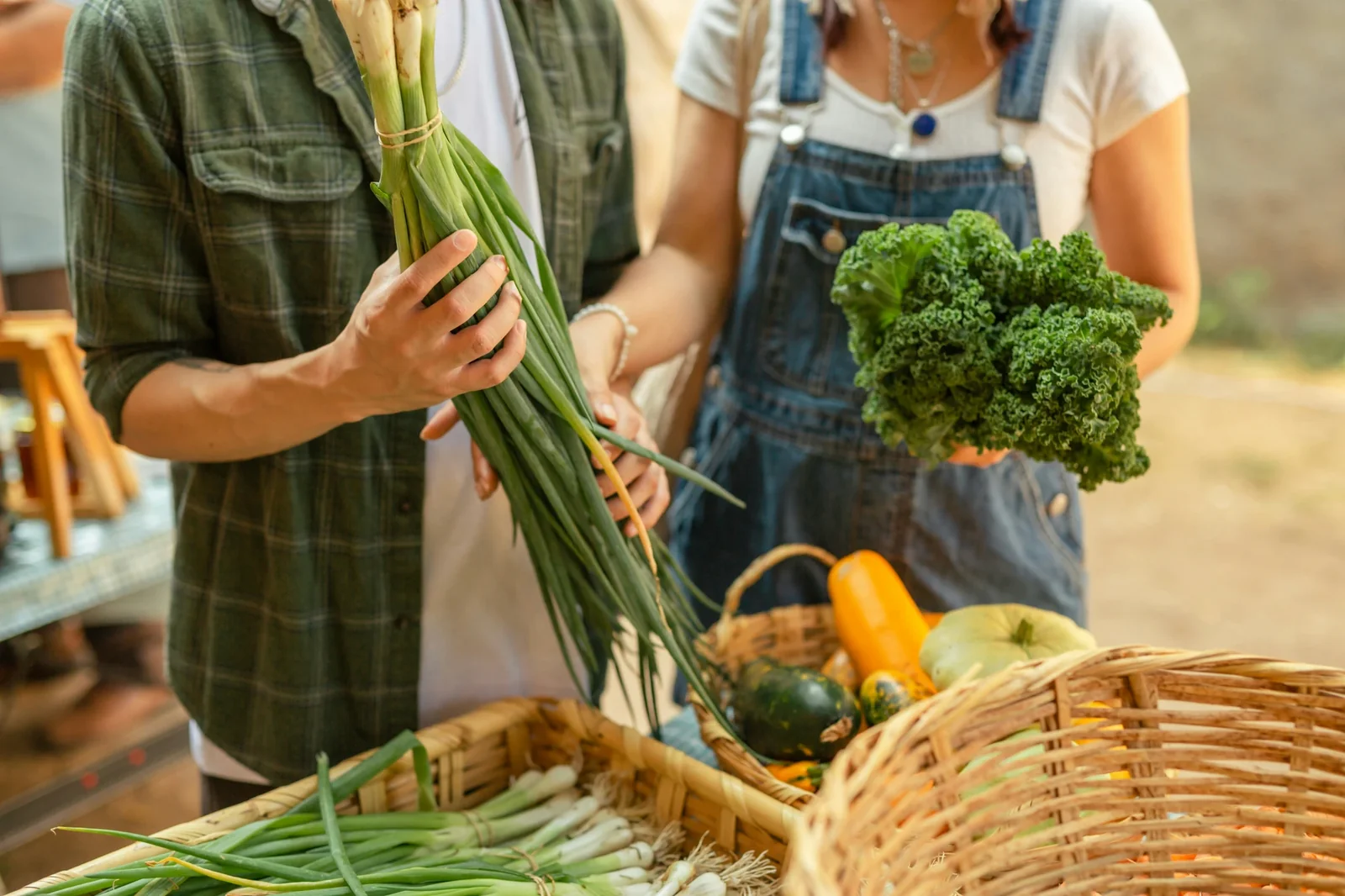
5 Best Loyalty Apps for Farmers Market Vendors in 2026

5 Best Loyalty Apps for Run Clubs in 2026

5 Best Loyalty Apps for Booksy Users in 2026

5 Best Loyalty Apps for Fresha Users in 2026

5 Best Loyalty Apps for GlossGenius Users in 2026

5 Best Loyalty Apps for Tattoo & Piercing Shops in 2026
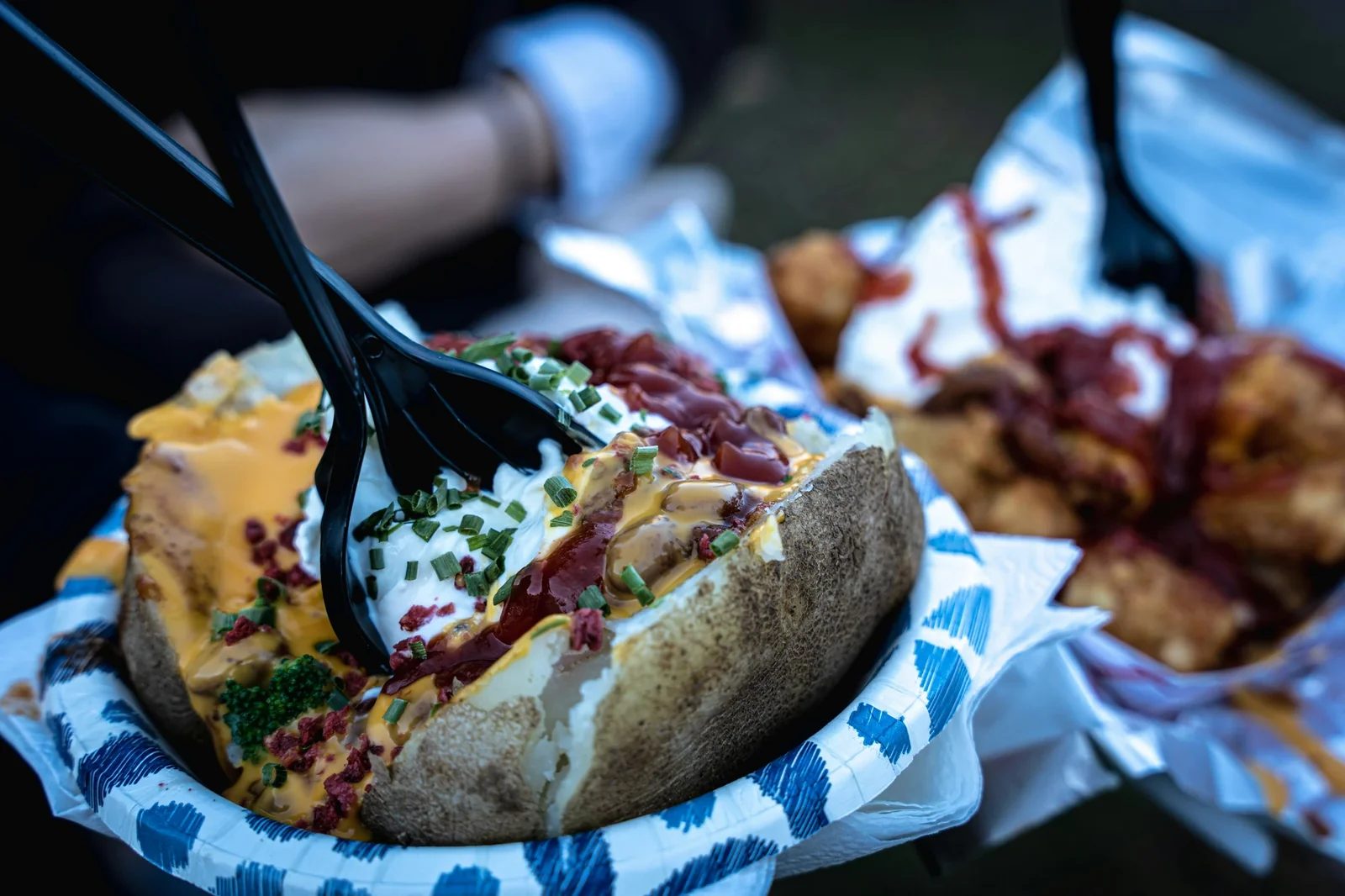
5 Best Loyalty Apps for Jacket Potato Businesses in 2026

5 Best Loyalty Apps for Personal Trainers

5 Best Loyalty Apps for Tanning Salons in 2026

5 Best Loyalty Apps for Window Cleaners in 2026
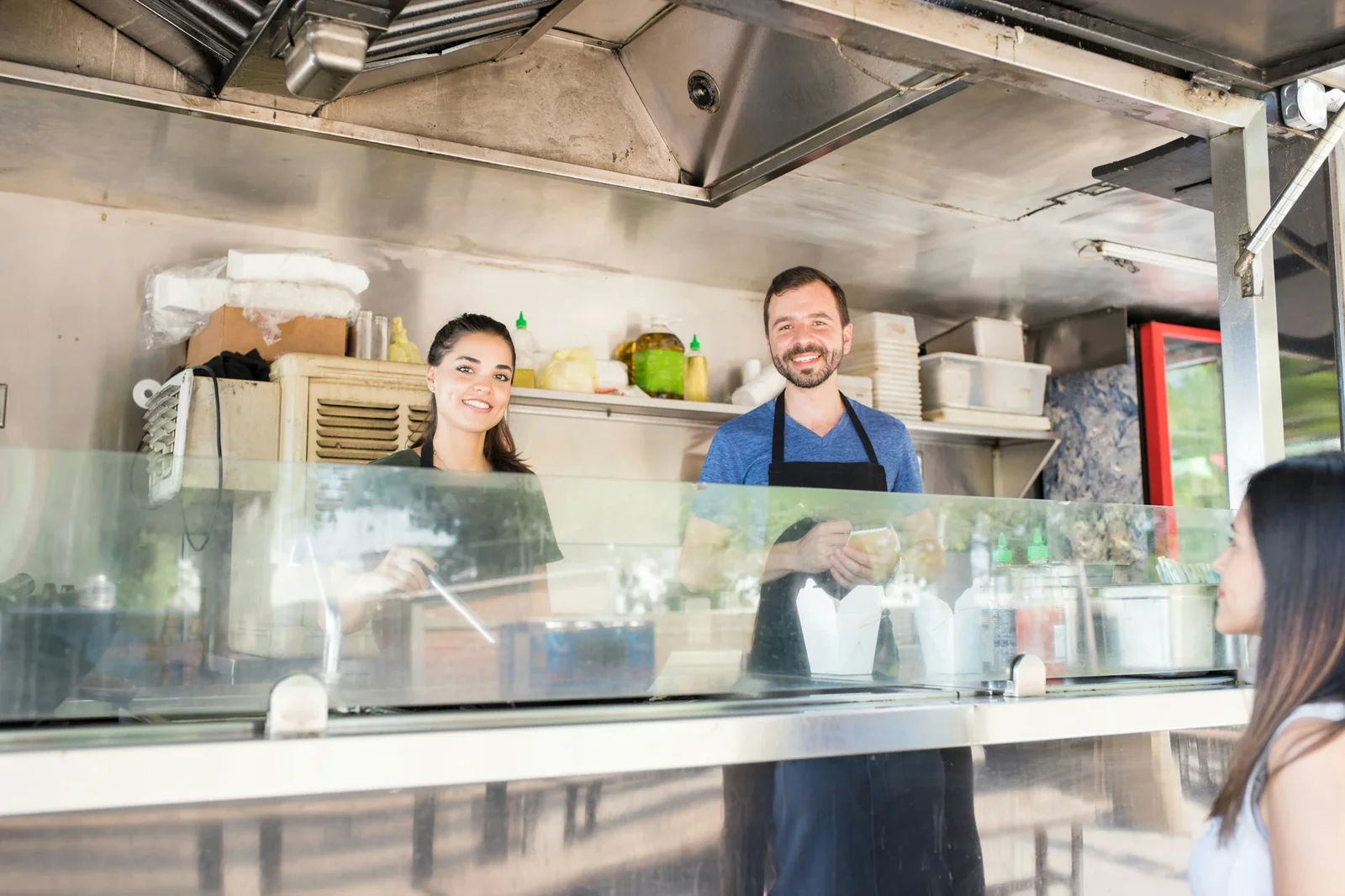
5 Best Loyalty Apps for Food Trucks in 2026
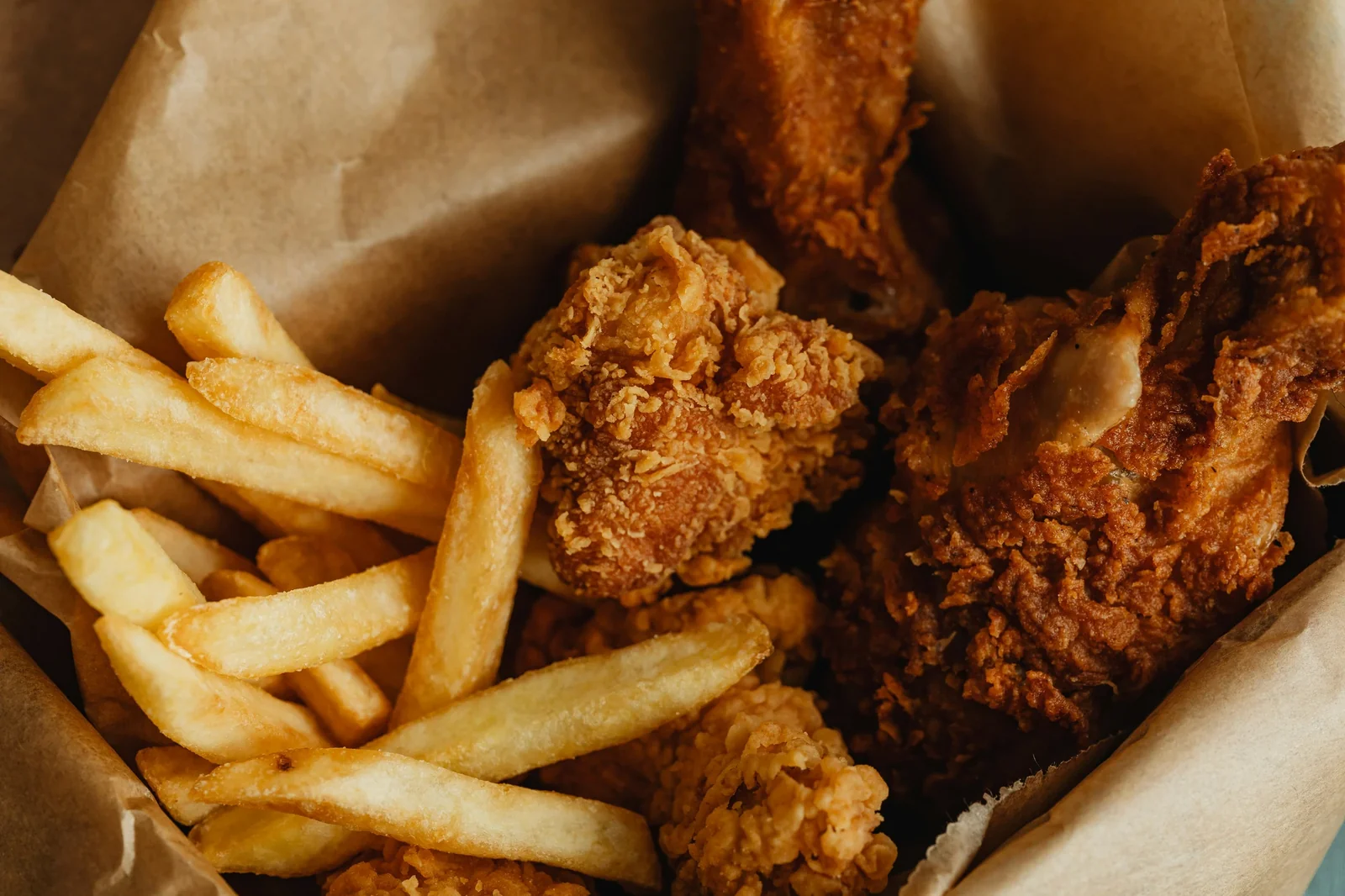
5 Best Loyalty Apps for Fried Chicken Shops in 2026

5 Best Loyalty Apps for Florists in 2026

5 Best Loyalty Apps for Vape Stores & Vaporizer Shops in 2026

5 Best Loyalty Apps for Massage Therapists in 2026
5 Best Loyalty Apps for Bubble Tea Stores in 2026

5 Best Loyalty Apps for Facial Spas in 2026
5 Best Loyalty Apps for Aesthetics Services in 2026
5 Best Loyalty Apps for Pubs in 2026
5 Best Loyalty Apps for Sushi Restaurants in 2026
5 Best Loyalty Apps for Dessert Shops in 2026

5 Best Loyalty Apps for Medical Spas & Med-Spas in 2026

5 Best Loyalty Apps for Padel Clubs in 2026
5 Best Loyalty Apps for Waxing & Hair Removal Services in 2026

5 Best Loyalty Apps for Indian Restaurants & Takeaways in 2026

5 Best Loyalty Apps for Clothing Stores & Boutiques in 2026

5 Best Loyalty Apps for Hotels in 2026 (Cut OTA Costs & Drive Direct Bookings)

5 Best Loyalty Apps for Skin Care Clinics in 2026
5 Best Loyalty Apps for Italian Restaurants in 2026

5 Best Loyalty Apps for Spas in 2026 (Gift Cards, Memberships & More)

5 Best Loyalty Apps for Car Washes in 2026
5 Best Loyalty Apps for Fast Food Restaurants in 2026
5 Best Loyalty Apps for Beauticians in 2026

5 Best Loyalty Apps for American Restaurants in 2026

5 Best Loyalty Apps for Bars in 2026

5 Best Loyalty Apps for Burger Restaurants in 2026 (Compete With the Chains)

5 Best Loyalty Apps for Eyelash Salons & Lash Techs in 2026
5 Best Loyalty Apps for Hair Salons in 2026 (Compared for Salon Owners)

5 Best Loyalty Apps for Hairdressers in 2026

7 Loyalty Programme Ideas for Restaurants That Actually Drive Results (2026)

How Restaurants Can Turn One-Time Diners Into Loyal Regulars (2026 Guide)
5 Best Loyalty Apps for Pizza Restaurants in 2026 (Honest Comparison)
5 Best Loyalty Apps for Bakeries in 2026
5 Best Loyalty Apps for Espresso Bars in 2026 (Speed-Tested & Compared)

5 Best Loyalty Apps for Mexican Restaurants in 2026 (Compared & Tested)
5 Best Loyalty Apps for Barber Shops in 2026 (Honest Comparison)

5 Best Loyalty Apps for Cannabis Stores & Dispensaries in 2026

5 Best Loyalty Apps for Cafés in 2026 (Compared for Independent Owners)

5 Best Loyalty Apps for Nail Salons in 2026 (Honest Comparison)

5 Best Loyalty Apps for Coffee Shops in 2026 (Compared & Tested)
5 Best Loyalty Apps for Beauty Salons in 2026 (Tested & Compared)
Best Loyalty Apps for Small Business (2026)

Square vs Stamp Me vs Loopy Loyalty (2026)

Data-Backed Strategies That Convert 27% More Buyers

Nail Salon Software: What Actually Works in 2026
Forget Everything You Know About Salon Loyalty Cards
Most Nail Salons Are Losing Half Their Clients Every Year

Most Beauty Loyalty Platforms Are Bleeding You Dry
Restaurant Loyalty Apps: Data-Driven UK Comparison
12 Digital Loyalty Platforms That Actually Work in 2026

Top Loyalty Software That Actually Works: 2026 Guide
Best Digital Loyalty Software for UK Businesses

The Data Behind Free Loyalty Platforms: What Works

Enterprise Loyalty Strategies SMBs Can Actually Implement

Data-Driven Loyalty for Australian Cafés
Coffee Loyalty Cards: £3.50 to £5.20 Spend
Restaurant Loyalty Apps for Independents

VIP Customer Treatment: Does Favouritism Work?
Restaurant Digital Loyalty: A Guide

7 Digital Loyalty Card Mistakes to Avoid

Why Your Best Staff Are Leaving (And How Smart Loyalty Programmes Keep Them)
Winning Back Staff and Customers

Customer Retention in Australia: A Small Business Loyalty Guide
City vs Suburban Café Loyalty in Australia: What Works Where

How to Choose the Right Loyalty Card Reward (Without Hurting Your Margins)
U.S. Ice Cream Shop Loyalty Programs: A Complete Guide to Scooping More Sales
How New Zealand Cafés Build Loyalty That Drives Long-Term Growth

What Small Businesses Can Learn From Woolworths Everyday Rewards

21 Proven Ways to Improve Customer Loyalty for Small Businesses

10 Proven Ways to Retain More Customers as a Small Business (2026)

How to Train Staff on Your Loyalty Programme: 5 Methods That Work

Wellness Loyalty Programmes for Spas, Saunas & Massage Businesses
5 Café Loyalty Programme Ideas That Drive Repeat Visits in 2026

VIP Perks in Loyalty Programmes: How Small Businesses Create Exclusive Rewards

Social Impact Rewards: A Small Business Guide to Values-Driven Loyalty
Green Loyalty Programmes: How UK Cafés & Shops Reward Eco-Friendly Customers

How to Use Surprise and Delight in Your Loyalty Program: A Small Business Guide
How to Launch a Loyalty Program as a Solo Operator (Under 1 Hour)
How Social Media Influence Is Changing Customer Loyalty for Small Businesses

Small Business Recession Survival Guide

The 6 Pillars of Customer Loyalty Excellence: A Small Business Framework

Pros and Cons of Loyalty Programs: An Honest Small Business Guide
Why Your Café Should Switch From Paper Punch Cards to Digital Loyalty
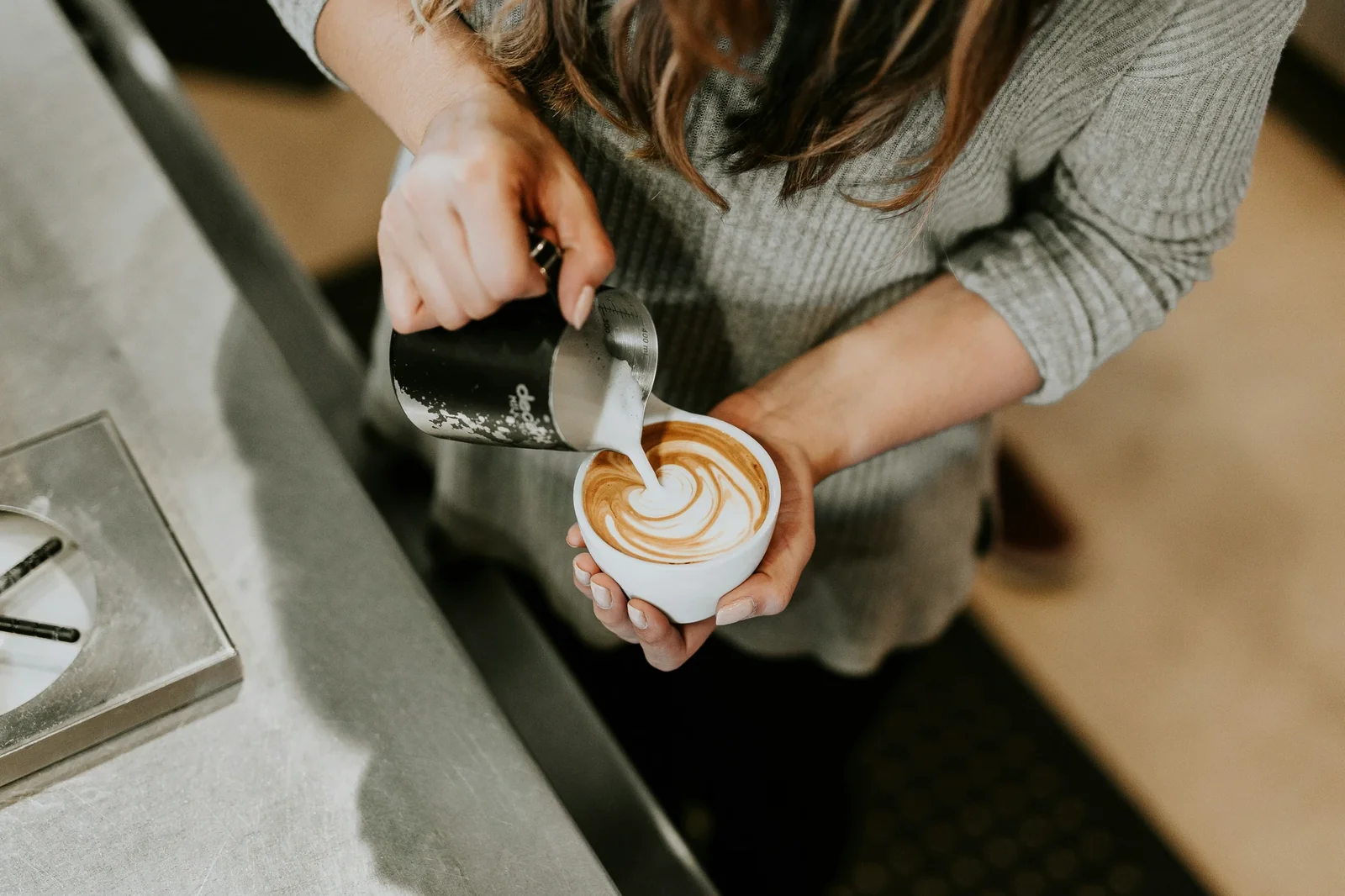
Loyalty Programs for Local Businesses: The True Value Explained

Café Loyalty Program Costs in 2026: Full Pricing Guide With ROI Breakdown
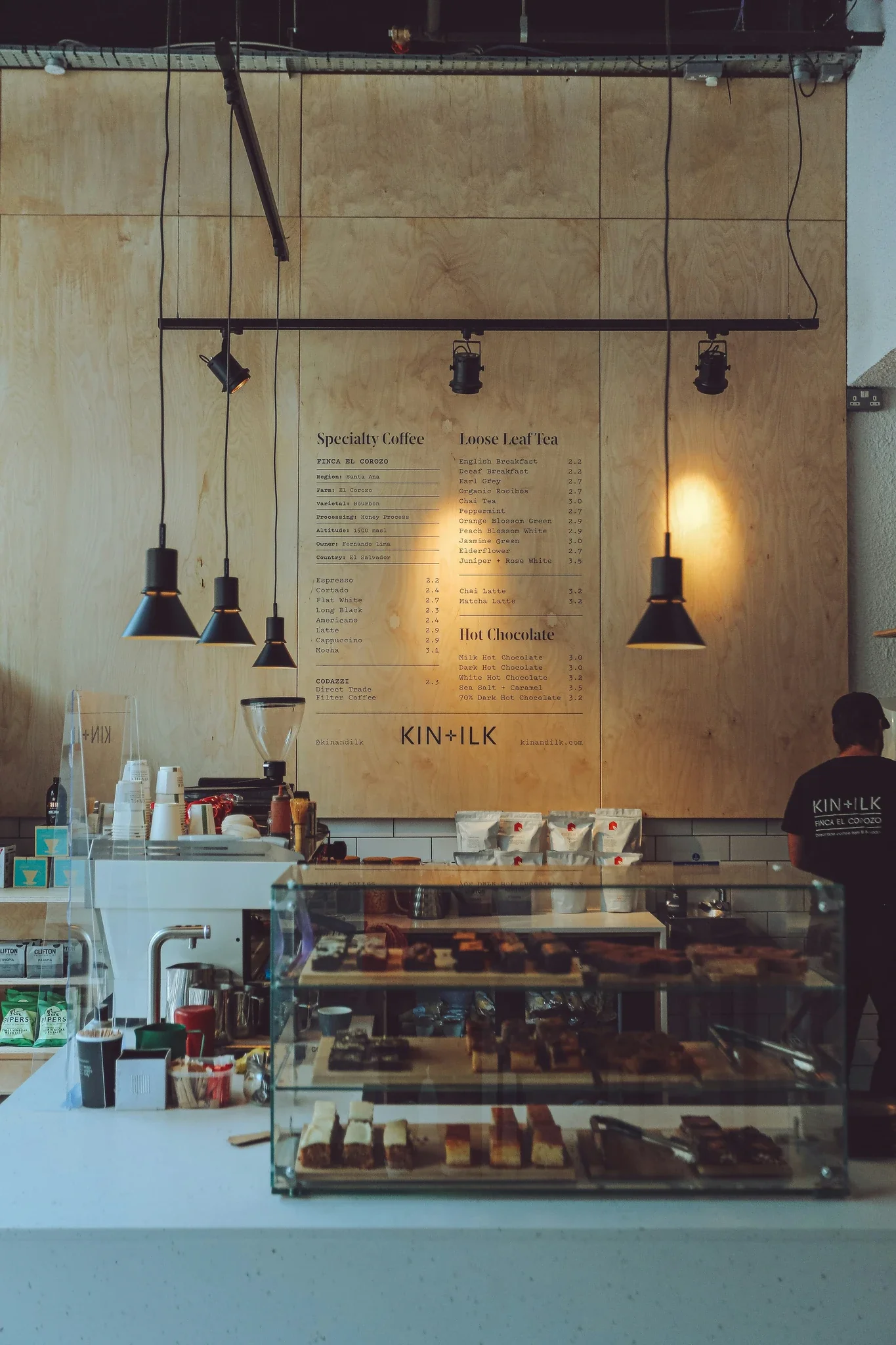
How Much Does a Loyalty Program Cost for a Café? Full Breakdown + ROI
Innovative Loyalty Reward Ideas That Work for Small Businesses

How to Improve Your Loyalty Program Redemption Rate: 6 Fixes That Work
How User-Generated Content Boosts Customer Loyalty: A Small Business Playbook

Social Media for Customer Loyalty
How to Start a Pharmacy Loyalty Program: A Guide for Independent Pharmacies

How to Retain Customers and Build Brand Loyalty: A Small Business Guide
How to Run a Loyalty Program In-Store and Online: A Small Business Guide

What Is Customer Loyalty and Why Does It Matter for Small Businesses?

What Is Emotional Loyalty and Why It Matters

What Is Surprise and Delight? How Small Businesses Can Use It to Build Loyalty

5 Reasons Your Customer Loyalty Is Declining (And How to Fix Each One)
What Makes a Great Loyalty Program? Design Principles That Drive Results

Why Loyalty Card Programs Work for Small Businesses: A Practical Guide

Loyalty Program Not Working? How to Find and Fix the Problem

Why Simplicity Drives Customer Loyalty (And How to Apply It)
How to Get More Customers to Shop Online: A Practical Small Business Guide

How Much Does a Loyalty Program Cost? Honest Pricing Breakdown for 2026
How Café Loyalty Programs Drive Sustainability (And Save You Money)

3 Steps to Winning Customer Loyalty: Lessons Small Businesses Can Use Today

How Do Loyalty Apps Work? A Simple Guide for Small Business Owners

How to Promote Your Loyalty Program: 10 Proven Strategies for Small Businesses

CSR and Loyalty Programs: How Small Businesses Can Give Back and Grow
10 Eco-Friendly Restaurant Ideas That Save Money Too
Loyalty Programs for Retail Businesses: What Actually Works in 2026

Digital Grocery Store Loyalty Program: A Practical Guide for Independent Stores
Customer Loyalty Statistics That Actually Matter for Small Businesses

How to Choose a Loyalty Platform for Your Small Business (Decision Framework)

How to Stay Top-of-Mind Without Annoying Customers: Communication Strategies

B2B Loyalty Programs in 2026: How to Keep Business Clients Coming Back

How to Make Your Small Business Sustainable (Practical Tips That Save Money)

How to Build Customer Loyalty in 2026
How to Measure Customer Loyalty: The Metrics Small Businesses Should Track
What to Do During Slow Business Periods: Turn Downtime Into Growth
Paper Punch Cards vs Digital Loyalty Cards: Why Small Businesses Are Switching

Why Repeat Customers Are More Valuable: The Math That Matters

Customer Loyalty Analytics: How Small Businesses Use Data to Grow

Customer Retention Tools for Small Businesses

QR Code Loyalty Cards Explained | Simple Guide for SMBs
Push Notifications for Loyalty Programs | Small Business Guide

What Is a Wallet-Based Loyalty Card? | Small Business Guide
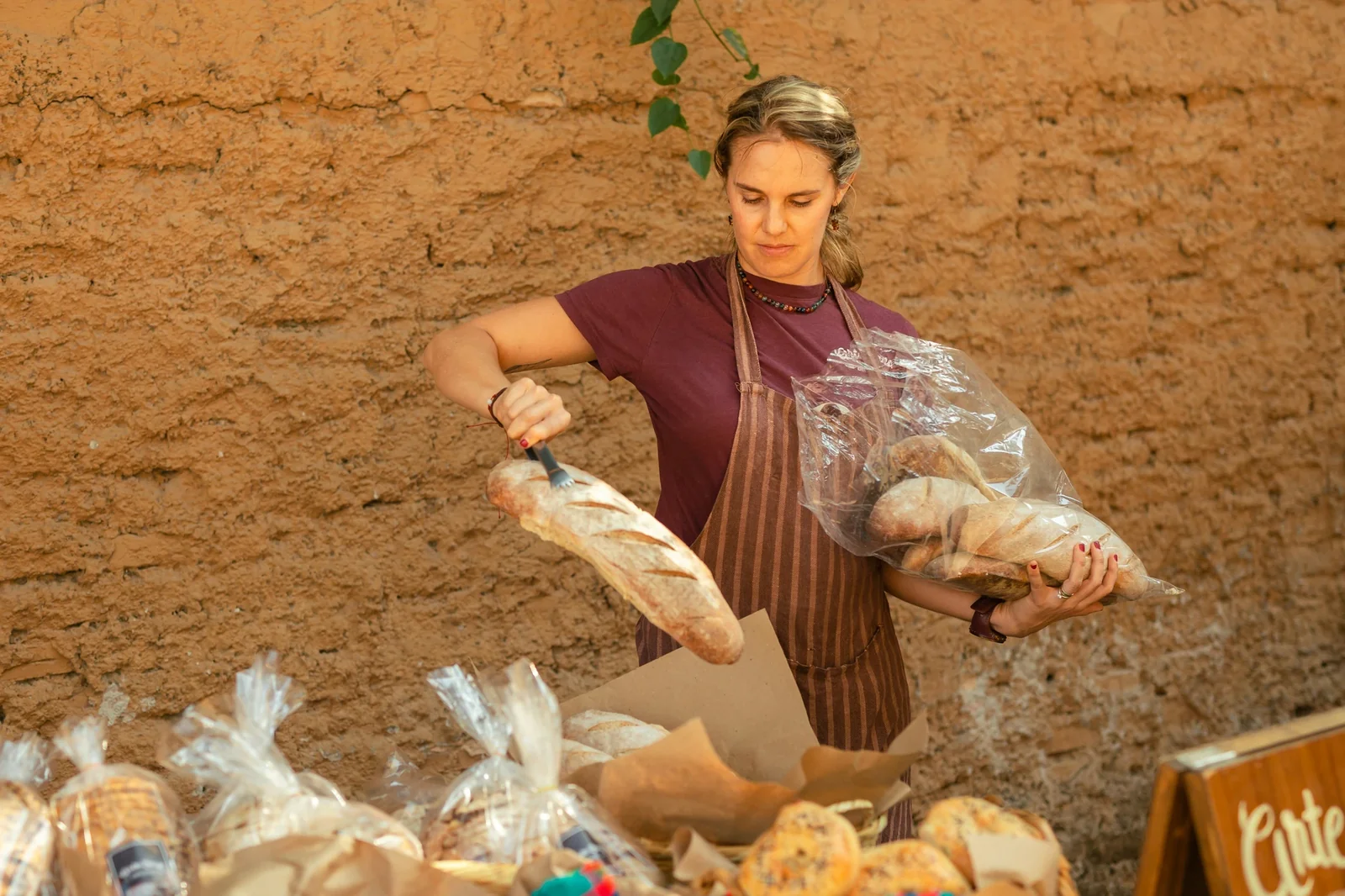
What Is a Digital Stamp Card? | Guide for Small Business
Loyalty Programs for Service Businesses
Loyalty Software for UK Barbers: Build Regular Clients
Loyalty Programs for Franchises: Unite Brand, Empower Owners

Loyalty Programs for Small Chains: Unify Multiple Locations

Loyalty Programs for Retail Stores: Build Repeat Customers

Loyalty Programs for Personal Trainers: Boost Client Retention

Loyalty Programs for Med Spas: Build Premium Relationships
Loyalty Programs for Tattoo Studios: Build Lifetime Collectors

Loyalty Programs for Nail Salons: Build Regular Clients
Loyalty Programs for Beauty Businesses: Build Lifetime Value
Loyalty Programs for Mobile Businesses: Build Repeat Bookings

Loyalty Programs for Car Washes: Build Repeat Customers
Loyalty Programs for Clinics: Improve Patient Retention

Loyalty Programs for Dentists: Build Patient Relationships
Loyalty Programs for Gyms: Reduce Churn, Boost Retention
Loyalty Programs for Takeaways: Reduce App Dependency
Loyalty Programs for Restaurants: Fill Tables Profitably
Loyalty Programs for Coffee Shops: Build Daily Regulars

Loyalty Programs for Hair Salons: Boost Client Retention
Loyalty Programs for Barbers: Boost Repeat Bookings
Coupons vs Loyalty Programs: Which Protects Your Margins Better?
Email Loyalty vs Push Notifications: Which Drives Better Engagement?

In-House Loyalty System vs SaaS: Why Building Your Own Costs 30x More
Loyalty Software vs POS Loyalty: Integrated or Standalone for Small Business?
Points-Based vs Cashback Loyalty Programs: Which Protects Margins?
Membership Cards vs Stamp Cards: Which Loyalty Structure Fits Your Business?

QR Code Loyalty Programs Explained: Simple Guide for Small Businesses
Custom App vs Wallet Loyalty Card: True Cost Comparison for Small Businesses
PassKit vs Perkstar: An Honest Comparison

Loopy Loyalty vs Perkstar: Honest Comparison for UK Small Businesses
Square Loyalty vs Perkstar: Honest Comparison for UK Small Businesses
Loyalty App vs Apple Wallet Loyalty Card: What Actually Works

Digital Loyalty Cards vs Paper Stamp Cards: Which Is Right for Your Business?
Loyalty Software Comparison Guide: How to Choose the Right Platform

Loyalty Software Alternatives to Apps: Wallet-Based Solutions That Work

Affordable Loyalty Software for SMBs: Value, Not Just Low Price

Loyalty Platforms for Service Businesses: Visit-Based Rewards That Work

Loyalty Program Software for Startups: Affordable, Fast, Scalable
Loyalty Software for Small Teams: Simple Training, Minimal Admin

Loyalty Program Software Free Trial: What to Test & How to Decide

Wallet-Based Loyalty Cards: The New Standard for Small Businesses
Mobile Loyalty Cards for Small Businesses: Apps vs Web vs Wallet

Loyalty Programs Without Downloads: 6x Higher Customer Adoption

Loyalty Card Software Pricing Explained: What You'll Really Pay in 2026

Online Loyalty Programs for Local Businesses: Stabilize High Street Revenue
Loyalty Software with Push Notifications: Fill Slow Days & Bring Customers Back

Digital Stamp Card Software: Why Paper Cards Don't Work in 2026
Google Wallet Loyalty Cards for Businesses: Complete Setup Guide
Apple Wallet Loyalty Cards for Small Businesses: Complete Setup Guide

Loyalty Program Without an App: Wallet-Based Solutions for Small Businesses
Loyalty Program Software for Small Businesses: A Complete Guide
Best Digital Loyalty Card Software for Small Businesses (2026)
Digital Loyalty Cards for Small Businesses: A Complete Guide
When Giving Things Away Free Actually Makes Business Sense

Customer Acquisition vs Retention: Where Small Businesses Should Invest
Beyond Points: How Surprise Moments Build Stronger Customer Loyalty
Email Marketing Lists for Small Businesses: Build Them Through Loyalty
Barbershop & Salon Loyalty Programs: Complete Guide for UK Owners
Are Loyalty Programs Profitable? Real ROI Numbers for UK Small Businesses

7 Elements of a Loyalty Marketing Plan That Drives Real Growth
Best Loyalty Apps for Coffee Shops & Cafés in 2026
How to Launch a Loyalty Program on a Tight Budget
How to Manage a Loyalty Program Without Wasting Time
How to Make Your Loyalty Program Stand Out from Competitors
Best Punch Card Apps 2026
How to Get Repeat Customers at Your Grocery Store

How to Name & Brand Your Loyalty Program | Perkstar
How to Build Customer Loyalty with Your Packaging
Paper Punch Cards vs Digital Loyalty (2026)

Digital Loyalty Programmes for Local Councils: A Practical Guide

Best Loyalty Apps for Tanning Salons: A Complete Guide
Car Wash Loyalty Programs: Do They Actually Work?
8 Types of Reward Programs: Examples and How They Work

Shake and Tea Shop Marketing: How to Build a Loyal Customer Base

Hard vs Soft Benefits: What Makes Loyalty Programs Work

Best Loyalty Apps for Cafés in the UK: What to Look For

Why Customer Loyalty Matters More Than Ever for Small Business
Why Instant Rewards Drive Loyalty Programme Sign-Ups
What Is a Digital Loyalty Program? A Complete Guide
Digital Punch Cards vs Paper Loyalty Cards: Which Is Better?
Restaurant Loyalty Program Ideas: A Guide for Independent Owners
Should Loyalty Points Expire? Here's What We Recommend
10 Ways to Make Your Café More Environmentally Friendly

10 Industries Where Loyalty Programs Are Extremely Effective

18 Ways to Increase Your Customer Lifetime Value
7 Tips to Increase Customer Loyalty in Your Café
How to Build a Customer-Focused Loyalty Program

How to Create a Loyalty Program with a Limited Budget
How to Get Customers to Join Your Loyalty Program

How to Know if a Loyalty Program Will Work for Your Business

How to Launch a Loyalty Program (Even If You're a Team of One)

9 Great Examples of Customer Loyalty Programs | Lessons for Small Business
Do Loyalty Programs Increase Sales?

6 Ways to Measure Your Customer Loyalty Rates
12 Creative Café Customer Reward Ideas (That Aren't Just Discounts)

How to Attract More Customers to Your Hair Salon (And Keep Them)
How to Re-engage Lapsed Loyalty Program Members | 5 Proven Strategies
Nail Salon Digital Stamp Card Features to Keep Customers Engaged

How to Start a Coffee Shop Business
How to Start a Barbershop Business | Complete Guide for 2026
8 Reasons Why Customers Abandon Loyalty Programs (And How to Fix Them)
Digital Tanning Salon Loyalty Program Guide
How to Attract Repeat Customers to Your Tanning Salon | 9 Strategies
Why Loyalty Programs in the Beauty Industry Are So Effective

5 Best Punch Card Apps in 2026 | Comparison & Reviews
Hair & Beauty Salon Loyalty Program Tips | Practical Guide
Digital Features to Elevate Your Beauty Salon Loyalty Program
Why Digital Loyalty Programs Are Essential for UK Nail Salons in 2026
How to Improve Customer Loyalty in Restaurants

How to Create a Pet Store Loyalty Program

Stamp vs Points Loyalty Programs: Which Is Better for Your Business?

5 Proven Ways to Attract and Retain More Nail Salon Clients

9 Best Loyalty Punch Card Programs | Examples & Lessons for Small Business
Best Loyalty Points Software for Small Businesses
How to Run a Gas Station & Convenience Store Loyalty Program

5 Best Loyalty Apps for Coffee Shops & Cafés in USA (2026)
Best Loyalty Apps for Small Business in 2026 | Comparison Guide
Best Mobile Loyalty Apps in USA for Small Businesses
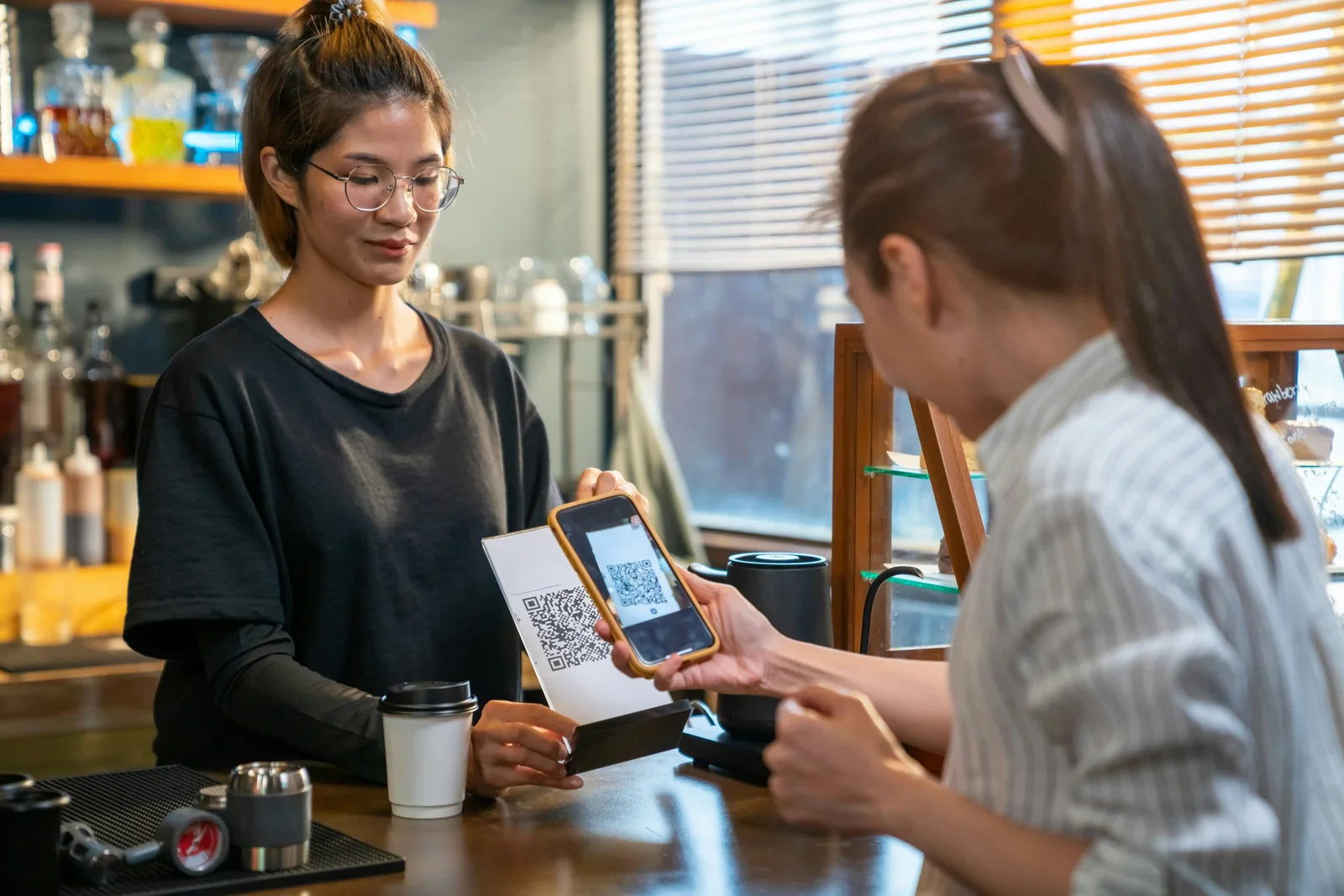
How to Attract Repeat Customers at Your Car Wash | 8 Proven Strategies
Starbucks Rewards: What Makes It the Best Loyalty Program

How to Create a Loyalty App Like Starbucks Rewards

What Is a Rewards Card App? | Digital Loyalty Explained
Simple Loyalty Programs for Small Businesses | Low-Tech Options That Work
What Is the Value of a Loyal Customer? | ROI of Customer Loyalty

5 Benefits of a Community Loyalty Program for Local Businesses | Perkstar

8 Benefits of Having a Loyalty Program for Your Business | Perkstar

How to Attract Repeat Customers at Your Café | 9 Proven Strategies
10 Unique Ways to Reward Customers Beyond Discounts
5 Gamified Loyalty and Rewards Program Examples
5 Best Loyalty Apps for Restaurants
5 Best Loyalty Apps for Nail Salons

10 Marketing Strategies to Increase Customer Loyalty
How to Design a Successful Stamp Card for Your Café

5 Best Loyalty Apps for Coffee Shops & Cafés (2026 Guide)

Why Customers Aren’t Joining Your Loyalty Program (and How to Fix It)
Lash & Brow Client Retention: Practical Loyalty Guide

Why Your Vape Shop Needs a Digital Loyalty Card

Store Loyalty Programs: A Practical Guide for Small Business Owners
Promotional Punch Cards: A Simple Guide for Small Business Owners

Why Your Restaurant Loyalty Program Is Failing
How to Create a Punch Card Program in 5 Minutes
Are Personalised Loyalty Cards Just Theatre?

How to Create a Digital Punch Card

Nail Salon Retention, Without Discounting
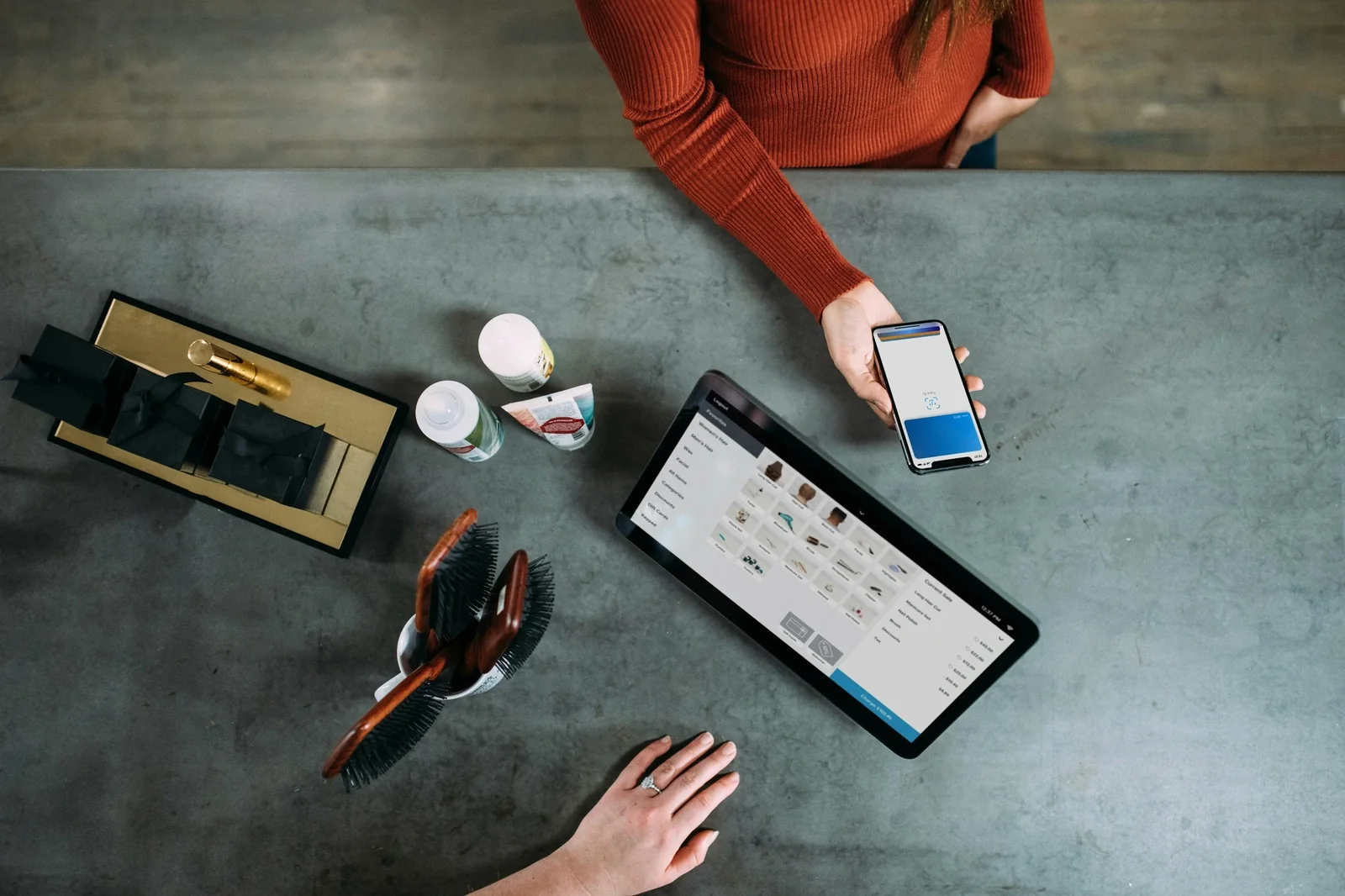
15 Features Your Loyalty Card Platform Needs (And the 10 You're Overpaying For)
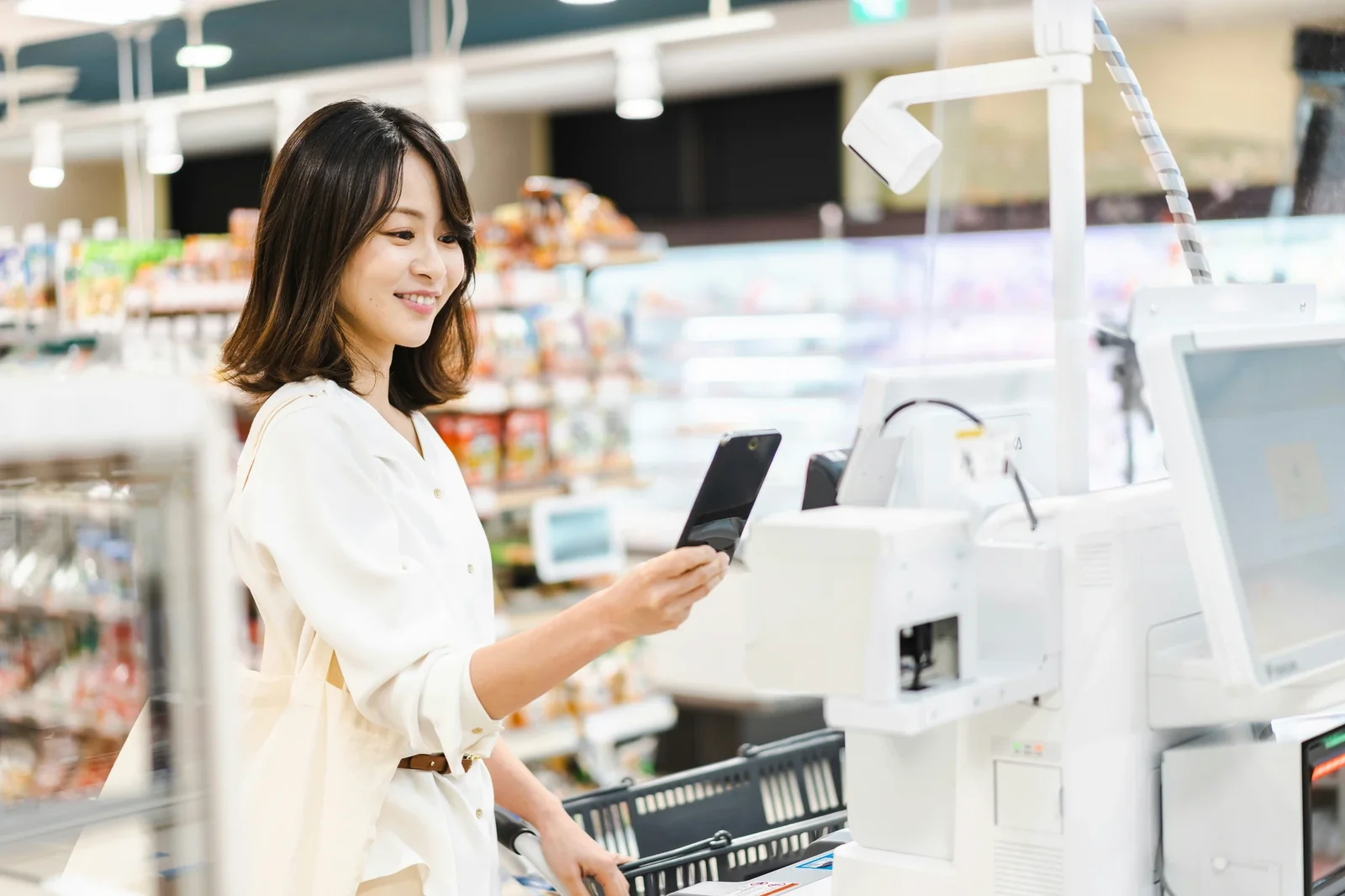
Punch Card Loyalty: Digital vs Paper
Where to Find Digital Loyalty Cards for Retail (Without Wasting Money)

How to Transition from Paper Punch Cards to Digital Loyalty
How to Design a Digital Loyalty Card That Actually Works
The Real Cost of Digital Loyalty Programs in 2026
Digital Loyalty Cards for US Small Businesses | 2026 Guide
Why Perkstar Is a Top Digital Loyalty Platform in the US
Geo-Based Push Notifications: The Only Strategy That Actually Works
8 Creative Marketing Strategies for Food Trucks

Punch Cards for Business: What Actually Works
Loyalty Card Systems for Small Businesses: What Actually Works (2026 Guide)

How to Launch a Loyalty Program as a Solo Operator (Without Burning Out)

Top 10 Marketing Strategies for Loyalty

How to Make a Cafe Thrive in a Small Town (When Everyone Thinks You’ll Fail)

The 5 Best Punch Card Apps in 2026

How to Add a Loyalty Card to Apple Wallet (The Smart Way)
Best Loyalty Apps for Nail Salons? Here’s What Actually Works
Top 5 Digital Cafe Loyalty Card Features to Wow Your Coffee Customers

How to Create a Loyalty Program Like Starbucks Rewards (Without £100M)
McDonald's £1B Loyalty Strategy, for £15/Month

Best Loyalty Program App for Small Businesses
The Ultimate Guide to Barber & Salon Loyalty Programs
20 Proven Ways to Increase Customer Lifetime Value
Environmentally Friendly Restaurant Ideas

4 Best Hair Salon Loyalty Program Examples (And Why They Work)
10 Unique Customer Reward and Incentive Ideas

Why Your Vape Shop Can Benefit from a Digital Loyalty Card
Loyalty App Costs UK 2026: Real Pricing

Best Restaurant Loyalty Apps 2026. 5 Platforms Ranked

Are Loyalty Programs Profitable? The Real Math for Small Businesses

Opening a Cafe: Why 73% Fail (And What Your Launch Checklist Is Missing)

What Are the Different Ways To Operate a Loyalty Program?
Pizza Restaurant Loyalty: Stop Funding Deliveroo
UK Loyalty Apps: A Small Business Guide

Why Perkstar's 7-Day Trial Actually Works (And What We Do Differently)
Why Most Loyalty Programs Fail (And How to Build One That Actually Works)

Digital Loyalty Cards for Paddle Clubs
Digital Loyalty Cards for Food Trucks

Digital Loyalty Cards for Spas
Digital Loyalty Cards for Nail Salons
Digital Loyalty Cards for Coffee Shops
Digital Loyalty Cards for Pubs
8 Restaurant Loyalty Mechanisms Explained
Digital Membership Cards for Restaurants
The Case for Members-Only Loyalty Cards
How Loyalty Cards Secretly Build Your Email List (Without Ever Asking for It)
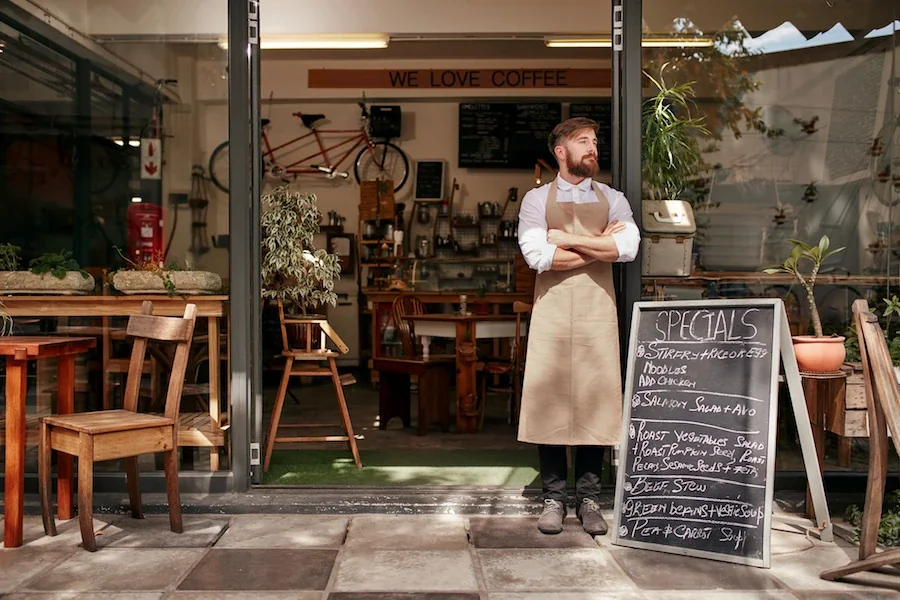
5 Signs Your Business Needs a Loyalty Program (And How to Get Started)

The Psychology of Customer Loyalty
Digital Stamp Cards for Coffee Shops: Why Paper Cards Are Costing You Customers
Hotel Loyalty Programs: Maximise Your Revenue with Digital Loyalty Cards
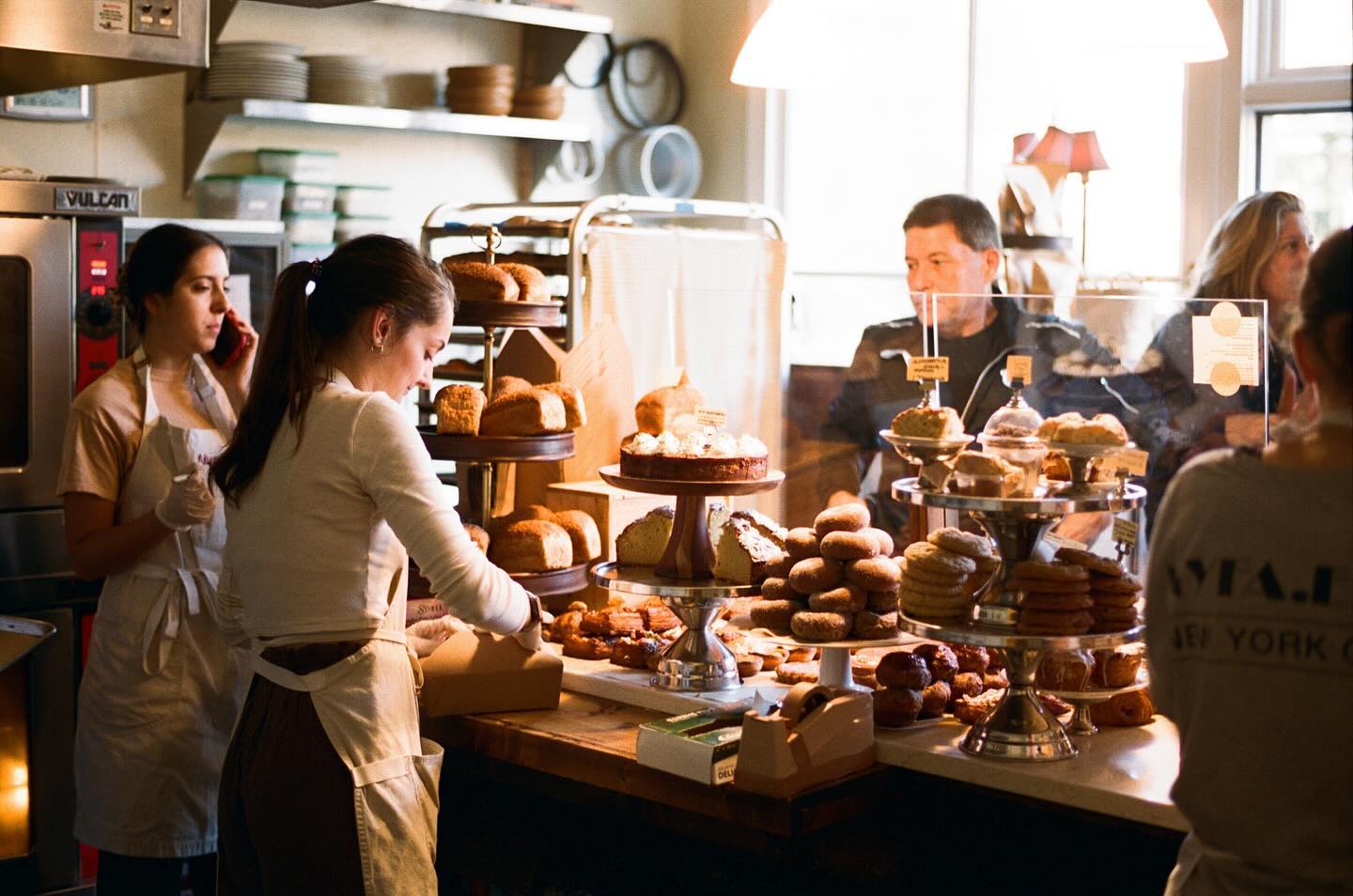
Building Loyalty for Bakeries: How to Turn One-Time Customers into Regulars
Why Is Customer Loyalty Important? (The Economics Will Shock You)

Building Loyalty for Car Washes: How to Keep Customers Coming Back
How to Build Customer Loyalty (And Why Most Businesses Are Doing It Wrong)
Building Loyalty for Bars and Restaurants

Building Loyalty for Cinemas and Theatres
Building Loyalty for Salons
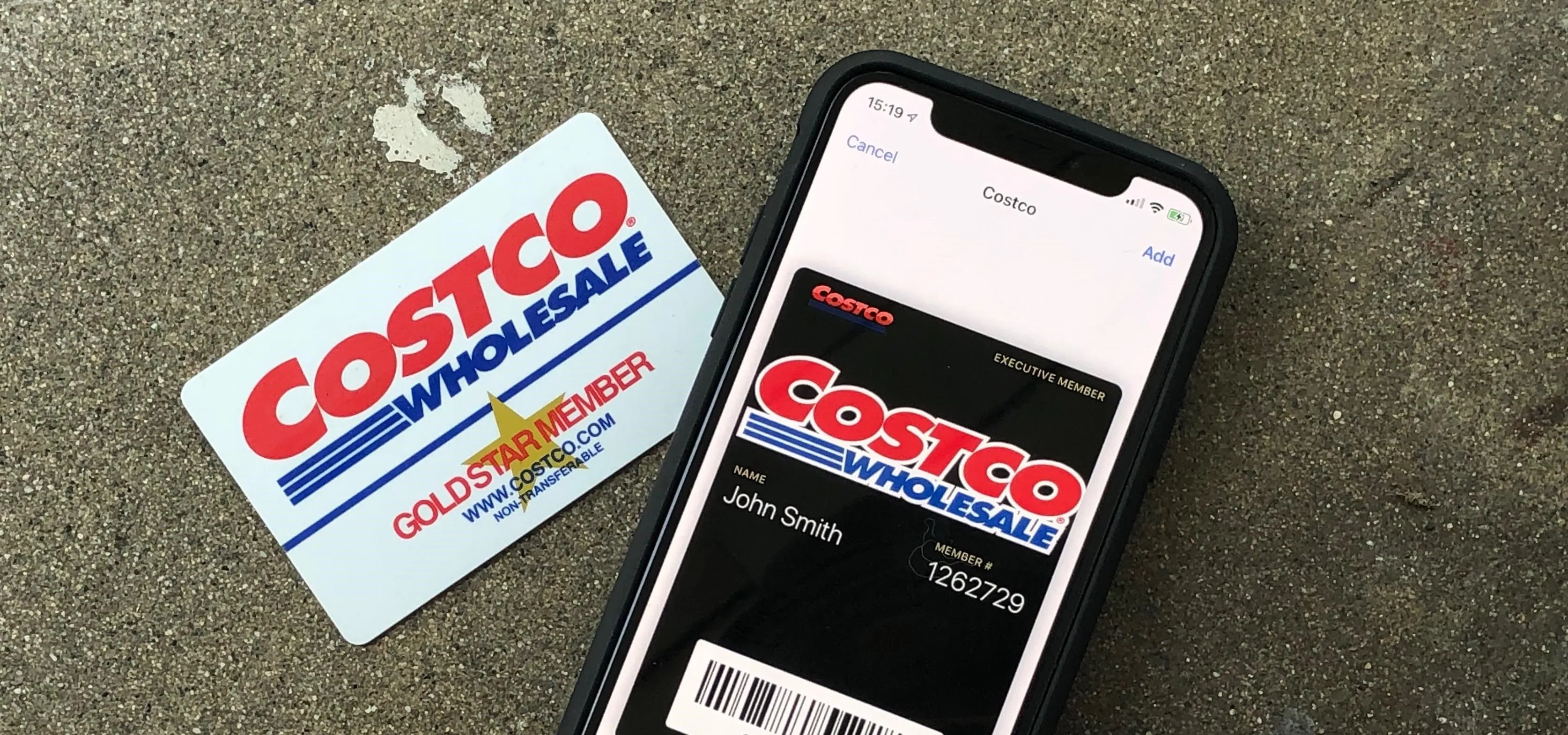
Digital vs Paper Loyalty Stamp Cards

How to Make a Digital Loyalty Card
Electronic Membership Cards: What Actually Works
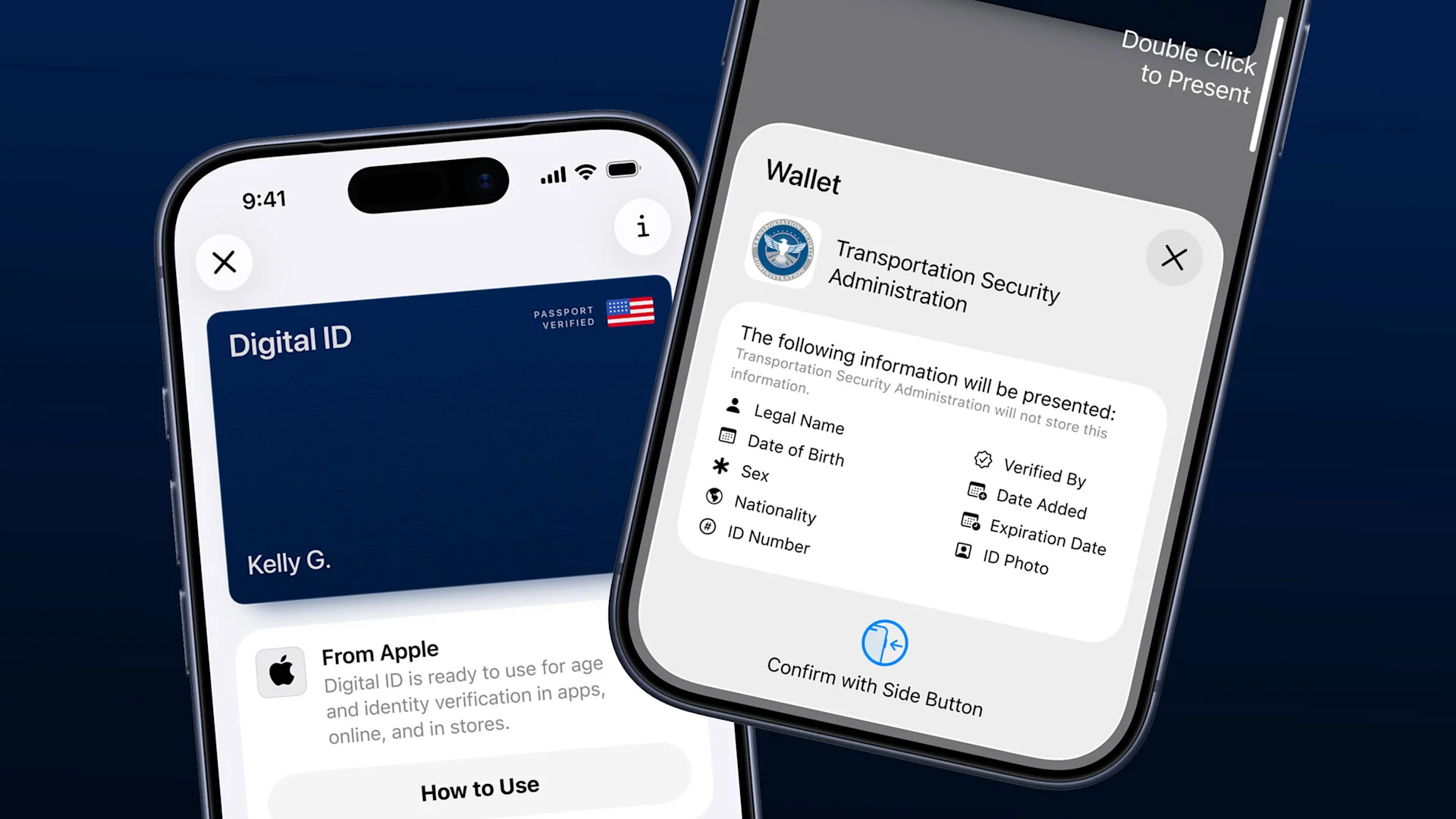
Apple Wallet Has Your Passport. Your Card?
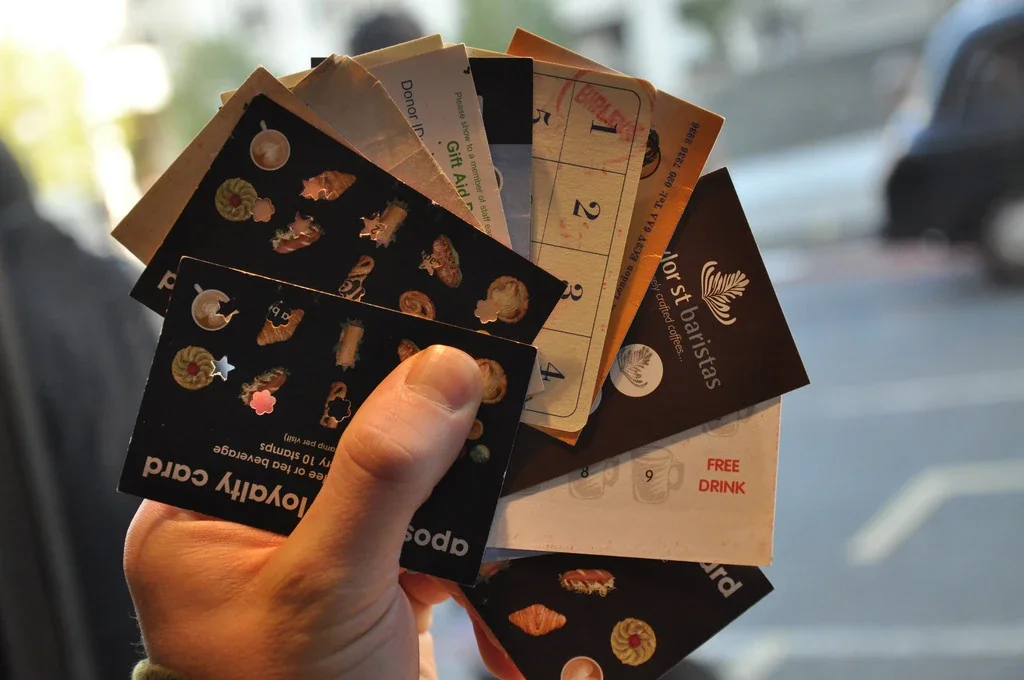
Stop Using Paper Punch Cards. You're Not Retro
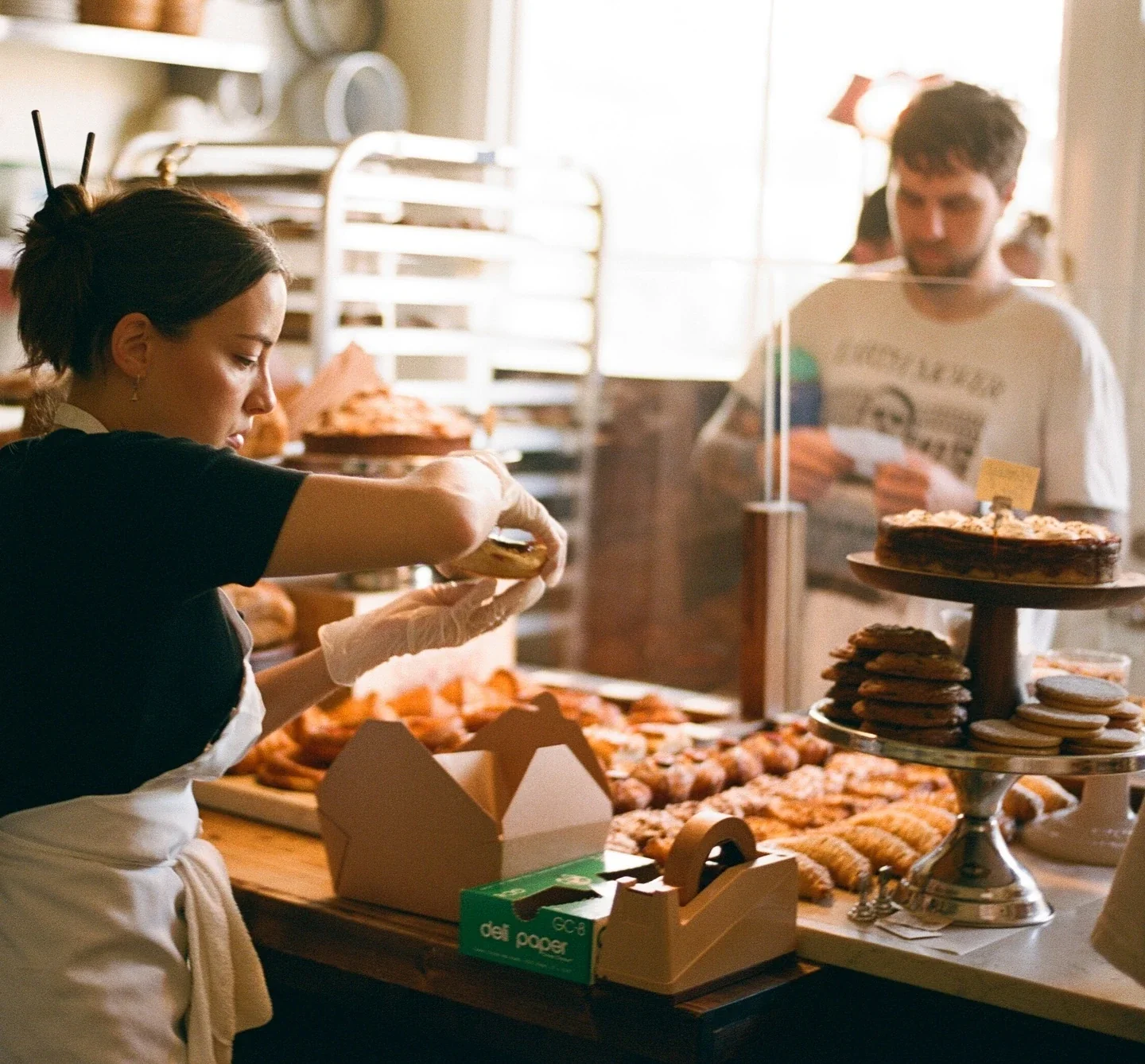
Why Paper Stamp Cards Hurt Your Business

How to Start a Cleaning Business in the UK
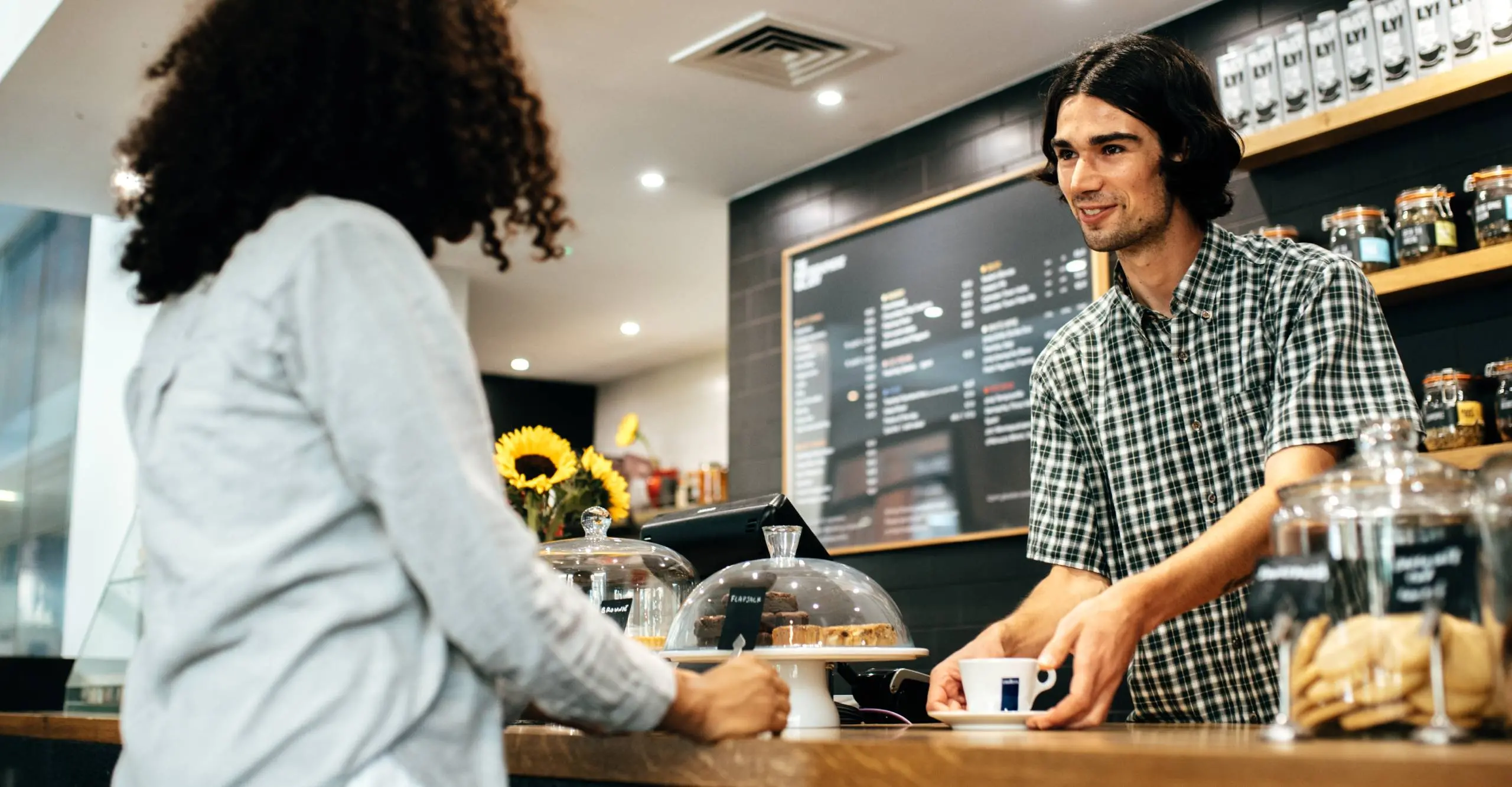
How to Open a Coffee Shop (Without Going Bankrupt in Year One)
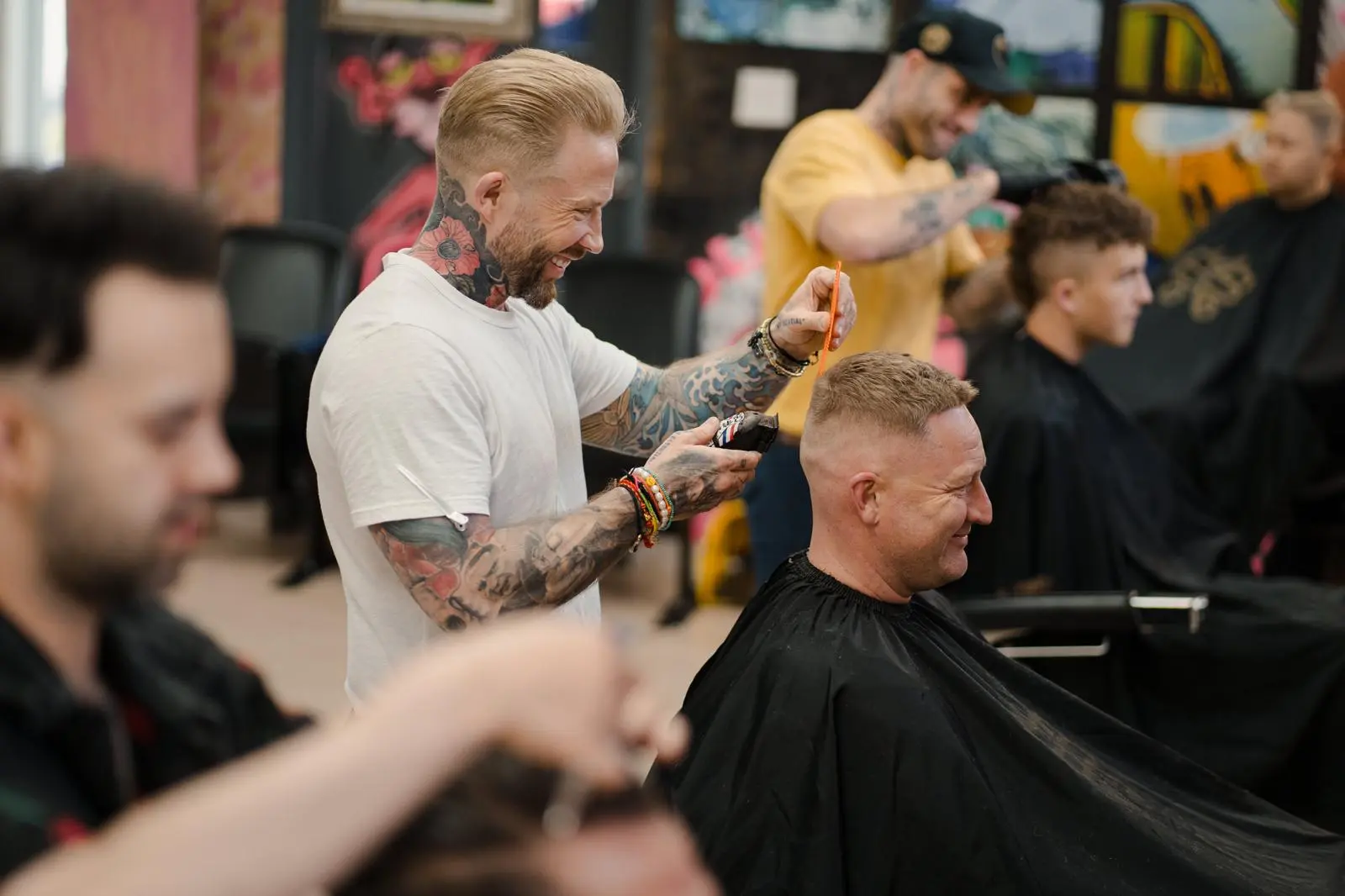
5 Proven Ways Loyalty Programs Boost Repeat Visits and Sales

The Best Digital Punch Card Software in 2026

Digital vs Paper Punch Cards: 8 Reasons
How to Transition From Paper Punch Cards to Digital
7 Ways to Actually Attract More Car Wash Customers
Related Blogs
Christmas Marketing for Small Businesses
Black Friday Ideas for Small Businesses
Electronic Loyalty and Membership Cards
Word-of-Mouth Marketing for Small Businesses
How to Make a Digital Loyalty Card (2026)
Why Coffee Shop Loyalty Programmes Fail
Coffee Subscriptions vs Loyalty Cards in 2026
Coffee Price Rises: Keeping Your Regulars
Coffee Shop App vs Wallet Loyalty Card
5 Best Loyalty Apps for Station Coffee 2026
5 Best Loyalty Apps for Speciality Coffee 2026
5 Best Loyalty Apps for Matcha Bars in 2026
5 Best Loyalty Apps for Hotel Coffee Shops
5 Best Loyalty Apps for Garden Centre Cafés
5 Best Loyalty Apps for Drive-Thru Coffee 2026
5 Best Loyalty Apps for Dog-Friendly Cafés 2026
5 Best Loyalty Apps for Coworking Cafés in 2026
5 Best Loyalty Apps for Coffee Vans in 2026
5 Best Loyalty Apps for Campus Coffee Shops
5 Best Loyalty Apps for Brunch Cafés in 2026
5 Best Loyalty Apps for Coffee Stands in 2026
5 Best Loyalty Apps for Coffee Roasteries in 2026
Loyalty Apps for Specialist Shops
Loyalty Apps for Motoring Businesses
Loyalty Apps for Membership Businesses
Loyalty Apps for Leisure Venues
Loyalty Apps for Home Services
Loyalty Apps for Food Shops by Trade
B2B Loyalty Programmes by Supplier
5 Best Loyalty Apps for Wedding Venues
5 Best Loyalty Apps for Tailors
5 Best Loyalty Apps for Snooker Halls
5 Best Loyalty Apps for Music Shops
5 Best Loyalty Apps for Karaoke Bars
5 Best Loyalty Apps for Tackle Shops
5 Best Loyalty Apps for Craft Shops
5 Best Loyalty Apps for Comic Shops
5 Best Loyalty Apps for Art Supply Shops
5 Best Loyalty Apps for Aquatics Shops
5 Best Loyalty Apps for Amusement Arcades
5 Best Loyalty Apps for Taxi Firms
5 Best Loyalty Apps for Self-Storage
5 Best Loyalty Apps for Riding Schools
5 Best Loyalty Apps for Picture Framers
5 Best Loyalty Apps for Gardeners
5 Best Loyalty Apps for Go-Karting Tracks
5 Best Loyalty Apps for Fishmongers
5 Best Loyalty Apps for Driving Schools
5 Best Loyalty Apps for Cleaning Companies
5 Best Loyalty Apps for Phone Repair Shops
5 Best Loyalty Apps for Bike Shops
5 Best Loyalty Apps for Bridal Boutiques
5 Best Loyalty Apps for Jewellers
5 Best Loyalty Apps for Record Shops
5 Best Loyalty Apps for Board Game Shops
5 Best Loyalty Apps for Toy Shops
5 Best Loyalty Apps for Hardware Stores
5 Best Loyalty Apps for Petrol Stations
5 Best Loyalty Apps for Tyre & MOT Centres
5 Best Loyalty Apps for Car Detailers
5 Best Loyalty Apps for Dry Cleaners
5 Best Loyalty Apps for Laundrettes
5 Best Loyalty Apps for Members' Clubs
5 Best Loyalty Apps for Coworking Spaces
5 Best Loyalty Apps for Independent Cinemas
5 Best Loyalty Apps for Indoor Play Centres
5 Best Loyalty Apps for Trampoline Parks 2026
5 Best Loyalty Apps for Escape Rooms in 2026
5 Best Loyalty Apps for Bowling Alleys in 2026
5 Best Loyalty Apps for Dance Studios in 2026
5 Best Loyalty Apps for Pickleball Clubs 2026
5 Best Loyalty Apps for Tennis Clubs in 2026
5 Best Loyalty Apps for Golf Clubs in 2026
5 Best Loyalty Apps for Climbing Gyms in 2026
5 Best Loyalty Apps for Martial Arts Schools
5 Best Loyalty Apps for Pilates Studios 2026
5 Best Loyalty Apps for Yoga Studios in 2026
5 Best Loyalty Apps for Opticians in 2026
5 Best Loyalty Apps for Chiropractors in 2026
5 Best Loyalty Apps for Physiotherapy Clinics
5 Best Loyalty Apps for Dental Practices 2026
5 Best Loyalty Apps for Dog Daycares in 2026
5 Best Loyalty Apps for Vet Practices in 2026
5 Best Loyalty Apps for Pet Shops in 2026
5 Best Loyalty Apps for Convenience Stores
5 Best Loyalty Apps for Grocers in 2026
5 Best Loyalty Apps for Bookshops in 2026
5 Best Loyalty Apps for Garden Centres 2026
5 Best Loyalty Apps for Off Licences in 2026
5 Best Loyalty Apps for Breweries & Taprooms
5 Best Loyalty Apps for Wine Bars in 2026
5 Best Loyalty Apps for Tea Rooms in 2026
5 Best Loyalty Apps for Delicatessens in 2026
5 Best Loyalty Apps for Butchers in 2026
5 Best Loyalty Apps for Farm Shops in 2026
5 Best Loyalty Apps for Ice Cream Shops 2026
5 Best Loyalty Apps for Juice Bars in 2026
5 Best Loyalty Apps for Kebab Shops in 2026
5 Best Loyalty Apps for Fish & Chip Shops 2026
Best Loyalty Apps for Nightclubs 2026
Best Loyalty Apps for Run Clubs (2026)
Best Run Club Membership Models
Barber Loyalty Programme: Own Your Clients
Best Bakery & Dessert Loyalty Apps UK 2026
Best Coffee Shop & Roaster Loyalty Apps 2026
Best loyalty apps for pubs in 2026 (UK)
Best Nail Salon Loyalty Apps (UK, 2026)
5 Best Loyalty Apps for Barbershops in 2026 (UK)
Best Takeaway & Fast Food Loyalty Apps 2026
5 Best Loyalty Apps for Vape Shops in 2026
CBD Customer Retention Rates & How to Win
Vape Shop Customer Retention Guide
Cannabis Customer Loyalty: What the Data Says
Vape Shop Loyalty Program: Regulars vs Walk-Ins
Vape Customer Lifetime Value: The Real Cost
How Often Do Vape Customers Buy?
Dispensary Customer Retention Made Simple
Office Supply Loyalty Program for B2B
Trade Supplier Loyalty: Reward Regulars
Trade Loyalty Programmes for Builders' Merchants
B2B vs B2C Loyalty Programs: Key Differences
Print Shop Loyalty Program for B2B
How Loyalty Reduces B2B Customer Churn
Catering Supplier Loyalty Program: Retention
Wholesale Loyalty Programmes: Volume Points
Wholesale Trade Pricing Tiers & Cards
Packaging Supplier Loyalty Programs
Attract More Customers to Your Juice Bar
Market Stall Reward Ideas Your Regulars Want
Farm Shop Loyalty Rewards Worth Coming Back For
Why Barbers Lose Regulars Every January
Barbershop Loyalty Card for Walk-In Trade
How to Open a Kebab Shop
Pop-Up Shop Loyalty Ideas You Can Copy Today
Café Loyalty Card: 109 Customers in a Day
Get Pub Regulars Back for the January Lull
5 Loyalty Card Mistakes That Kill Retention
Coffee Shop Loyalty Card: 109 in a Day
Get Pub Regulars Back for the January Lull
Barbershop Loyalty Program: Beat the Drift
How to Attract More Customers to Your Kebab Shop
5 Loyalty Card Mistakes That Kill Retention
Farm Shop Loyalty Rewards Worth Coming Back For
Pop-Up Shop Loyalty Ideas You Can Copy Today
Farmers Market Loyalty Card Ideas That Work
Market Stall Reward Ideas Your Regulars Want
5 Barbershop Loyalty Program Mistakes
How to Keep Barbershop Regulars After Summer
Patisserie Loyalty Program Examples That Work
Chick-fil-A Loyalty Program: Small-Biz Lessons
Opening a Restaurant Checklist for 2026
Slow Season Survival Guide for Small Businesses
Non-POS Loyalty System: No New Setup Needed
Best Loyalty Card App UK
Stamp Card vs Loyalty App for Small Shops
How to Open a Dessert Bar That Keeps Fans
Too Busy at the Till for a Loyalty Card?
How to Open a Pub (Without Losing Regulars)
Coffee Shop Loyalty Program: 109 a Day
Do Vape Shops Really Need Loyalty Cards?
Digital Loyalty Cards vs Paper: Which Wins?
Why 5-Stamp Loyalty Cards Beat 10-Stamp
Do Vape Shops Even Need a Loyalty Card?
How to Open a Takeaway Without Losing Money
Apple Wallet Loyalty Cards: How They Work
Stamp Card or Points for a Dessert Bar?
How to Attract More Customers to Your Pet Shop
Starbucks Rewards: Coffee Shop Loyalty Program
Juice Bar Loyalty Program: Stamp or Points?
Car Wash Loyalty Program: Stamps or Points
Digital Stamp Card for Chicken Shops
How to Build a Pop-Up Shop Loyalty Program
Farm Shop Loyalty Program That Keeps Regulars
How to Get Regulars at a Farmers Market Stall
Get Repeat Customers at Your Market Stall
Chicken Shop Loyalty Program Examples That Work
How to Open a Bubble Tea Shop
Nando's Rewards: Chicken Shop Loyalty Guide
How to Attract More Off Licence Customers
How to Attract More Bubble Tea Customers
Customer Loyalty Ladder: Turn Fans Into Advocates
Customer Acquisition Strategies to Gain Customers
Customer Churn Prevention: Keep Regulars
Customer Churn Models to Reduce Customer Loss
Stamp Card or Points for a Bubble Tea Shop?
How to Attract More Customers to Your Chicken Shop
How to Attract More Customers to Your Patisserie
Costa Coffee Club: Café Loyalty Program
Digital Stamp Card for Your Bakery
Pet Shop Loyalty Program Examples That Work
Bakery Loyalty Program: Stamp Card or Points?
Bubble Tea Loyalty Program Examples That Work
Pret Rewards: A Café Loyalty Program Lesson
Takeaway Loyalty Program Examples That Work
Bakery Loyalty Program Examples That Work
How to Open a Chicken Shop
Vape Shop Loyalty Program Examples That Work
How to Open a Bakery
Digital Stamp Card for Bubble Tea Shops
Digital Stamp Card for Your Car Wash
Best Loyalty Apps for Pubs in 2026
Best Loyalty Apps for Barbers in 2026
Best Loyalty Apps for Nail Salons in 2026
Best Restaurant Loyalty Apps in 2026
Best Loyalty Apps for Coffee Shops in 2026
Best Takeaway Loyalty Apps 2026
Bakery Loyalty Program: The Greggs Rewards Model
Nando's Rewards: Takeaway Loyalty Programme
Vape Shop Loyalty: Stamp Card or Points?
Stamp Card or Points for a Pub?
Barbershop Loyalty Program: Stamp or Points?
How to Attract More Fast Food Customers
Barbershop Loyalty Program Examples That Work
Digital Stamp Card for Vape Shops
How to Attract More Customers to Your Dessert Shop
Pub Loyalty Program Examples That Work
How to Open a Vape Shop
Cannabis Dispensary Loyalty Examples
Stamp Card or Points for a Restaurant?
How to Open a Lash Studio
Pizza Loyalty Program Examples That Work
Digital Stamp Card for Dessert Shops
Sephora Rewards: A Salon Loyalty Program Guide
Coffee Shop Loyalty Program Examples
Restaurant Loyalty Program Examples
Digital Stamp Card for Dispensaries
How to Attract More Customers to Your Spa
How to Attract Members to Your Yoga Studio
How to Attract Clients to Your Lash Salon
Digital Stamp Card for Beauty Salons
Digital Stamp Card for Lash Techs
Nail Salon Loyalty Program Examples
Convenience Store Loyalty Program: Which Card?
Digital Stamp Card for Convenience Stores
Boutique Loyalty: Points, Stamps or Cashback?
Retail Shop Loyalty: Points, Stamps or Cashback?
Digital Stamp Card for Boutiques
Off Licence Loyalty: Points, Stamps or Cashback?
Digital Stamp Card for Off Licences
Pet Shop Loyalty: Stamps, Points or Cashback?
Points, Stamps or Cashback: Dispensary Loyalty?
Clothing Store Loyalty: Stamps, Points, Cashback?
Digital Stamp Card for Gift Shops
Gift Shop Loyalty: Points, Stamps or Cashback?
Digital Stamp Card for Cannabis Dispensaries
Digital Stamp Card for Clothing Stores
How to Sell Class Packs at Your Fitness Studio
How to Sell Class Packs at Your Yoga Studio
How to Sell Class Packs at Your Pilates Studio
Climbing Gym Membership vs Class Pass?
How to Sell Class Packs at Your Climbing Gym
Membership or Class Pass for Your Yoga Studio?
Membership or Class Pass for Your Pilates Studio?
How to Sell Class Packs at Your Dance Studio
How to Sell Class Packs at Your Gym
Dance Studio Membership vs Class Pass?
Gym Membership vs Class Pass: Which Wins?
Fitness Studio: Membership vs Class Pass?
Ice Cream Shop Loyalty Program Examples
Digital Stamp Card for Cake Shops
Digital Stamp Card for Donut Shops
Cake Shop Loyalty Program Examples
Donut Shop Loyalty Program Examples
Digital Stamp Card for Bakeries
Juice Bar Loyalty Program Examples
Digital Stamp Card for Ice Cream Shops
Stamp Card or Points for a Café?
Stamp or Points: Espresso Bar Loyalty Card
Stamp Card or Points for a Coffee Shop?
Loyalty Rewards for Espresso Bars: 7 Ideas
Loyalty Reward Ideas for Coffee Shops
Digital Stamp Card for Espresso Bars
Fish & Chip Shop Loyalty Card: Stamps or Points?
Stamp Card or Points for a Takeaway?
Digital Stamp Card for Chinese Takeaways
Digital Stamp Card for Fish & Chip Shops
Stamp Card or Points for a Chinese Takeaway?
Stamp Card or Points for a Sandwich Shop?
Digital Stamp Card for Kebab Shops
Stamp Card or Points for a Kebab Shop?
Stamp or Points Pub Loyalty Card?
Ulta Rewards: Salon Loyalty Program Lessons
How to Attract More Lash Clients to Your Studio
Attract More Clients to Your Aesthetics Clinic
How to Get Barbershop Clients to Rebook
How to Get Nail Salon Clients to Rebook
How to Get Salon Clients to Rebook
Salon Loyalty Program: Sally Beauty Lessons
Attract More Clients to Your Waxing Salon
How to Get Spa Clients to Rebook
Loyalty Reward Ideas for Barbershops
Loyalty Reward Ideas for Tanning Salons
Brow Bar Loyalty Program: Reward Ideas
Loyalty Reward Ideas for Nail Salons
Lash Studio Loyalty Program: Reward Ideas
Waxing Salon Loyalty Program Ideas
Loyalty Reward Ideas for Spas
Aesthetics Clinic Loyalty Program Ideas
Loyalty Reward Ideas for Massage Therapists
Loyalty Program Ideas for Skincare Clinics
Spa Loyalty Program Examples That Work
Massage Therapist Loyalty Program Examples
Nail Salon Loyalty Program Examples That Work
Brow Bar Loyalty Program Examples That Work
Aesthetics Clinic Loyalty Program Examples
Lash Studio Loyalty Program Examples That Work
Skincare Clinic Loyalty Program Examples That Work
Waxing Salon Loyalty Program Examples That Work
Tanning Salon Loyalty Program Examples That Work
Brow Bar Loyalty Card: Stamp or Points?
Stamp or Points: Lash Studio Loyalty Card?
Stamp Card or Points for a Waxing Salon?
Stamp Card or Points for a Skincare Clinic?
Tanning Salon Loyalty: Stamp or Points?
Aesthetics Clinic Loyalty: Stamp or Points?
Spa Loyalty Program: Stamp Card or Points?
Stamp Card or Points for a Nail Salon?
Hair Salon Loyalty: Stamp or Points?
Stamp Card or Points for a Massage Therapist?
Barbershop Loyalty Program: Stamps or Points?
Digital Stamp Card for Massage Therapists
Digital Stamp Card for Aesthetics Clinics
Digital Stamp Card for Brow Bars
Digital Stamp Card for Tanning Salons
Digital Stamp Card for Skincare Clinics
Digital Stamp Card for Spas
Digital Stamp Card for Waxing Salons
Digital Stamp Card for Lash Studios
Digital Stamp Card for Hair Salons
Pret Club: The Coffee Shop Subscription Playbook
Costa Club: What Small Businesses Can Learn
Tesco Clubcard: Lessons for Small Businesses
How to Open a Nail Salon in the UK
Greggs App: Why Its Loyalty Rewards Work
How to Attract More Customers to Your Bakery
How to Attract More Customers to Your Takeaway
How to Attract More Customers to Your Vape Shop
How to Attract More Customers to Your Barbershop
How to Attract More Customers to Your Pub
How to Attract More Gym Members
What Is a Digital Loyalty Card? UK Guide
Loyalty Cards for Small Business: UK Guide
Best Restaurant Loyalty Apps for UK Owners in 2026
How to Write CBD Product Descriptions That Won't Trigger Regulators
CBD Influencer Marketing: Disclosure Rules and Compliance Risks
How to Promote Your Loyalty Program In-Store
Loyalty Programs for Restaurants: What Works and What Doesn't
Are Loyalty Programs Worth It for Hair Salons? (The Real Numbers)
Restaurant Loyalty Programs: The Solo Owner's Guide to More Repeat Diners
Loyalty for Appointment-Based Businesses
How to Start a Loyalty Program When You're the One Running Everything
Multi-Location Loyalty for Appointments
Promote Your Café Loyalty Card at the Till
The Real ROI of a Hair Salon Loyalty Program (and How to Calculate Yours)
The Restaurant Loyalty Program Playbook for Owners Who Do Everything Themselves
Multi-Location Café Loyalty Data
The Best Loyalty Apps for UK Small Businesses in 2026 (Honest Comparison)
Why Appointment Clients Stop Using Loyalty
Digital vs Paper Loyalty Cards for Appointment-Based Businesses
Customer Retention for Appointment-Based Businesses: A 2026 Playbook
How to Scale a Loyalty Program Across Multiple Appointment-Based Locations
Why UK Cafes Lose Their Regulars (And the Retention Fixes That Actually Work)
Multi-Location Cafe Promotions: How to Stay Local Without Losing Your Brand
Repeat Customers for Your Sandwich Shop
How Independent Businesses Can Out-Loyalty the Big Chains in 2026
The Real ROI of a Cafe Loyalty Program (and the Simple Maths to Prove It)
Minorstones: The Small Loyalty Moments Most Small Businesses Quietly Miss
How Coffee Shops Win Back Lapsed Customers (Without Working More Hours)
The Best Loyalty App for Small Coffee Shops in the UK (2026 Guide)
Why Your Salon Loses Clients (And How to Win Them Back)
Cafe Loyalty Programs: A Beginner's Guide for Independent Coffee Shops
What Nando's PERi-Perks Teaches Appointment-Based Businesses About Loyalty
How Loyalty Programmes Support Seasonal Business Models
How to Use Loyalty to Reduce Marketing Spend
How to Use Push Notifications as Your Primary Marketing Channel
How Loyalty Programmes Make Your Business More Attractive to Buyers
How to Use Loyalty Data to Make Better Business Decisions
How to Use Gift Cards as a Marketing and Revenue Tool
How Referral Rewards Turn Loyal Customers into Sales Reps
How Customer Retention Increases the Value of Your Business
How to Use Loyalty Data to Understand Your Customers Better
How to Measure Loyalty Programme Success: Key Metrics for Small Businesses
How to Launch a Loyalty Programme for Your Small Business
How to Keep Your Loyalty Programme Fresh: Updating Rewards Regularly
How to Promote Your Loyalty Programme to Existing Customers
How to Migrate from Paper Loyalty Cards to Digital
How Loyalty Programmes Drive Word-of-Mouth and Referrals
How to Train Staff to Promote Your Loyalty Card at Point of Sale
Loyalty Programme ROI: How to Prove It's Worth the Investment
How Many Stamps or Points Before a Reward? The Science of Threshold Setting
How to Set the Perfect Reward Threshold for Your Loyalty Card
How Loyalty Programmes Reduce Customer Churn
Common Loyalty Programme Mistakes and How to Avoid Them
In-Store Signage for Loyalty Programmes: What to Display and Where
How Loyalty Programmes Increase Customer Lifetime Value
Kids' Haircut Loyalty: How Barbershops Capture Family Customers
Barbershop Gift Cards: Selling Grooming as a Gift
Barbershop Loyalty Card Design: Making It Match Your Brand
Barbershop Loyalty ROI: How a Small Monthly Fee Pays for Itself
How to Set Up a Digital Loyalty Card for Your Barbershop
Barbershop Customer Retention: Why Your Chair Regulars Are Your Revenue
Multi-Location Barbershop Loyalty: One Programme Across All Chairs
How Digital Loyalty Cards Increase Barbershop Visit Frequency
How Barbershops Use Push Notifications to Fill Cancellation Slots
Barbershop Loyalty Programmes: Why Stamp Cards Beat Paper Punch Cards
Points vs Stamps for Barbershops: Which Structure Works Better?
How to Train Barbers to Promote Your Loyalty Programme at the Chair
How Barbershops Compete with Franchise Chains Using Loyalty
Best Loyalty Programme for Barbershops in 2026
Barbershop VIP Membership Cards: Building a Premium Tier
Swimming Lesson Loyalty: Building Long-Term Enrolment
How Family Entertainment Centres Use Loyalty to Drive Repeat Visits
Mini Golf Loyalty Programmes: Family Fun Visit Rewards
Soft Play Centre Loyalty Programmes: Family Visit Rewards
Children's Gym and Gymnastics Loyalty Cards
Tutoring Centre Loyalty Programmes: Building Student Retention
Children's Dance Class Loyalty: Rewarding Continued Participation
Kids' Party Venue Loyalty: Rewarding Repeat Bookings
How Digital Loyalty Cards Increase Car Wash Visit Frequency
Hand Car Wash Loyalty Cards: The High-Frequency Repeat Business
Auto Detailing Loyalty: Membership and Package-Based Rewards
How to Set Up a Multipass Card for Unlimited Car Washes
Multi-Location Car Wash Loyalty: One Card, Every Location
Tyre Shop Loyalty Programmes: Building Regular Service Customers
Car Valeting Loyalty: Mobile Service Customer Retention
How Car Washes Use Push Notifications for Rainy Day Promotions
MOT and Service Centre Loyalty: Keeping Customers Coming Back Year After Year
Puppy Training Class Loyalty: Building Long-Term Client Relationships
Dog Walking and Pet Sitting Loyalty: Rewarding Regular Bookings
How Pet Stores Use Stamp Cards for Repeat Purchases
Vet Clinic Loyalty: Wellness Plans and Preventive Care Programmes
Cat Café Loyalty Programmes: Visit-Based Rewards
Dog Grooming Loyalty Cards: Building Regular Grooming Appointments
Pet Food Subscription vs Loyalty: What Works Better for Pet Shops
Pet Shop Loyalty Programmes: Rewarding Regular Pet Food Purchases
Massage Therapist Loyalty Programmes: Building a Regular Client Base
Float Tank and Sensory Deprivation Loyalty: Niche Wellness Retention
Acupuncture Clinic Loyalty: Rewarding Consistent Treatment
Yoga Studio Loyalty: Multipass Cards and Class Packages
Meditation Studio Membership Cards: Building a Mindful Community
Wellness Centre Loyalty: Combining Multiple Services Under One Programme
Pilates Studio Loyalty Programmes: Building Membership Retention
Chiropractic Loyalty Programmes: Membership and Package Models
Holistic Therapy Loyalty: Rewarding Clients Across Multiple Treatment Types
Vegan Restaurant Loyalty Programmes: Building a Plant-Based Community
Beauty Salon Gift Cards: The Perfect Revenue Generator
Cosmetic Treatment Loyalty: Building Patient Retention in Aesthetics
Nail Salon Loyalty Cards: Stamp Cards for Manicures and Pedicures
Tanning Salon Loyalty: Multipass Cards and Membership Models
Lash and Brow Bar Loyalty Programmes: High-Frequency, High-Loyalty
Spa Loyalty Programmes: VIP Memberships and Wellness Rewards
How Beauty Salons Use Points-Based Loyalty to Increase Spend
Day Spa Loyalty: Building Repeat Visits for Massage, Facials, and Treatments
Facial and Skincare Clinic Loyalty: Building Long-Term Client Relationships
How Beauty Salons Use Membership Cards for Treatment Packages
Waxing Salon Loyalty Cards: Rewarding Regular Appointments
How Aesthetic Clinics Use Loyalty for Botox, Fillers, and Treatments
Organic Grocery Store Loyalty: Points Systems for Regular Shoppers
Health Food Shop Loyalty: Points Systems for Organic and Natural Products
How Juice Bars Use Push Notifications for New Menu Launches
Smoothie Bar Loyalty Cards: How to Drive Daily Visits
How Health Food Stores Use Membership Cards for Premium Pricing Tiers
Juice Bar Loyalty Programmes: Stamp Cards for Health-Conscious Customers
Açaí Bowl Shop Loyalty: Rewarding the Wellness Crowd
Protein Shake Bar Loyalty: Gym-Adjacent Businesses and Fitness Customers
Kombucha Bar and Wellness Drink Loyalty: The Emerging Niche
Beer Garden Loyalty: Seasonal Strategies for Summer Revenue
Night Club Loyalty and VIP Membership: Building a Loyal Nightlife Audience
Sports Bar Loyalty: Tying Rewards to Match Days and Events
Brewery Tap Room Loyalty: Stamp Cards for Craft Beer Fans
Pub Loyalty Programmes: Digital Cards for Your Regular Drinkers
Wine Bar Loyalty Programmes: Rewarding Connoisseurs and Casual Drinkers
How Pubs Use Push Notifications to Drive Midweek Traffic
How Pub Chains vs Independent Pubs Approach Loyalty Differently
Cocktail Bar Loyalty: VIP Membership and Points-Based Rewards
Chocolate Shop Loyalty Programmes: Gift Cards and Reward Cards Combined
How Patisseries Use Membership Cards for Premium Customers
How Bakery Loyalty Cards Drive Morning Traffic and Increase Basket Size
Donut Shop Loyalty Cards: How to Keep Customers Coming Back Daily
Cake Shop Loyalty: Building Repeat Orders for Birthdays and Events
Dessert Bar Loyalty Programmes: Rewarding Sweet-Tooth Regulars
Ice Cream Shop Loyalty Cards: Seasonal Strategies and Year-Round Retention
Frozen Yogurt Shop Loyalty: Points, Stamps, and Seasonal Rewards
How Food Trucks Use Digital Loyalty Cards to Build a Following
Sandwich Shop Loyalty Programmes: Stamp Cards That Drive Daily Visits
Loyalty for Delivery-Only Kitchens: Ghost Kitchen Customer Retention
Burger Restaurant Loyalty Programmes: What Works Best
Fried Chicken Shop Loyalty: Building Regulars in a Competitive Market
How to Keep Takeaway Customers Loyal When They Can Order from Anyone
Loyalty Programmes for Takeaway Shops: Fish and Chips, Kebabs, and More
Pizza Shop Loyalty Programmes: Stamp Cards, Points, and Offers
Indian Restaurant and Takeaway Loyalty: Rewarding Your Best Customers
Digital Stamp Cards for Takeaway: Rewarding Repeat Orders
Chinese Takeaway Loyalty Programmes: Building Regular Customer Habits
Chippy Loyalty Cards: How Fish and Chip Shops Keep Customers Coming Back
How Fast Food Loyalty Cards Compete with the Big Chains
Multi-Location Restaurant Loyalty: Consistency Across All Branches
How to Set Reward Thresholds for Restaurant Loyalty Programmes
Restaurant Loyalty for Takeaway and Delivery Orders
How to Train Restaurant Staff to Promote Your Loyalty Programme
How Family Restaurants Use Loyalty to Build Multi-Generational Customers
Seasonal Restaurant Promotions and Loyalty
Restaurant Customer Retention: Why Repeat Diners Are Worth 5x More
Restaurant Loyalty vs Discount Apps
How Restaurant Loyalty Programmes Work with Apple Wallet and Google Wallet
How Restaurants Use Loyalty Data to Understand Customer Preferences
How to Design a Restaurant Loyalty Card That Customers Actually Use
Best Loyalty Programme for Restaurants in 2026
Restaurant Loyalty Cards: Points, Stamps, or Membership?
How Casual Dining Restaurants Use Loyalty to Drive Repeat Visits
How Restaurants Use Push Notifications to Fill Empty Tables
Fast Casual Restaurant Loyalty: Quick Service, Quick Rewards
How to Set Up a Digital Loyalty Programme for Your Restaurant
Restaurant Gift Cards and Loyalty: Two Revenue Drivers That Work Together
Why Restaurant Loyalty Programmes Increase Average Spend
5 Customer Reward Program Examples
How to Manage Your Loyalty Program Like a £1M Business (Even If You're Not)
Event Loyalty: Turn Attendees Into Regulars
Why Your Appointment-Based Business Needs a Digital Rewards Platform in 2026
How Gamification Turns Your Loyalty Program Into Your Best Employee
Event Venue Digital Loyalty (2026 Guide)
Why Smart Sandwich Shops Are Ditching Apps for Apple Wallet Loyalty Cards
Why Your Loyalty Cards Ignore £50,000 Worth of Customers Walking Past Your Door
Why Smart Business Owners Choose Digital Loyalty Cards Over Paper Punch Cards
Why Most Event Venues Fail at Building Repeat Audiences (And How to Fix It)
Digital Loyalty Cards That Work: 7 Proven Ideas for Small Businesses
Why Customers Trust Mobile Wallets
Multi-Channel Loyalty: The £30,000 Gap
SMS Marketing That Actually Builds Loyalty (Not Just Opens)
How to Create Digital Loyalty Cards for Your Nail Salon That Actually Work
Samsung Pay vs Google Pay: What Small Business Owners Need to Know in 2026
How Customer Incentive Programs Turn One-Time Buyers Into Regular Revenue
Multi-Location Service Business Loyalty
Coffee Shop Loyalty Mistakes: What to Avoid When Starting Out
How to Get More Customers Signing Up to Your Coffee Shop Loyalty Card
Coffee Shop Customer Lifetime Value: What a Regular Is Really Worth
How Coffee Shop Chains Use Points-Based Loyalty vs Stamp Cards
How to Launch a Loyalty Programme in Your Coffee Shop in Under 30 Minutes
How Coffee Shops Use Push Notifications to Fill Quiet Afternoons
Coffee Shop Loyalty Card Design: Branding Your Digital Stamp Card
Coffee Shop Gift Cards: A Revenue Stream You're Probably Missing
How Mobile Ordering and Loyalty Work Together for Coffee Shops
How Apple Wallet Loyalty Cards Work for Coffee Shops
Seasonal Coffee Promotions with Loyalty: Pumpkin Spice, Iced Coffee, and More
Coffee Shop Loyalty in 2026: Trends and Best Practices
Coffee Shop Loyalty ROI: How a £15/Month Programme Pays for Itself
Multi-Location Coffee Shop Loyalty: One Programme Across All Branches
Google Wallet Loyalty for Cafés: Setup and Best Practices
Membership Cards Explained: When to Use Them and How to Set Them Up
Stamp Cards vs Points Systems: Which Is Better for Your Business?
How to Choose the Right Loyalty Card Type for Your Business
Paper Loyalty Cards vs Digital: Why Every Business Should Switch
How Push Notifications Work for Small Business Loyalty Cards
How Digital Loyalty Cards Work with Google Wallet
Discount Cards for Regular Customers: How to Structure Ongoing Savings
Gift Cards for Small Businesses: A Revenue Stream You Need
How Digital Loyalty Cards Work with Apple Wallet
How Digital Loyalty Cards Work with Google Wallet
How to Design a Digital Loyalty Card That Matches Your Brand
Membership Cards Explained: When to Use Them and How to Set Them Up
How to Choose the Right Loyalty Card Type for Your Business
Coupon Cards: Driving First Purchases and Converting New Customers
Multipass Loyalty Cards: Selling Pre-Paid Visits and Packages
Stamp Cards vs Points Systems: Which Is Better for Your Business?
Digital Loyalty Card QR Codes: How In-Store Scanning Works
How Push Notifications Work for Small Business Loyalty Cards
Paper Loyalty Cards vs Digital: Why Every Business Should Switch
Best Loyalty Programme for Small Businesses in Dubai
Best Loyalty Programme for Small Businesses in Dublin
Montreal Small Business Loyalty Programmes
Ottawa Small Business Loyalty Cards
Singapore Small Business Loyalty Programmes
Best Loyalty Programme for Small Businesses in Sydney
Auckland Small Business Loyalty Programmes
Brisbane Small Business Customer Loyalty
Calgary Small Business Customer Loyalty
Perth Small Business Loyalty Cards
Digital Loyalty Cards for Vancouver Small Businesses
Berlin Small Business Loyalty Cards
Loyalty Programme for Small Businesses in Toronto
Hong Kong Small Business Customer Loyalty
Melbourne Small Business Loyalty Programmes
Best loyalty card for gym UK
Best loyalty card for car wash UK
Best loyalty card for gym UK
Best loyalty card for barbershop UK
Best Loyalty Card for Takeaway UK
Best loyalty card for pub UK
Best Loyalty Card for a Coffee Shop (UK)
Best loyalty card for hair salon UK
Best loyalty card for beauty salon UK
Best loyalty card for restaurant UK
Best loyalty card for pet shop UK
Best loyalty card for retail shop UK
Best Alternative to Shopify Loyalty for Retail
Best Alternative to Yollty for Small Businesses
Best Alternative to FiveStars Loyalty
Best Alternative to Loyalzoo for Small Businesses
Perkstar vs Loyalzoo: Feature and Pricing Comparison
Best Alternative to Stamp Me for Small Businesses
Best Alternative to Toast Loyalty for Restaurants
Best Alternative to Clover Loyalty
Best Alternative to Lightspeed Loyalty
Best Alternative to Belly Loyalty
Perkstar vs Square Loyalty: Why Wallet-Based Beats POS-Based
Perkstar vs Stamp Me: Which Is Better for Small Businesses?
Best Alternative to Square Loyalty for Small Businesses
Why Businesses Are Switching from App-Based Loyalty to Apple Wallet Cards
Why Wallet-Based Loyalty Beats App-Based Loyalty: A Full Comparison
Best Loyalty Programme for Hospitality and Tourism Businesses
Best Loyalty Programme for Entertainment and Leisure Venues
Best Loyalty Programme for Food and Drink Businesses
Best Loyalty Programme for Fitness and Sports Businesses
Best Loyalty Programme for Professional Service Firms
Best Loyalty Programme for Home Service Businesses
Best Loyalty Programme for Health and Wellness Businesses
Best Loyalty Programme for Retail Shops
Best Loyalty Programme for Automotive Service Businesses
Best Loyalty Programme for Personal Care Businesses
How Coffee Shop Loyalty Cards Increase Daily Visit Frequency
Digital Stamp Cards for Coffee Shops: The Complete Guide
Paper Punch Cards vs Digital Loyalty for Coffee Shops: Why It's Time to Switch
Push Notifications for Coffee Shops: Driving the Morning Rush
How to Set Up a Digital Loyalty Card for Your Coffee Shop
Best Loyalty Programme for Coffee Shops in 2026
How Independent Coffee Shops Compete with Starbucks Using Loyalty
How Many Stamps Before a Free Coffee? Setting the Perfect Reward Threshold
Coffee Shop Customer Retention: Why Your Regulars Are Your Revenue
Why Coffee Shop Loyalty Cards Work Better Than Any Other Industry
ASA Rulings Against CBD Companies: Lessons from Real Enforcement Cases
Instagram for CBD Brands: How to Post Without Getting Shadowbanned
Google Ads for CBD: Which Products Can You Actually Advertise?
CBD Health Claims You Absolutely Cannot Make (And What You Can Say Instead)
Why Facebook Keeps Shutting Down Your CBD Business Page
The Difference Between Wellness Claims and Medical Claims for CBD Products
FSA Novel Food Authorisation: What CBD Retailers Need to Know About Marketing
TikTok's Zero-Tolerance CBD Policy: What It Means for Your Brand
CBD Email Marketing: Will Your Emails End Up in Spam?
Vape Shop Marketing Compliance Checklist: Stay Legal Across Every Channel
What Happens When You Violate Vape Advertising Rules: Real Fines and Penalties
How to Market Your Vape Shop on X (Twitter): The Last Social Platform Standing
How the Tobacco and Vapes Bill Will Change UK Vape Shop Marketing Forever
Local SEO for Vape Shops: How to Dominate Google Maps Without Ads
How the ASA Enforces Vape Advertising Rules: What Triggers an Investigation
Vape Shop SEO: The One Marketing Channel Nobody Can Ban
Understanding PMTA and What It Means for Your Vape Shop's Product Marketing
Vape Shop Flyers and Print Marketing: What's Still Legal in 2026
Can Vape Shops Sponsor Local Events? Understanding Sponsorship Rules
Instagram Shadowbanning Vape Content: What's Actually Happening in 2026
FDA Marketing Rules for Vape Shops: A Plain-English Breakdown
Billboard Advertising for Vape Shops: Distance Rules and Restrictions Explained
State-by-State Vape Advertising Laws: What You Can and Can't Do
Can Vape Shops Use Email Marketing? What the Regulations Actually Say
The Complete Guide to ASA Vape Advertising Rules in the UK
TikTok and Vape Marketing: Why Your Content Keeps Getting Removed
Google Ads for Vape Shops: What's Allowed and What Will Get You Banned
Vape Shop Marketing Without Social Media: 7 Channels That Actually Work
Why Meta Banned Your Vape Shop Ads (And What to Do Instead)
Why Wallet-Based Loyalty Is Taking Over
Best Small Business Loyalty Apps (2026)
Best Loyalty Apps for Small Business in 2026 — UK Comparison Guide
Best Loyalty Card App for Android (2026) — UK Small Business Guide
How to Choose the Best Value Loyalty App for Your Small Business (2026 Guide)
Why Your Loyalty Cards Are Failing in a Contactless Payment World
Why Customer Loyalty Matters: The £30,000 Cost
The Best Customer Loyalty Software for Service-Based Businesses in 2026
Apple Wallet Cards: The 35-Character Limit
Apple and Google Wallet for Service Loyalty
How Digital Coupon Management Helps Small Businesses Stop Revenue Leakage
15 Loyalty Program Trends That Will Transform Your Small Business in 2026
Why Your Customers Delete Apps But Keep Digital Wallet Cards Forever
Mobile Wallet Loyalty, Not Another App
Why Your Retail Loyalty Programme Feels Like Extra Work (And How to Fix It)
How Digital Christmas Loyalty Cards Can Save Your Holiday Season
App-Free Digital Loyalty for Services
Mobile Wallet Loyalty for Service Businesses
How Tiered Loyalty Programs Transform One-Time Customers Into Brand Champions
How Digital Wallets Revolutionise Small Business Loyalty in 2026
You're Losing £10,000 a Year to Generic Customer Experiences
O2O Commerce in 2026: Your Complete Small Business Guide
Customer Acquisition Channels for Service Businesses: What Works in 2026
Retail Loyalty Programs: A 2026 Guide
Facebook Ads to Fill Your Appointment Book
Your CRM Has All the Data. Your Loyalty Program Has None. Here's the Fix.
Why Smart Agencies Are Adding Digital Loyalty to Their Service Stack in 2026
How Can Small Pet Shops Create Customer Loyalty That Rivals Pets at Home?
How to Create a Loyalty Programme (2026)
Why Loyal Customers Leave Without a Word
Push Notifications That Drive Bookings
Smart Home Loyalty: Turn Buyers Into Regulars
UK Business: Physical to Digital Loyalty
Your Local Mechanic Has a Digital Loyalty Programme. Why Don't You?
Membership Cards Partners Can Scan
Barcode Scanners and Digital Loyalty in 2026
Contactless Payments: Cut Checkout Queues
Petrol Station Loyalty Programmes (2026)
Apple Wallet vs Google Wallet for Loyalty
How Gamification Transforms Your Loyalty Program Into a Customer Magnet
How to Create a Digital Loyalty Programme for Your Nail Salon in 2026
Why Traditional Loyalty Cards Fail Service Businesses (And What Actually Works)
Digital Loyalty Card Ideas That Actually Work for Small Businesses
SMS Marketing for Loyalty Programs
How Beacons Transform Small Business Loyalty Programs in 2026
Service Business Loyalty Without Discounts
Digital Loyalty Cards for Service Businesses: The Appointment-Based Guide
Digital Loyalty Cards Win Repeat Business
Digital Wallet Security for Loyalty Cards
How to Create Digital Loyalty Passes for Apple Wallet and Google Wallet
5 Customer Loyalty Program Examples That Actually Work in 2026
How Event Venues Can Build Loyalty That Fills Seats Every Time
SMS vs Email: Which Channel Drives More Loyalty Program Engagement?
Retail Loyalty Cards in the Mobile Wallet
Beyond Beacons: How Digital Loyalty Cards Work Without Apps or Hardware
Google Wallet Loyalty for Solo Businesses
How Mobile Wallets Transform Customer Loyalty for UK Small Businesses
MOT Season Loyalty for Service Centres
Your Competitor's Already Using Digital Wallets. Here's What That Means for You
The Hidden Cost of No Loyalty Program: How to Build One That Works
How Digital Loyalty Cards Transform Appointment-Based Service Businesses
Digital Loyalty Cards for Appointment Books
Your Customers Want Digital Wallets, Not More Plastic Cards
Apple Wallet Loyalty: The Revenue Case
Sports Loyalty Programs: Why Your Club Can't Wait Another Season
Switching From Paper Punch Cards to Digital
Digital Museum Membership Cards: Building Deeper Community Connections
The £50,000 Cost of Losing Loyal Customers
Event Business Loyalty and Repeat Bookings
Why Your Loyalty Cards Need to Live in Your Customers' Digital Wallets
How to Market Your Appointment-Based Business Locally in 2026
The Customer Lifecycle Secret Your Competitors Don't Want You to Know
5 Better Vibes Alternatives for Small Business Loyalty in 2026
Why Your Local Business Needs Proximity-Based Loyalty in 2026
How to Track Your Loyalty Program Success: A Beginner's Guide to KPIs
Chatbots for Small Business Loyalty
How Charity Loyalty Programs Transform One-Time Donors Into Lifelong Supporters
How Much Should a Restaurant Loyalty Program Cost in 2026?
Mobile Wallet Marketing: Build Customer Loyalty That Actually Works
How Event Planners Can Build Loyalty Programs That Keep Clients Coming Back
Why Digital Gift Cards Fail at Service Businesses (And How to Fix It)
Service Business Membership Programs
Permission-Based Marketing for Small Business
How Event Loyalty Programs Turn One-Time Attendees Into Your Biggest Fans
Digital Coupon Software for Service Business
Should You Switch From Physical to Digital Loyalty Cards in 2026?
Apple Wallet Loyalty for Small Business
How Loyalty Program Data Transforms Small Business Decision-Making
7 Digital Loyalty Trends Creative Agencies Can't Afford to Ignore in 2026
Smartwatch Loyalty Cards for UK Business
The Small Gym Owner's Guide to Digital Membership Cards
How to Create Digital Membership Cards That Actually Drive Recurring Revenue
How to Track Digital Coupons and Turn First-Time Buyers Into Regulars
Transform Your Café's Till Receipts Into a Customer Loyalty Goldmine
In-Store Advertising for Retail
Digital Loyalty Cards for Service Business
Digital Coupons for Quick Service Dining
UK Digital Loyalty Cards for Retail
How Digital Coupons Transform Sandwich Shop Loyalty Beyond Paper Waste
Digital Gift Cards for Small Business
Customer Loyalty Software for Small Business: Your 2026 Guide
Mobile Wallet Loyalty for Small Business
Location-Based Marketing for Services
Beauty Business Loyalty Programs: Build Community, Not Just Points
Customer Loyalty Program Ideas That Actually Drive Revenue for Small Businesses
Digital Gift Cards to Win Loyal Customers
Digital Loyalty Cards vs Punch Cards
Digital Restaurant Gift Cards: The Complete Guide for Time-Pressed Owners
Digital Wallet Loyalty for Service Business
QR Code Loyalty Programs: The Small Business Guide to Digital Customer Rewards
Event Loyalty Programs for Repeat Bookings
How Gift Cards Transform Customer Retention for Appointment-Based Businesses
Why Your Competitor's Digital Loyalty Cards Are Stealing Your Best Customers
Why Your Members Stopped Showing Up (And How Digital Membership Cards Fix It)
The Silent Cost of No Loyalty Program
Gift Cards That Build Loyalty: A Small Business Guide to Digital Gift Programs
The Uncomfortable Truth About Your Competitor's Digital Loyalty Cards
Loyalty Cards for Business (2026 Guide)
The True Cost of Loyalty Programs in 2026
Gift Cards for Small Business: The Complete Digital Guide
Point of Purchase Marketing for Appointments
Your Mobile Coupon Strategy for the Post-Holiday Slump
Digital Coupon Software for Small Business
Why Salon Paper Loyalty Cards Lose Clients
The Hidden Cost of Not Having Digital Loyalty in 2026
Digital Loyalty Cards for Small Business
Digital Membership Cards: The Small Business Guide to Modern Member Management
5 Digital Loyalty Programs That Actually Work for Time-Poor Business Owners
How to Create a Coffee Shop Loyalty Program That Actually Works
Why Your Best Restaurant Customers Stop Booking (And How to Win Them Back)
Digital vs Paper Loyalty Cards: The Hidden Costs Killing Small Business Profits
How Digital Stamp Cards Transform Your Café's Customer Experience
How Scratch Cards Transform Customer Loyalty for Small Businesses
Why Birthday Rewards Are Your Restaurant's Secret Weapon in 2026
9 Loyalty Program Mistakes Service Businesses Make (And How to Avoid Them)
Your Digital Loyalty Card Is Invisible. Here's How to Fix That
How to Fill Your Coffee Shop's Empty Hours with Digital Loyalty
Why Most Salon Loyalty Programs Fail (And How to Build One That Works)
Digital Loyalty Cards Aren't Complicated — You're Just Overthinking Them
How Appointment-Based Businesses Are Using Digital Loyalty to Fill Their Books
QR Code Loyalty Cards: A Simple Solution
Scratch Cards for Appointment Businesses
The Hidden Cost of Not Collecting Customer Emails at Your Coffee Shop
Restaurant Membership Cards and Revenue
6 Membership Program Ideas That Actually Work for Service-Based Businesses
Coffee Shop Loyalty Cards: Why Digital Beats Paper in 2026
The Psychology of Service Business Loyalty
Padel Club Loyalty Programs: The Community-First Approach That Actually Works
How Many Stamps Should Your Cafe's Loyalty Card Have? A Data-Driven Guide
Why Digital Loyalty Cards Transform Appointment-Based Service Businesses
Mother's Day Gift Cards for Beauty Salons
How Coffee Shops Keep Customers Coming Back: Real Strategies That Work
Social Media Strategies to Fill Your Appointment Book with Loyal Customers
Beauty Salon Client Retention and Loyalty
The Hidden Power of Café Loyalty: Building Customer Momentum That Compounds
How Can My Local Café Compete With Costa and Starbucks Without Their Budget?
Why Your Favourite Customer Stopped Coming to Your Café
Digital Loyalty for Appointment Businesses
How to Build a Digital Loyalty Program for Your Bakery: A Complete Guide
How to Build a Loyalty Program That Fills Your Salon's Appointment Book
How Independent Cafes Build Customer Loyalty That Actually Works
How to Build Customer Loyalty That Actually Lasts
Car Wash Loyalty: Turn One-Time Drivers Into Monthly Members
Why Customer Loyalty Matters More Than Ever for Independent Coffee Shops
Why UK Cafés Still Use Paper Loyalty Cards
Building Cinema Loyalty: Turn One-Time Moviegoers Into Regular Visitors
How Much Is Each Customer Really Worth to Your Business?
Client Loyalty for Sports Therapy Clinics
Digital vs Paper Cards for Service Business
How to Switch Loyalty Providers Without Losing a Single Customer
Paper vs Digital Loyalty: The £7,000 Cost
Your Competitor's Digital Stamp Card Is Already Winning Customers
Why Your Appointment Book Isn't Full (And How Smart Service Businesses Fix It)
The Complete Guide to Digital Stamp Cards for Small Businesses
The Hidden ROI of Digital Loyalty: What You Gain Beyond the Discount
Café Loyalty Psychology: Building Regulars
Why Your Café is Losing £40,000 a Year Without Digital Loyalty
Why Digital Loyalty Programs Are Now Your Business Operating System
The Coffee Shop Guide to Digital Loyalty
Stamps vs Points: The Loyalty Mistake Most Service Businesses Make
Hotel Loyalty Cards: Turn One-Time Guests Into Revenue-Driving Regulars
Local Businesses Beat Big Chains at Loyalty
Your Salon Clients Are Ready for Simple Loyalty (Here's How to Start)
Your Coupons Are Killing Customer Loyalty (Here's the Fix)
Why Your Coffee Shop Needs a Digital Loyalty Program in 2026
How Do I Get People to Join My Loyalty Programme Without Giving Away Discounts?
The Hidden £5,000 You're Leaving on the Table Without Push Notifications
Turn Loyalty Rewards Into 5-Star Reviews: The Smart Business Owner's Guide
Why Your Loyalty Program Feels Like a Spreadsheet (And How to Fix It)
Why Digital Stamp Cards Transform Local Salons Into Community Hubs
Push Notifications for Restaurants
Why Customers Stop Returning: A Loyalty Fix
7 Marketing Trends Service-Based Businesses Can't Ignore in 2026
Coffee Shop Loyalty Programs: Your Complete Guide for 2026
Coffee Shop Loyalty: The £3,000 You're Losing
The Complete Guide to Digital Loyalty Cards for Small Businesses in 2026
How to Build a Pet Business Loyalty Program That Actually Works in 2026
Contactless Loyalty Cards for UK Business
How Much Should You Spend on an Ice Cream Shop Loyalty Program?
How to Build a Food Truck Loyalty Program That Actually Works
How Do Prepaid Coffee Cards Drive Revenue for Independent Cafes?
Beauty Salon Loyalty: The £40,000 Leak
Customer Appreciation Ideas That Actually Work for Independent Coffee Shops
Why Your Coffee Shop's Loyalty Program Needs a Digital Upgrade in 2026
Digital Wallet Availability for Services
Why Your Coffee Shop's Paper Loyalty Cards Are Costing You £12,000 a Year
Push Notifications That Actually Fill Your Coffee Shop (Not Just Your Phone)
Digital Loyalty Cards: How Restaurants Build Community in 2026
How do I create a loyalty program for my restaurant?
7 Ways to Attract New Customers to Your Laundromat in 2026
How to Fill Your Restaurant When Everyone's Watching Their Spending
10 Proven Marketing Strategies for Small Businesses in 2026
How Beauty Salons Build Client Loyalty in 2026
How Digital Loyalty Transforms Your Restaurant's Bottom Line
Digital Loyalty for Bookstores (2026)
How Can a Spa Loyalty Program Actually Boost Your Revenue in 2026?
Why Your Barbershop's Empty Chairs Are Actually Full of Lost Revenue
How to Start Your Beauty Salon with Built-In Customer Loyalty
Beauty Loyalty Programs: The Complete Guide for Salons and Spas
Digital Punch Cards for Appointment-Based Businesses: The Complete Guide
The Gym Loyalty Program That's Making Your Competition Unstoppable
Beauty Salon Loyalty Programs That Work
Restaurant Punch Cards and Digital Loyalty
Digital Stamp Cards for Small Business
How to Build a Digital Loyalty Program That Keeps Your Yoga Studio Full
How Coffee Shops Use Instagram to Build Loyal Communities in 2026
Why Your Beauty Salon Needs Digital Loyalty Cards in 2026
How Mobile Wallet Marketing Transforms Service-Based Loyalty Programs
7 Ways Successful Yoga Studios Keep Members Coming Back in 2026
Why Your Car Wash Is Losing £50,000 a Year (And How to Stop It)
Why Digital Punch Cards Drive 3x More Repeat Business Than Paper Cards
How to Build Customer Loyalty That Actually Works for Your Flower Shop
5 Coffee Shop Marketing Strategies That Cost Less Than £50 a Month
How to Get More Customer Reviews in 2026
Digital Punch Cards: Transform Your Small Business Loyalty Program in 2026
How Do I Create a Digital Stamp Card for My Appointment-Based Business?
Barbershop Loyalty Programs: The Complete Guide for 2026
The Hidden Cost of Lost Punch Cards: Why Your Business is Bleeding Customers
How to Use Loyalty Data to Build Deeper Customer Relationships
15 Smart Ways to Promote Your Digital Loyalty Card (Service Business Edition)
The Essential Guide to Small Business Loyalty Software in 2026
How Can My Pizza Shop Compete with Big Chains in 2026?
Why Your Wellness Competitor's Full Appointment Book Isn't Just Luck
How to Build Customer Loyalty in Your Coffee Shop Without Breaking the Bank
Add Loyalty Cards to Google Wallet (2026)
How to Build a Coffee Shop Loyalty Program That Actually Works in 2026
How to Design Digital Loyalty Cards That Actually Get Used
How to Get More Customers for Your Dog Grooming Business in 2026
Why Digital Loyalty Cards Beat Paper Every Time (And Your Staff Will Thank You)
How Coffee Shops Build Customer Loyalty That Actually Lasts
Marketing Your Loyalty Programme on Social
Mobile Loyalty Programs and Retention
Why Your Paper Loyalty Cards Are Costing You More Than You Think
Digital Stamp Card Design: A Practical Guide
How Beauty Salons Build Loyal Communities with Digital Loyalty in 2026
How Digital Stamp Cards Transform Coffee Shop Loyalty in 2026
The Hidden Cost of Empty Appointment Slots in Your Service Business
Gym Member Retention With Digital Loyalty
Bakery Loyalty Cards: What Works in 2026
How to Choose Loyalty Punch Card Templates That Actually Drive Revenue
16 Customer Loyalty Program Ideas That Actually Work in 2026
Why Your Best Salon Customers Are Disappearing (And How to Win Them Back)
Understanding Your Coffee Shop Customers
7 Restaurant Marketing Strategies That Cost Less Than Your Daily Coffee Run
Why Smart Restaurants Are Ditching Discount Culture for Digital Loyalty
Digital Punch Cards for Service Businesses: The Appointment-Based Guide
Location-Based Loyalty Alerts That Work
How Loyalty Cards Transform Nail Salons Into Client Magnets
Your Coffee Shop Name Got Them In The Door. Now What?
Why Your Spa's Paper Loyalty Cards Are Costing You Thousands
The £18,000 Your Nail Salon is Losing Every Year (And How to Get It Back)
How do I create punch cards for my business that actually get used?
Which Loyalty App Will Actually Boost Your Customer Retention in 2026?
Best Loyalty Apps for Small Business: Your 2026 Guide
How to Attract More Customers to Your Convenience Store in 2026
Restaurant Loyalty and Your Reservation System
How to Attract More Customers to Your Sandwich Shop in 2026
How to Add a Loyalty Card to Your Phone
Your Competitor's Hair Salon Already Has This (And It's Why They're Busier)
How to Use Custom Stamp Images to Make Your Digital Loyalty Cards Irresistible
How Custom Punch Cards Can Transform Your Local Business in 2026
The Real Cost When Your Best Customer Stops Coming Back
How to Create a Digital Stamp Card Fast
Coffee Shop Loyalty: Beat the January Blues and Build Year-Round Revenue
The Hidden Cost of Paper Punch Cards: What Your Business is Losing Every Day
How Digital Punch Cards Transform Service-Based Businesses in 2026
Why Your Competitor's Digital Punch Card Is Stealing Your Best Customers
Punch Card Loyalty Programs: The Digital Shift That's Doubling Customer Returns
Digital Punch Cards for Small Business
The Time-Poor Business Owner's Guide to Loyalty Card Design That Actually Works
How to Create Digital Stamp Cards That Actually Get Used (2026 Guide)
Why Your Food Truck's Best Marketing Tool Isn't Social Media
How to Attract New Customers to Your Coffee Shop in 2026
Choosing a Digital Rewards Platform (2026)
How do I create a digital punch card for my service business?
Your Coffee Shop Is Bleeding £12,000 a Year (And You Don't Even Know It)
Loyalty Cards for Appointment-Based Businesses: The Modern Approach
Why Your Paper Loyalty Cards Are Costing You More Than You Think
12 Creative Loyalty Punch Card Ideas That Actually Drive Revenue
Apple Wallet Loyalty for Appointment Books
Punch Cards for Business: The Small Business Guide to Building Customer Loyalty
15 Essential Features Every Digital Loyalty Card Service Should Have in 2026
Small-Town Cafe Success: The Customer Loyalty Blueprint for 2026
Best Small Business Loyalty Platform: 8 Solutions for 2026
Digital Punch Cards in 2026: The Small Business Owner's Complete Guide
Digital Gift Cards: The Complete Guide for UK Small Businesses
Why Your Members Keep Their Cards But Stop Coming Back
Digital Membership Cards for Services
How Independent Pharmacies Can Compete with Big Chain Loyalty Programs
How Points Reward Systems Transform Small Business Customer Loyalty
Rewards Programs for Service Businesses
How Small Business Loyalty Programs Actually Make Money: The ROI Reality Check
How to Create Digital Loyalty Cards That Actually Drive Repeat Business
Event Loyalty Without Discounting Tickets
Digital Loyalty Cards for Event Venues
How Event Venues Can Build Loyal Audiences with Digital Membership Cards
Digital Gym Membership Cards: The Complete Guide for Fitness Businesses
Digital Gift Cards for Solo Businesses
Gift Card Promotions That Actually Work for Small Businesses in 2026
Digital Membership Cards: The Modern Way to Build Your Club Community
How to Create and Manage Gift Cards
How Event Management Companies Can Build Client Loyalty Beyond the Next Booking
The £15,000 Your Sports Business Loses Every Year to Poor Fan Retention
How to Set Up an Automated Loyalty Program That Actually Runs Itself
How Gift Cards Can Transform Your Local Business Revenue in 2026
How Do I Create a Digital Membership Card That Actually Gets Used?
Digital Loyalty for Sports and Event Venues
Membership Cards: Why Most Loyalty Fails
Why Your Membership Cards Are Failing (And How Digital Cards Fix Everything)
How to Choose a Loyalty Platform (2026)
Gift Cards and Lost Small Business Revenue
Email Tools for Digital Coupons
How to Compete With Boots' Loyalty Scheme
How to Build a Loyal Customer Base for Your Vape Shop in 2026
Hair Salon Loyalty Programs: Build a Repeat Client Base That Lasts
How do I create a loyalty program for my massage business that actually works?
How to Create a Bookstore Loyalty Program That Actually Gets Used
How to Start a Loyalty Programme for Your Independent Pharmacy
Loyalty Programmes for Pet Businesses
How to Use Loyalty Programme Analytics to Grow Your Restaurant
Pub Loyalty Stamp Cards: Build Regulars
How to Encourage Repeat Customers at Your Café (Practical Retention Guide 2026)
Loyalty Programmes for Corner Shops (2026)
5 Best Loyalty Apps for Garages & Auto Repair Shops in 2026 (MOT Reminders & Referrals)
How to Keep Customers Coming Back to Your Sandwich Shop (Retention Guide 2026)
Loyalty for QR-Ordering Restaurants (2026)
5 Best Loyalty Apps for Pet Groomers (2026)
5 Best Loyalty Apps for Donut Shops (2026)
5 Best Loyalty Apps for Sandwich Shops in 2026
5 Best Loyalty Apps for Street Food Vendors in 2026
5 Best Loyalty Apps for Farmers Market Vendors in 2026
5 Best Loyalty Apps for Run Clubs in 2026
5 Best Loyalty Apps for Booksy Users in 2026
5 Best Loyalty Apps for Fresha Users in 2026
5 Best Loyalty Apps for GlossGenius Users in 2026
5 Best Loyalty Apps for Tattoo & Piercing Shops in 2026
5 Best Loyalty Apps for Jacket Potato Businesses in 2026
5 Best Loyalty Apps for Personal Trainers
5 Best Loyalty Apps for Tanning Salons in 2026
5 Best Loyalty Apps for Window Cleaners in 2026
5 Best Loyalty Apps for Food Trucks in 2026
5 Best Loyalty Apps for Fried Chicken Shops in 2026
5 Best Loyalty Apps for Florists in 2026
5 Best Loyalty Apps for Vape Stores & Vaporizer Shops in 2026
5 Best Loyalty Apps for Massage Therapists in 2026
5 Best Loyalty Apps for Bubble Tea Stores in 2026
5 Best Loyalty Apps for Facial Spas in 2026
5 Best Loyalty Apps for Aesthetics Services in 2026
5 Best Loyalty Apps for Pubs in 2026
5 Best Loyalty Apps for Sushi Restaurants in 2026
5 Best Loyalty Apps for Dessert Shops in 2026
5 Best Loyalty Apps for Medical Spas & Med-Spas in 2026
5 Best Loyalty Apps for Padel Clubs in 2026
5 Best Loyalty Apps for Waxing & Hair Removal Services in 2026
5 Best Loyalty Apps for Indian Restaurants & Takeaways in 2026
5 Best Loyalty Apps for Clothing Stores & Boutiques in 2026
5 Best Loyalty Apps for Hotels in 2026 (Cut OTA Costs & Drive Direct Bookings)
5 Best Loyalty Apps for Skin Care Clinics in 2026
5 Best Loyalty Apps for Italian Restaurants in 2026
5 Best Loyalty Apps for Spas in 2026 (Gift Cards, Memberships & More)
5 Best Loyalty Apps for Car Washes in 2026
5 Best Loyalty Apps for Fast Food Restaurants in 2026
5 Best Loyalty Apps for Beauticians in 2026
5 Best Loyalty Apps for American Restaurants in 2026
5 Best Loyalty Apps for Bars in 2026
5 Best Loyalty Apps for Burger Restaurants in 2026 (Compete With the Chains)
5 Best Loyalty Apps for Eyelash Salons & Lash Techs in 2026
5 Best Loyalty Apps for Hair Salons in 2026 (Compared for Salon Owners)
5 Best Loyalty Apps for Hairdressers in 2026
7 Loyalty Programme Ideas for Restaurants That Actually Drive Results (2026)
How Restaurants Can Turn One-Time Diners Into Loyal Regulars (2026 Guide)
5 Best Loyalty Apps for Pizza Restaurants in 2026 (Honest Comparison)
5 Best Loyalty Apps for Bakeries in 2026
5 Best Loyalty Apps for Espresso Bars in 2026 (Speed-Tested & Compared)
5 Best Loyalty Apps for Mexican Restaurants in 2026 (Compared & Tested)
5 Best Loyalty Apps for Barber Shops in 2026 (Honest Comparison)
5 Best Loyalty Apps for Cannabis Stores & Dispensaries in 2026
5 Best Loyalty Apps for Cafés in 2026 (Compared for Independent Owners)
5 Best Loyalty Apps for Nail Salons in 2026 (Honest Comparison)
5 Best Loyalty Apps for Coffee Shops in 2026 (Compared & Tested)
5 Best Loyalty Apps for Beauty Salons in 2026 (Tested & Compared)
Best Loyalty Apps for Small Business (2026)
Square vs Stamp Me vs Loopy Loyalty (2026)
Data-Backed Strategies That Convert 27% More Buyers
Nail Salon Software: What Actually Works in 2026
Forget Everything You Know About Salon Loyalty Cards
Most Nail Salons Are Losing Half Their Clients Every Year
Most Beauty Loyalty Platforms Are Bleeding You Dry
Restaurant Loyalty Apps: Data-Driven UK Comparison
12 Digital Loyalty Platforms That Actually Work in 2026
Top Loyalty Software That Actually Works: 2026 Guide
Best Digital Loyalty Software for UK Businesses
The Data Behind Free Loyalty Platforms: What Works
Enterprise Loyalty Strategies SMBs Can Actually Implement
Data-Driven Loyalty for Australian Cafés
Coffee Loyalty Cards: £3.50 to £5.20 Spend
Restaurant Loyalty Apps for Independents
VIP Customer Treatment: Does Favouritism Work?
Restaurant Digital Loyalty: A Guide
7 Digital Loyalty Card Mistakes to Avoid
Why Your Best Staff Are Leaving (And How Smart Loyalty Programmes Keep Them)
Winning Back Staff and Customers
Customer Retention in Australia: A Small Business Loyalty Guide
City vs Suburban Café Loyalty in Australia: What Works Where
How to Choose the Right Loyalty Card Reward (Without Hurting Your Margins)
U.S. Ice Cream Shop Loyalty Programs: A Complete Guide to Scooping More Sales
How New Zealand Cafés Build Loyalty That Drives Long-Term Growth
What Small Businesses Can Learn From Woolworths Everyday Rewards
21 Proven Ways to Improve Customer Loyalty for Small Businesses
10 Proven Ways to Retain More Customers as a Small Business (2026)
How to Train Staff on Your Loyalty Programme: 5 Methods That Work
Wellness Loyalty Programmes for Spas, Saunas & Massage Businesses
5 Café Loyalty Programme Ideas That Drive Repeat Visits in 2026
VIP Perks in Loyalty Programmes: How Small Businesses Create Exclusive Rewards
Social Impact Rewards: A Small Business Guide to Values-Driven Loyalty
Green Loyalty Programmes: How UK Cafés & Shops Reward Eco-Friendly Customers
How to Use Surprise and Delight in Your Loyalty Program: A Small Business Guide
How to Launch a Loyalty Program as a Solo Operator (Under 1 Hour)
How Social Media Influence Is Changing Customer Loyalty for Small Businesses
Small Business Recession Survival Guide
The 6 Pillars of Customer Loyalty Excellence: A Small Business Framework
Pros and Cons of Loyalty Programs: An Honest Small Business Guide
Why Your Café Should Switch From Paper Punch Cards to Digital Loyalty
Loyalty Programs for Local Businesses: The True Value Explained
Café Loyalty Program Costs in 2026: Full Pricing Guide With ROI Breakdown
How Much Does a Loyalty Program Cost for a Café? Full Breakdown + ROI
Innovative Loyalty Reward Ideas That Work for Small Businesses
How to Improve Your Loyalty Program Redemption Rate: 6 Fixes That Work
How User-Generated Content Boosts Customer Loyalty: A Small Business Playbook
Social Media for Customer Loyalty
How to Start a Pharmacy Loyalty Program: A Guide for Independent Pharmacies
How to Retain Customers and Build Brand Loyalty: A Small Business Guide
How to Run a Loyalty Program In-Store and Online: A Small Business Guide
What Is Customer Loyalty and Why Does It Matter for Small Businesses?
What Is Emotional Loyalty and Why It Matters
What Is Surprise and Delight? How Small Businesses Can Use It to Build Loyalty
5 Reasons Your Customer Loyalty Is Declining (And How to Fix Each One)
What Makes a Great Loyalty Program? Design Principles That Drive Results
Why Loyalty Card Programs Work for Small Businesses: A Practical Guide
Loyalty Program Not Working? How to Find and Fix the Problem
Why Simplicity Drives Customer Loyalty (And How to Apply It)
How to Get More Customers to Shop Online: A Practical Small Business Guide
How Much Does a Loyalty Program Cost? Honest Pricing Breakdown for 2026
How Café Loyalty Programs Drive Sustainability (And Save You Money)
3 Steps to Winning Customer Loyalty: Lessons Small Businesses Can Use Today
How Do Loyalty Apps Work? A Simple Guide for Small Business Owners
How to Promote Your Loyalty Program: 10 Proven Strategies for Small Businesses
CSR and Loyalty Programs: How Small Businesses Can Give Back and Grow
10 Eco-Friendly Restaurant Ideas That Save Money Too
Loyalty Programs for Retail Businesses: What Actually Works in 2026
Digital Grocery Store Loyalty Program: A Practical Guide for Independent Stores
Customer Loyalty Statistics That Actually Matter for Small Businesses
How to Choose a Loyalty Platform for Your Small Business (Decision Framework)
How to Stay Top-of-Mind Without Annoying Customers: Communication Strategies
B2B Loyalty Programs in 2026: How to Keep Business Clients Coming Back
How to Make Your Small Business Sustainable (Practical Tips That Save Money)
How to Build Customer Loyalty in 2026
How to Measure Customer Loyalty: The Metrics Small Businesses Should Track
What to Do During Slow Business Periods: Turn Downtime Into Growth
Paper Punch Cards vs Digital Loyalty Cards: Why Small Businesses Are Switching
Why Repeat Customers Are More Valuable: The Math That Matters
Customer Loyalty Analytics: How Small Businesses Use Data to Grow
Customer Retention Tools for Small Businesses
QR Code Loyalty Cards Explained | Simple Guide for SMBs
Push Notifications for Loyalty Programs | Small Business Guide
What Is a Wallet-Based Loyalty Card? | Small Business Guide
What Is a Digital Stamp Card? | Guide for Small Business
Loyalty Programs for Service Businesses
Loyalty Software for UK Barbers: Build Regular Clients
Loyalty Programs for Franchises: Unite Brand, Empower Owners
Loyalty Programs for Small Chains: Unify Multiple Locations
Loyalty Programs for Retail Stores: Build Repeat Customers
Loyalty Programs for Personal Trainers: Boost Client Retention
Loyalty Programs for Med Spas: Build Premium Relationships
Loyalty Programs for Tattoo Studios: Build Lifetime Collectors
Loyalty Programs for Nail Salons: Build Regular Clients
Loyalty Programs for Beauty Businesses: Build Lifetime Value
Loyalty Programs for Mobile Businesses: Build Repeat Bookings
Loyalty Programs for Car Washes: Build Repeat Customers
Loyalty Programs for Clinics: Improve Patient Retention
Loyalty Programs for Dentists: Build Patient Relationships
Loyalty Programs for Gyms: Reduce Churn, Boost Retention
Loyalty Programs for Takeaways: Reduce App Dependency
Loyalty Programs for Restaurants: Fill Tables Profitably
Loyalty Programs for Coffee Shops: Build Daily Regulars
Loyalty Programs for Hair Salons: Boost Client Retention
Loyalty Programs for Barbers: Boost Repeat Bookings
Coupons vs Loyalty Programs: Which Protects Your Margins Better?
Email Loyalty vs Push Notifications: Which Drives Better Engagement?
In-House Loyalty System vs SaaS: Why Building Your Own Costs 30x More
Loyalty Software vs POS Loyalty: Integrated or Standalone for Small Business?
Points-Based vs Cashback Loyalty Programs: Which Protects Margins?
Membership Cards vs Stamp Cards: Which Loyalty Structure Fits Your Business?
QR Code Loyalty Programs Explained: Simple Guide for Small Businesses
Custom App vs Wallet Loyalty Card: True Cost Comparison for Small Businesses
PassKit vs Perkstar: An Honest Comparison
Loopy Loyalty vs Perkstar: Honest Comparison for UK Small Businesses
Square Loyalty vs Perkstar: Honest Comparison for UK Small Businesses
Loyalty App vs Apple Wallet Loyalty Card: What Actually Works
Digital Loyalty Cards vs Paper Stamp Cards: Which Is Right for Your Business?
Loyalty Software Comparison Guide: How to Choose the Right Platform
Loyalty Software Alternatives to Apps: Wallet-Based Solutions That Work
Affordable Loyalty Software for SMBs: Value, Not Just Low Price
Loyalty Platforms for Service Businesses: Visit-Based Rewards That Work
Loyalty Program Software for Startups: Affordable, Fast, Scalable
Loyalty Software for Small Teams: Simple Training, Minimal Admin
Loyalty Program Software Free Trial: What to Test & How to Decide
Wallet-Based Loyalty Cards: The New Standard for Small Businesses
Mobile Loyalty Cards for Small Businesses: Apps vs Web vs Wallet
Loyalty Programs Without Downloads: 6x Higher Customer Adoption
Loyalty Card Software Pricing Explained: What You'll Really Pay in 2026
Online Loyalty Programs for Local Businesses: Stabilize High Street Revenue
Loyalty Software with Push Notifications: Fill Slow Days & Bring Customers Back
Digital Stamp Card Software: Why Paper Cards Don't Work in 2026
Google Wallet Loyalty Cards for Businesses: Complete Setup Guide
Apple Wallet Loyalty Cards for Small Businesses: Complete Setup Guide
Loyalty Program Without an App: Wallet-Based Solutions for Small Businesses
Loyalty Program Software for Small Businesses: A Complete Guide
Best Digital Loyalty Card Software for Small Businesses (2026)
Digital Loyalty Cards for Small Businesses: A Complete Guide
When Giving Things Away Free Actually Makes Business Sense
Customer Acquisition vs Retention: Where Small Businesses Should Invest
Beyond Points: How Surprise Moments Build Stronger Customer Loyalty
Email Marketing Lists for Small Businesses: Build Them Through Loyalty
Barbershop & Salon Loyalty Programs: Complete Guide for UK Owners
Are Loyalty Programs Profitable? Real ROI Numbers for UK Small Businesses
7 Elements of a Loyalty Marketing Plan That Drives Real Growth
Best Loyalty Apps for Coffee Shops & Cafés in 2026
How to Launch a Loyalty Program on a Tight Budget
How to Manage a Loyalty Program Without Wasting Time
How to Make Your Loyalty Program Stand Out from Competitors
Best Punch Card Apps 2026
How to Get Repeat Customers at Your Grocery Store
How to Name & Brand Your Loyalty Program | Perkstar
How to Build Customer Loyalty with Your Packaging
Paper Punch Cards vs Digital Loyalty (2026)
Digital Loyalty Programmes for Local Councils: A Practical Guide
Best Loyalty Apps for Tanning Salons: A Complete Guide
Car Wash Loyalty Programs: Do They Actually Work?
8 Types of Reward Programs: Examples and How They Work
Shake and Tea Shop Marketing: How to Build a Loyal Customer Base
Hard vs Soft Benefits: What Makes Loyalty Programs Work
Best Loyalty Apps for Cafés in the UK: What to Look For
Why Customer Loyalty Matters More Than Ever for Small Business
Why Instant Rewards Drive Loyalty Programme Sign-Ups
What Is a Digital Loyalty Program? A Complete Guide
Digital Punch Cards vs Paper Loyalty Cards: Which Is Better?
Restaurant Loyalty Program Ideas: A Guide for Independent Owners
Should Loyalty Points Expire? Here's What We Recommend
10 Ways to Make Your Café More Environmentally Friendly
10 Industries Where Loyalty Programs Are Extremely Effective
18 Ways to Increase Your Customer Lifetime Value
7 Tips to Increase Customer Loyalty in Your Café
How to Build a Customer-Focused Loyalty Program
How to Create a Loyalty Program with a Limited Budget
How to Get Customers to Join Your Loyalty Program
How to Know if a Loyalty Program Will Work for Your Business
How to Launch a Loyalty Program (Even If You're a Team of One)
9 Great Examples of Customer Loyalty Programs | Lessons for Small Business
Do Loyalty Programs Increase Sales?
6 Ways to Measure Your Customer Loyalty Rates
12 Creative Café Customer Reward Ideas (That Aren't Just Discounts)
How to Attract More Customers to Your Hair Salon (And Keep Them)
How to Re-engage Lapsed Loyalty Program Members | 5 Proven Strategies
Nail Salon Digital Stamp Card Features to Keep Customers Engaged
How to Start a Coffee Shop Business
How to Start a Barbershop Business | Complete Guide for 2026
8 Reasons Why Customers Abandon Loyalty Programs (And How to Fix Them)
Digital Tanning Salon Loyalty Program Guide
How to Attract Repeat Customers to Your Tanning Salon | 9 Strategies
Why Loyalty Programs in the Beauty Industry Are So Effective
5 Best Punch Card Apps in 2026 | Comparison & Reviews
Hair & Beauty Salon Loyalty Program Tips | Practical Guide
Digital Features to Elevate Your Beauty Salon Loyalty Program
Why Digital Loyalty Programs Are Essential for UK Nail Salons in 2026
How to Improve Customer Loyalty in Restaurants
How to Create a Pet Store Loyalty Program
Stamp vs Points Loyalty Programs: Which Is Better for Your Business?
5 Proven Ways to Attract and Retain More Nail Salon Clients
9 Best Loyalty Punch Card Programs | Examples & Lessons for Small Business
Best Loyalty Points Software for Small Businesses
How to Run a Gas Station & Convenience Store Loyalty Program
5 Best Loyalty Apps for Coffee Shops & Cafés in USA (2026)
Best Loyalty Apps for Small Business in 2026 | Comparison Guide
Best Mobile Loyalty Apps in USA for Small Businesses
How to Attract Repeat Customers at Your Car Wash | 8 Proven Strategies
Starbucks Rewards: What Makes It the Best Loyalty Program
How to Create a Loyalty App Like Starbucks Rewards
What Is a Rewards Card App? | Digital Loyalty Explained
Simple Loyalty Programs for Small Businesses | Low-Tech Options That Work
What Is the Value of a Loyal Customer? | ROI of Customer Loyalty
5 Benefits of a Community Loyalty Program for Local Businesses | Perkstar
8 Benefits of Having a Loyalty Program for Your Business | Perkstar
How to Attract Repeat Customers at Your Café | 9 Proven Strategies
10 Unique Ways to Reward Customers Beyond Discounts
5 Gamified Loyalty and Rewards Program Examples
5 Best Loyalty Apps for Restaurants
5 Best Loyalty Apps for Nail Salons
10 Marketing Strategies to Increase Customer Loyalty
How to Design a Successful Stamp Card for Your Café
5 Best Loyalty Apps for Coffee Shops & Cafés (2026 Guide)
Why Customers Aren’t Joining Your Loyalty Program (and How to Fix It)
Lash & Brow Client Retention: Practical Loyalty Guide
Why Your Vape Shop Needs a Digital Loyalty Card
Store Loyalty Programs: A Practical Guide for Small Business Owners
Promotional Punch Cards: A Simple Guide for Small Business Owners
Why Your Restaurant Loyalty Program Is Failing
How to Create a Punch Card Program in 5 Minutes
Are Personalised Loyalty Cards Just Theatre?
How to Create a Digital Punch Card
Nail Salon Retention, Without Discounting
15 Features Your Loyalty Card Platform Needs (And the 10 You're Overpaying For)
Punch Card Loyalty: Digital vs Paper
Where to Find Digital Loyalty Cards for Retail (Without Wasting Money)
How to Transition from Paper Punch Cards to Digital Loyalty
How to Design a Digital Loyalty Card That Actually Works
The Real Cost of Digital Loyalty Programs in 2026
Digital Loyalty Cards for US Small Businesses | 2026 Guide
Why Perkstar Is a Top Digital Loyalty Platform in the US
Geo-Based Push Notifications: The Only Strategy That Actually Works
8 Creative Marketing Strategies for Food Trucks
Punch Cards for Business: What Actually Works
Loyalty Card Systems for Small Businesses: What Actually Works (2026 Guide)
How to Launch a Loyalty Program as a Solo Operator (Without Burning Out)
Top 10 Marketing Strategies for Loyalty
How to Make a Cafe Thrive in a Small Town (When Everyone Thinks You’ll Fail)
The 5 Best Punch Card Apps in 2026
How to Add a Loyalty Card to Apple Wallet (The Smart Way)
Best Loyalty Apps for Nail Salons? Here’s What Actually Works
Top 5 Digital Cafe Loyalty Card Features to Wow Your Coffee Customers
How to Create a Loyalty Program Like Starbucks Rewards (Without £100M)
McDonald's £1B Loyalty Strategy, for £15/Month
Best Loyalty Program App for Small Businesses
The Ultimate Guide to Barber & Salon Loyalty Programs
20 Proven Ways to Increase Customer Lifetime Value
Environmentally Friendly Restaurant Ideas
4 Best Hair Salon Loyalty Program Examples (And Why They Work)
10 Unique Customer Reward and Incentive Ideas
Why Your Vape Shop Can Benefit from a Digital Loyalty Card
Loyalty App Costs UK 2026: Real Pricing
Best Restaurant Loyalty Apps 2026. 5 Platforms Ranked
Are Loyalty Programs Profitable? The Real Math for Small Businesses
Opening a Cafe: Why 73% Fail (And What Your Launch Checklist Is Missing)
What Are the Different Ways To Operate a Loyalty Program?
Pizza Restaurant Loyalty: Stop Funding Deliveroo
UK Loyalty Apps: A Small Business Guide
Why Perkstar's 7-Day Trial Actually Works (And What We Do Differently)
Why Most Loyalty Programs Fail (And How to Build One That Actually Works)
Digital Loyalty Cards for Paddle Clubs
Digital Loyalty Cards for Food Trucks
Digital Loyalty Cards for Spas
Digital Loyalty Cards for Nail Salons
Digital Loyalty Cards for Coffee Shops
Digital Loyalty Cards for Pubs
8 Restaurant Loyalty Mechanisms Explained
Digital Membership Cards for Restaurants
The Case for Members-Only Loyalty Cards
How Loyalty Cards Secretly Build Your Email List (Without Ever Asking for It)
5 Signs Your Business Needs a Loyalty Program (And How to Get Started)
The Psychology of Customer Loyalty
Digital Stamp Cards for Coffee Shops: Why Paper Cards Are Costing You Customers
Hotel Loyalty Programs: Maximise Your Revenue with Digital Loyalty Cards
Building Loyalty for Bakeries: How to Turn One-Time Customers into Regulars
Why Is Customer Loyalty Important? (The Economics Will Shock You)
Building Loyalty for Car Washes: How to Keep Customers Coming Back
How to Build Customer Loyalty (And Why Most Businesses Are Doing It Wrong)
Building Loyalty for Bars and Restaurants
Building Loyalty for Cinemas and Theatres
Building Loyalty for Salons
Digital vs Paper Loyalty Stamp Cards
How to Make a Digital Loyalty Card
Electronic Membership Cards: What Actually Works
Apple Wallet Has Your Passport. Your Card?
Stop Using Paper Punch Cards. You're Not Retro
Why Paper Stamp Cards Hurt Your Business
How to Start a Cleaning Business in the UK
How to Open a Coffee Shop (Without Going Bankrupt in Year One)
5 Proven Ways Loyalty Programs Boost Repeat Visits and Sales
The Best Digital Punch Card Software in 2026
Digital vs Paper Punch Cards: 8 Reasons
How to Transition From Paper Punch Cards to Digital
7 Ways to Actually Attract More Car Wash Customers
Turn customers into regulars
Join 2,000+ businesses using Perkstar to build lasting
loyalty and boost repeat sales






Turn customers into regulars
Join 2,000+ businesses using Perkstar to build lasting loyalty and boost repeat sales